1. Sarrera
This user manual provides comprehensive instructions for the NEC VersaPro VH-1 laptop. It covers setup, operation, maintenance, and troubleshooting to ensure optimal performance and user experience. Please read this manual thoroughly before using your device.
The NEC VersaPro VH-1 is a lightweight and high-performance 12.5-inch Full HD laptop, featuring a 7th Generation Intel Core i5-7Y54 processor. It is designed for efficient web browsing, business applications, and remote work. With pre-installed Windows 11 Pro and MS Office 2019, it is ready for immediate use upon arrival.
2. Produktua amaitu daview
2.1 Ezaugarri nagusiak
- Lightweight & Thin Design: Weighing approximately 921g, this 12.5-inch FHD laptop is highly portable, fitting easily into a backpack for commuting, business trips, or mobile work.
- 7th Gen Intel Core i5-7Y54 Processor: Equipped with an efficient and power-saving Intel Core i5-7Y54 (up to 3.2GHz) processor, offering sufficient performance for browsing, online meetings, and Office applications. It also features quiet operation and low heat generation.
- High-Speed SSD Storage: Features an SSD for fast boot-up and smooth operation, handling large files and multiple applications without lag.
- Rich Connectivity & Type-C Expansion: a barne Web camera, Wi-Fi, Bluetooth, HDMI, and a Type-C port for versatile connections to peripherals and external monitors. The Type-C port supports future expansion.
- Pre-installed Software: Comes with Windows 11 Pro and MS Office 2019 pre-installed, allowing immediate document creation, report preparation, and web hitzaldia.
2.2 Osagaien identifikazioa
Familiarize yourself with the various parts of your NEC VersaPro VH-1 laptop.

Irudia: Hainbat views of the NEC VersaPro VH-1 laptop, showing the front, back, top, and keyboard layout.

Irudia: Albokoa view of the laptop highlighting available ports including USB 3.0, LAN, Headphone Jack, HDMI, SD Card Slot, and Power Connector.
3. Konfigurazioa
3.1 Hasierako piztea
- Konektatu energia: Konektatu korronte-egokitzailea ordenagailu eramangarriaren elikatze-atakara eta gero hormako entxufe batera.
- Piztu: Open the laptop lid and press the power button. The laptop will begin the initial boot process.
- Windows konfigurazioa: Jarraitu pantailan agertzen diren argibideei Windows 11 Pro konfigurazioa osatzeko, hizkuntza, eskualdea, sareko konexioa eta erabiltzaile-kontua sortzea barne.
3.2 Software Activation
Your laptop comes with MS Office 2019 pre-installed. Follow the prompts to activate your Office suite using your Microsoft account or product key.

Image: The laptop displaying the Windows 11 interface, with logos indicating Windows 11 Pro and MS Office 2019 are installed and ready for use.
4. Funtzionamendu-argibideak
4.1 Oinarrizko erabilera
- Teklatua: The laptop features a Japanese layout keyboard designed for comfortable and accurate typing.
- Ukipen-panela: Erabili integratutako ukipen-panela nabigaziorako eta keinuetarako.
- Web Kamera: Eraikitakoa web camera and dual microphones are ideal for remote work, online meetings, and video calls.

Image: A user engaged in a video conference call on the NEC VersaPro VH-1 laptop, demonstrating its web camera and dual microphone capabilities for remote work and online learning.
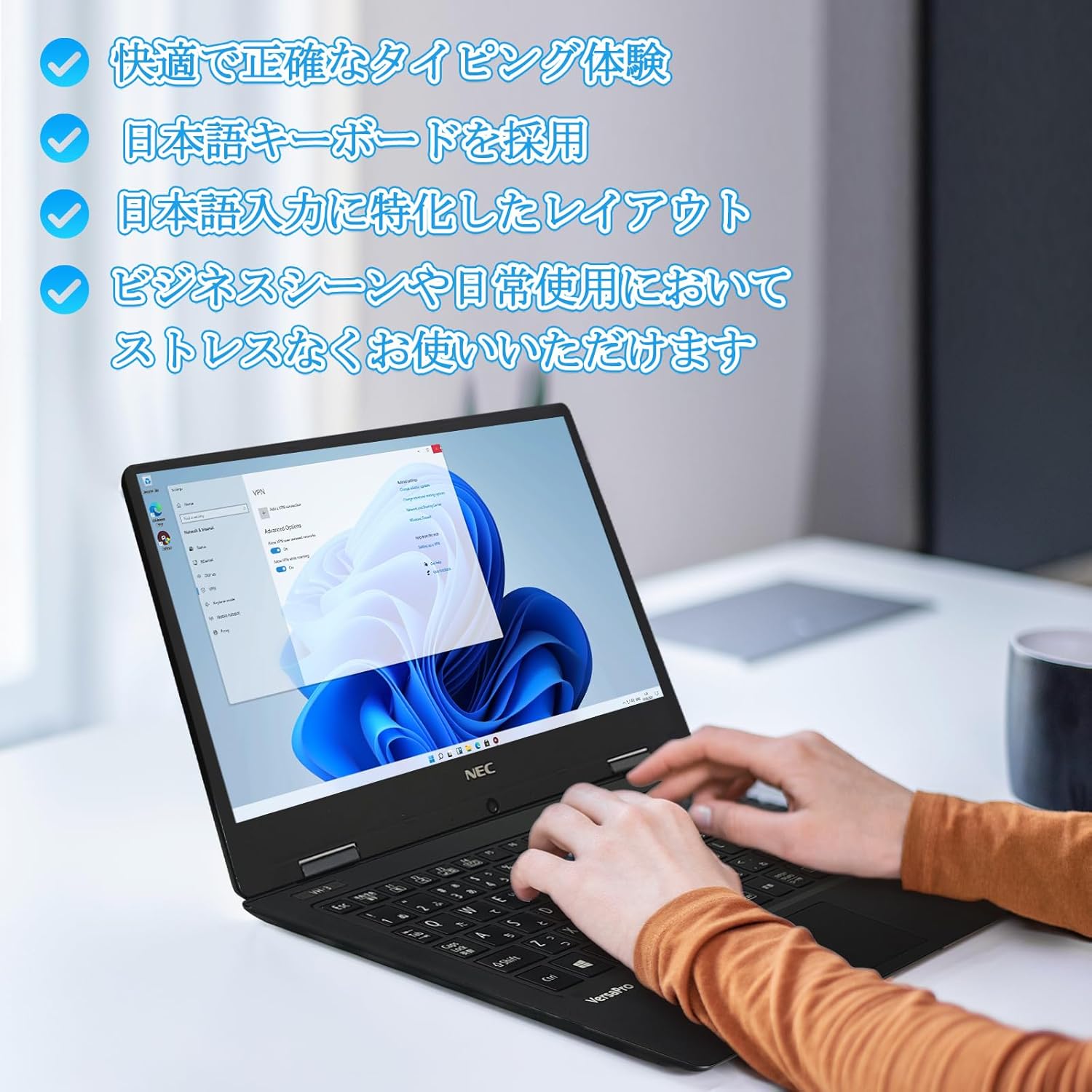
Image: Close-up of hands typing on the laptop's keyboard, illustrating the comfortable and precise typing experience provided by the Japanese layout keyboard.
4.2 Konektibitatea
- Wi-Fi: Konektatu haririk gabeko sareetara interneterako sarbidea izateko.
- Bluetootha: Pair with Bluetooth-enabled devices such as headphones or mice.
- HDMI: Kanpoko pantailetara edo proiektoreetara konektatu.
- C mota: Use the Type-C port for data transfer, charging compatible devices, or connecting to a USB-C hub for additional ports.
5. Mantentzea
5.1 Garbiketa
- Pantaila: Erabili lipurrik gabeko zapi leun bat dampUrarekin edo pantaila-garbitzaile batekin garbitu. Ez ihinztatu likidoa zuzenean pantailan.
- Keyboard & Chassis: Erabili zapi leun bat gainazalak garbitzeko. Zikinkeria egoskorra bada, garbitu apur bat.amp oihal bat erabil daiteke. Saihestu produktu kimiko gogorrak.
5.2 Bateria zaintzea
- Bateriaren iraupena luzatzeko, saihestu tenperatura altuenak.
- Ordenagailu eramangarria denbora luzez gordetzen baduzu, ziurtatu bateria % 50-70 inguru kargatuta dagoela.
6. Arazoak
6.1 Ohiko arazoak eta irtenbideak
| Gaia | Irtenbide posiblea |
|---|---|
| Ordenagailu eramangarria ez da pizten. | Ensure the AC adapter is securely connected to both the laptop and a working power outlet. Check if the power button is functioning correctly. |
| Wi-Fi konexio arazoak. | Egiaztatu Wi-Fi gaituta dagoela Windows ezarpenetan. Berrabiarazi bideratzailea eta ordenagailu eramangarria. Egiaztatu sareko kontrolatzaile eguneratuak dauden. |
| External display not detected. | Ensure the HDMI cable is securely connected. Press Windows key + P to cycle through display modes. Check external display input settings. |
| Errendimendu motela. | Itxi beharrezkoak ez diren aplikazioak. Egiaztatu baliabideak kontsumitzen dituzten atzeko planoan dauden prozesuak. Ziurtatu SSDan nahikoa leku libre. Exekutatu sistemaren eskaneatzea malwarearen bila. |
If you encounter issues not listed here or require further assistance, please refer to the support section.
7. Zehaztapenak
| Ezaugarri | Xehetasuna |
|---|---|
| Marka | NEC |
| Ereduaren izena | VasaPro VH-1 |
| Produktuaren eredu-zenbakia | VKT12 |
| Pantailaren tamaina | 12.5 hazbete |
| Ebazpena | 1920x1080 Pixels (FHD) |
| PUZaren marka | Intel |
| CPU mota | Core i5 7Y54 |
| CPU Abiadura | 1.2 GHz (Max 3.2 GHz) |
| Prozesadore kopurua | 2 |
| RAM memoriaren tamaina | 4 GB |
| Onartutako Gehienezko Memoria | 8 GB |
| Memoria Mota | DDR3 SDRAM |
| Disko gogorraren tamaina | 1 TB |
| Disko gogor mota | SSD |
| Koprozesadore grafikoa | Intel HD Graphics 615 |
| Txartel grafikoaren deskribapena | Integratua |
| Sistema eragilea | Windows 11 Pro |
| Haririk gabeko mota | Bluetooth, Wi-Fi (802.11n) |
| USB 3.0 Portuak | 2 |
| HDMI atakak | 1 |
| Unitate optiko mota | Bat ere ez |
| Elementuaren pisua | 1.5 Kilograms (Shipping Weight) |
| Bateria | 1 12V battery (included), 24 Watt-hours, 4 Lithium Ion cells |
8. Bermea eta Laguntza
For warranty information and technical support, please refer to the documentation provided with your purchase or contact the retailer. Specific warranty terms may vary.


