Sarrera
This manual provides detailed instructions for the installation, operation, and maintenance of your Philips Hue Devote Smart LED Panel Light. Please read this manual thoroughly before installation and use, and retain it for future reference.
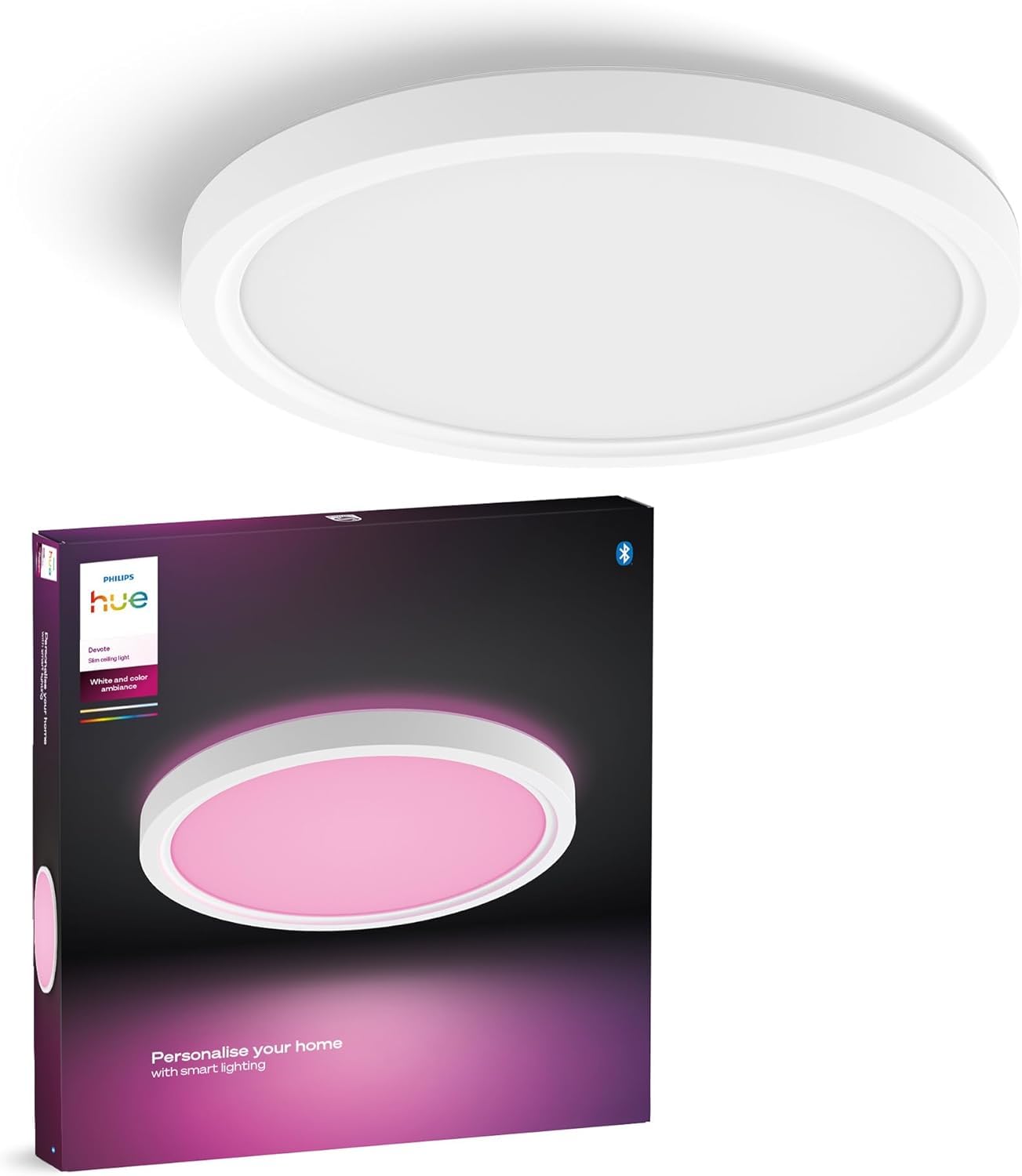
Image: Philips Hue Devote Smart LED Panel Light, showcasing its sleek, round design and white frame.
Segurtasun Informazioa
- Deskonektatu beti elektrizitatea instalatu edo mantendu aurretik.
- Ziurtatu lurra egokia deskarga elektrikoa saihesteko.
- Ez saiatu produktua aldatzen. Edozein aldaketek bermea baliogabetu eta segurtasun arriskuak sor ditzakete.
- Produktu hau barrualdean erabiltzeko diseinatuta dago.
- Mantendu haurren eskura.
Konfigurazioa eta Instalazioa
The Philips Hue Devote Smart LED Panel Light is designed for semi-flush ceiling mounting. No additional equipment is needed for basic functionality; the product works out of the box.
Instalazio urratsak:
- Potentzia deskonexioa: Hasi aurretik, ziurtatu instalazio-eremuko energia-hornidura etengailu nagusian itzalita dagoela.
- Muntaketa: Securely attach the mounting bracket to the ceiling using appropriate screws and anchors for your ceiling type.
- Kableatua: Connect the electrical wires from your ceiling to the light fixture. Ensure all connections are secure and follow local electrical codes. This product features easy-to-use screwless connectors for quick wiring.
- Eranskina: Attach the light fixture to the mounting bracket. Some models include a safety chain to temporarily hold the fixture while wiring.
- Energia berreskuratzea: Once the fixture is securely installed and wired, restore power at the circuit breaker.

Image: The Philips Hue Devote light seamlessly integrated into a home environment, providing ambient lighting.
Initial Connection to Philips Hue App:
- Download the Philips Hue app from your device's app store.
- Open the app and follow the on-screen instructions to search for new lights.
- Your Hue Devote light should be detected automatically. Follow prompts to add it to your Hue system.

Image: The Philips Hue app on a smartphone, demonstrating how to configure and personalize lighting settings.
Funtzionamendu-argibideak
The Philips Hue Devote Smart LED Panel Light offers versatile control options and lighting features.
Color and White Ambiance Control:
- 16 milioi kolore: Use the Philips Hue app to select from 16 million colors to create any desired atmosphere.
- Argi zuri sintonizagarria: Adjust between 50,000 shades of white light, from warm (2000K) to cool (6500K), to suit different activities or times of day.

Irudia: Adibample of different lighting scenes, showcasing the ability to choose from various predefined scenes or create custom ones within the Hue app.
Kontrol-metodoak:
- Philips Hue aplikazioa: Control your light directly via Bluetooth using the Philips Hue app. This allows for basic control of up to 10 lights in one room.
- Ahots kontrola: When paired with a Philips Hue Bridge (sold separately) and a compatible Amazon Echo or Google Nest device, you can control your lights using voice commands.
- Smart Accessories: Integrate with Philips Hue smart accessories like dimmer switches or motion sensors for additional control options (requires Hue Bridge for full functionality).

Image: Control options including the Hue app, smart accessories, and voice commands.
Enhancing Functionality with Philips Hue Bridge (Optional):
Adding a Philips Hue Bridge (sold separately) unlocks the full potential of your smart lighting system, enabling advanced features and whole-home control.
- Control up to 50 lights and accessories throughout your entire home.
- Create custom routines, timers, and automations.
- Synchronize your lights with movies, games, and music.
- Control your lights remotely, even when you are away from home.

Image: Feature comparison between Bluetooth control and Hue Bridge control, showing the expanded capabilities with the Bridge.

Image: The Philips Hue Bridge, demonstrating its role as the central hub for smart lighting control.
Mantentzea
- Garbiketa: Ensure the light is off and cool before cleaning. Wipe the surface with a soft, dry cloth. Do not use abrasive cleaners or solvents.
- Argi iturria: This luminaire contains a non-replaceable LED light source. Do not attempt to replace the LEDs yourself.
- Desmihiztatu: This product is a 'continent product', meaning it can be disassembled for independent verification of its light sources by qualified personnel. User disassembly is not recommended.
Arazoak konpontzea
| Arazoa | Kausa posiblea | Irtenbidea |
|---|---|---|
| Argia ez da pizten. | No power, loose wiring, or faulty fixture. | Check circuit breaker. Ensure all wiring connections are secure. If problem persists, consult a qualified electrician. |
| Light is not detected by Hue app. | Bluetooth range issue, light not powered, or app issue. | Ensure light is powered on and within Bluetooth range. Restart the Hue app. Try resetting the light (refer to Philips Hue support for specific reset procedures). |
| Ahots-kontrola ez dabil. | Hue Bridge not connected, voice assistant device not linked, or internet connectivity issue. | Verify Hue Bridge is powered and connected to your network. Ensure your voice assistant (Alexa/Google Assistant) is linked to your Philips Hue account. Check internet connection. |
| Argia keinuka ari da edo modu irregularrean jokatzen du. | Incompatible dimmer switch, unstable power supply, or internal fault. | Ensure you are not using an incompatible dimmer switch. Check power supply stability. If issues persist, contact Philips Hue support. |
Zehaztapenak

Image: Dimensional drawing of the Philips Hue Devote light.
| Ezaugarri | Xehetasuna |
|---|---|
| Marka | Philips Hue |
| Produktuaren eredu-zenbakia | 929004297401 |
| ASIN | B0FH257NRL |
| Produktuaren neurriak | 30 x 30 x 3.07 cm; 800 g |
| Kolorea | Zuria |
| Materiala | Plastikoa |
| Estiloa | S |
| Luminaire Shape | Sabaia |
| Produktuaren erabilera espezifikoak | Argiztapena |
| Barruan/Kanpoan erabilera | Barruan |
| Energia iturria | DC |
| Instalazio mota | Semi-flush Mount |
| Kontrol-metodoa | App, Remote Control, Voice |
| Argiaren irteera | 2000 lumen |
| Wattage | 16.6 W |
| Jatorrizko Herrialdea | Polonia |
| Eskuragarri dagoen lehen data | 14ko uztailaren 2025a |
Bermearen informazioa
Philips Hue products typically come with a limited warranty. For specific warranty terms and conditions applicable to your region and product, please refer to the official Philips Hue webwebgunean edo erosketarekin batera datorren berme-txartelean. Gorde erosketaren frogagiria berme-erreklamazioetarako.
Bezeroarentzako Arreta
For technical assistance, troubleshooting beyond this manual, or product inquiries, please visit the official Philips Hue support webwebgunean edo jarri harremanetan bere bezeroarentzako zerbitzuarekin.
- Lineako laguntza: www.philips-hue.com/support (Please replace with actual support link if available)
- Philips Hue aplikazioa: The app often includes a help section and FAQs.


