1. Sarrera
Welcome to the user manual for your DOOGEE Note58 Pro Android 16 Smartphone. This guide provides essential information to help you set up, operate, maintain, and troubleshoot your device. Please read this manual thoroughly to ensure optimal performance and longevity of your smartphone.
2. Ezaugarri nagusiak
- Android 16 sistema eragilea: Experience the latest Android 16 OS, optimized for 64-bit applications, offering enhanced startup and response times. Enjoy a user-friendly interface with features like Private Space for sensitive data and App Pair for efficient multitasking.
- Generous Memory & Storage: Equipped with 32GB RAM (8GB physical + 24GB expandable virtual RAM) and 256GB internal storage, expandable up to 2TB via a TF card. This configuration supports smooth multitasking and ampzure guztientzat lekua files.
- Immersive 90Hz HD+ Display: Features a 6.75-inch HD+ IPS display with a 90Hz refresh rate and 1600x720 resolution for a fluid visual experience. Includes two eye-care modes to reduce strain during extended use.
- High-Resolution Camera System: Capture vivid images with the 16MP main camera and natural selfies with the 8MP front camera. Additional depth and macro cameras enhance photographic capabilities.
- Iraupen luzeko bateria: A large 6250mAh battery provides extended usage, allowing you to comfortably use your phone for photography, gaming, and work throughout the day without frequent recharging.
- Advanced Connectivity & Navigation: Supports Bluetooth 5.2 for stable, low-power connections and Wi-Fi 5 for fast data transfer. Integrated GPS, GLONASS, Galileo, and BeiDou systems ensure accurate navigation in diverse environments.
- Diseinu dotorea: Boasts an ultra-thin 8.6mm profile with a dirt-resistant finish and a smooth sand-textured back cover for a stylish and comfortable grip.
3. Konfigurazioa
3.1 Inserting SIM Cards and TF Card
- Bilatu SIM txartelaren erretilua zure gailuaren alboan.
- Sartu SIM txartela ateratzeko tresna erretiluaren ondoko zulo txikian eta bultzatu astiro erretilua atera arte.
- Place your Nano-SIM cards and/or TF card into the designated slots on the tray. Ensure the gold contacts face downwards.
- Kontu handiz sartu erretilua gailuan berriro, berdindu arte.
3.2 Piztu/Itzaltzea
- To power on: Press and hold the Power button (located on the right side) until the DOOGEE logo appears.
- Itzaltzeko: Sakatu eta eutsi pizteko botoiari, eta ondoren hautatu "Itzali" pantailan agertzen diren aukeren artean.
- To restart: Press and hold the Power button, then select "Restart" from the options on the screen.
3.3 Hasierako konfigurazio-morroia
Upon first power-on, follow the on-screen instructions to complete the initial setup, including language selection, Wi-Fi connection, Google account login, and security settings.
4. Funtzionamendu-argibideak
4.1 Ukipen-pantailaren keinuak
- Sakatu: Touch the screen once to select an item, open an app, or press a button.
- Eduki sakatuta: Eduki ukituta elementu bat testuinguru-menuetara sartzeko edo elementuak arrastatzeko.
- Pasatu hatza: Drag your finger across the screen to scroll, switch screens, or dismiss notifications.
- Pixka bat: Erabili bi hatz argazkiak handitu edo txikitzeko eta web orrialdeak.
4.2 Nabigazio-barra
The navigation bar at the bottom of the screen typically includes:
- Atzera botoia: Aurreko pantailara itzultzen da.
- Hasierako botoia: Hasierako pantailara itzultzen da.
- Recents button: Erabilitako azken aplikazioak bistaratzen ditu.
4.3 Segurtasun Ezaugarriak
The Note58 Pro supports multiple security options:
- Hatz-marka desblokeatzea: Register your fingerprint for quick and secure unlocking. The fingerprint sensor is typically integrated into the power button.
- Aurpegia desblokeatzea: Use the front camera to unlock your device with facial recognition.
- Eredua, PINa, Pasahitza: Android-en segurtasun aukera estandarrak.

Image: Face Unlock and Fingerprint Sensor
5. Kameraren erabilera
The DOOGEE Note58 Pro features a versatile camera system to capture your moments.
5.1 Main Camera (16MP)
The 16MP main camera captures clear and detailed photos. Open the Camera app and select "Photo" mode for standard shots.

Image: Rear Camera Setup
5.2 Front Camera (8MP)
The 8MP front camera is ideal for natural-looking selfies and video calls. Switch to the front camera within the Camera app.

Image: 8MP Front Camera
5.3 AI Camera Features
Utilize Google AI Camera features for enhanced photography, including object recognition, text extraction, and scene analysis.

Image: Google AI Camera Features
6. Konektibitatea
6.1 Wi-Fi konexioa
Wi-Fi sare batera konektatzeko:
- Joan zaitez Ezarpenak > Sarea eta Internet > Wi-Fi.
- Aktibatu Wi-Fi.
- Hautatu nahi duzun sarea zerrendatik eta idatzi pasahitza behar izanez gero.

Image: High-Speed Wi-Fi 5
6.2 Bluetooth parekatzea
Bluetooth gailu batekin parekatzeko:
- Joan zaitez Ezarpenak > Konektatutako gailuak > Bluetootha.
- Aktibatu Bluetooth-a.
- Make sure your other device is in pairing mode.
- Select the device from the list and follow any on-screen prompts.
6.3 NFC funtzionaltasuna
The Note58 Pro supports NFC for contactless payments and data transfer. Ensure NFC is enabled in settings to use this feature.

Image: Multifunctional NFC
*Note: Mobile payment services like Google Pay may not be supported in all regions.
7. Baterien kudeaketa
The DOOGEE Note58 Pro is equipped with a 6250mAh large-capacity battery for extended use.
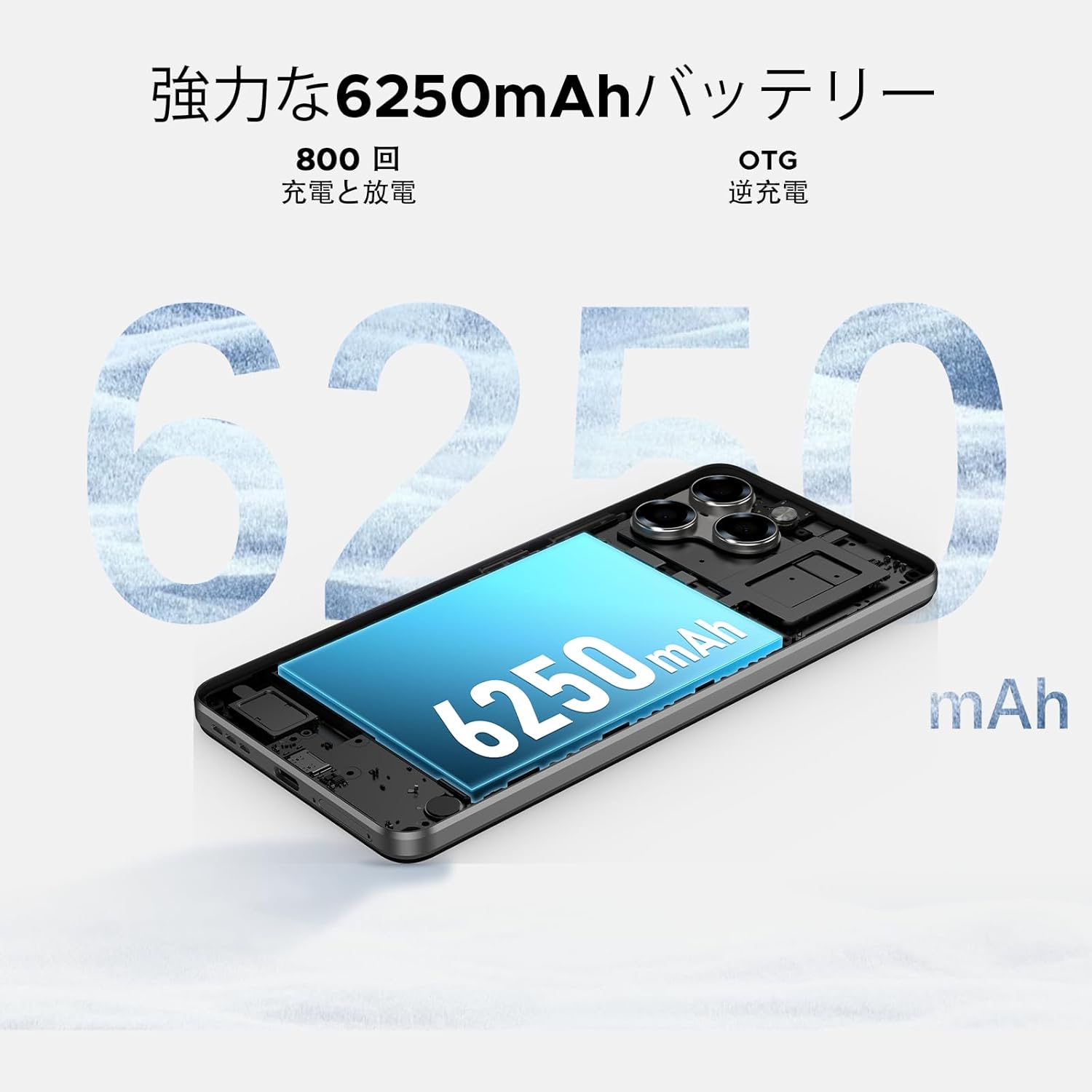
Image: 6250mAh Large Capacity Battery
7.1 Zure gailua kargatzea
Use the provided Type-C cable and charger to charge your smartphone. Connect the Type-C end to the phone's charging port and the adapter to a power outlet. The battery icon on the screen will indicate charging status.
7.2 Bateriaren optimizazioa
To maximize battery life, consider the following:
- Murriztu pantailaren distira.
- Desaktibatu Wi-Fi, Bluetootha eta GPSa erabiltzen ez duzunean.
- Itxi atzeko planoan dauden aplikazioak.
- Enable battery saver mode in Settings.
8. Storage & Performance
The Note58 Pro offers robust performance and ampzure beharretarako biltegiratze lekua.
8.1 Memory (RAM)
With 32GB of RAM (8GB physical + 24GB expandable virtual RAM), the device ensures smooth multitasking and efficient app handling, even under heavy usage.
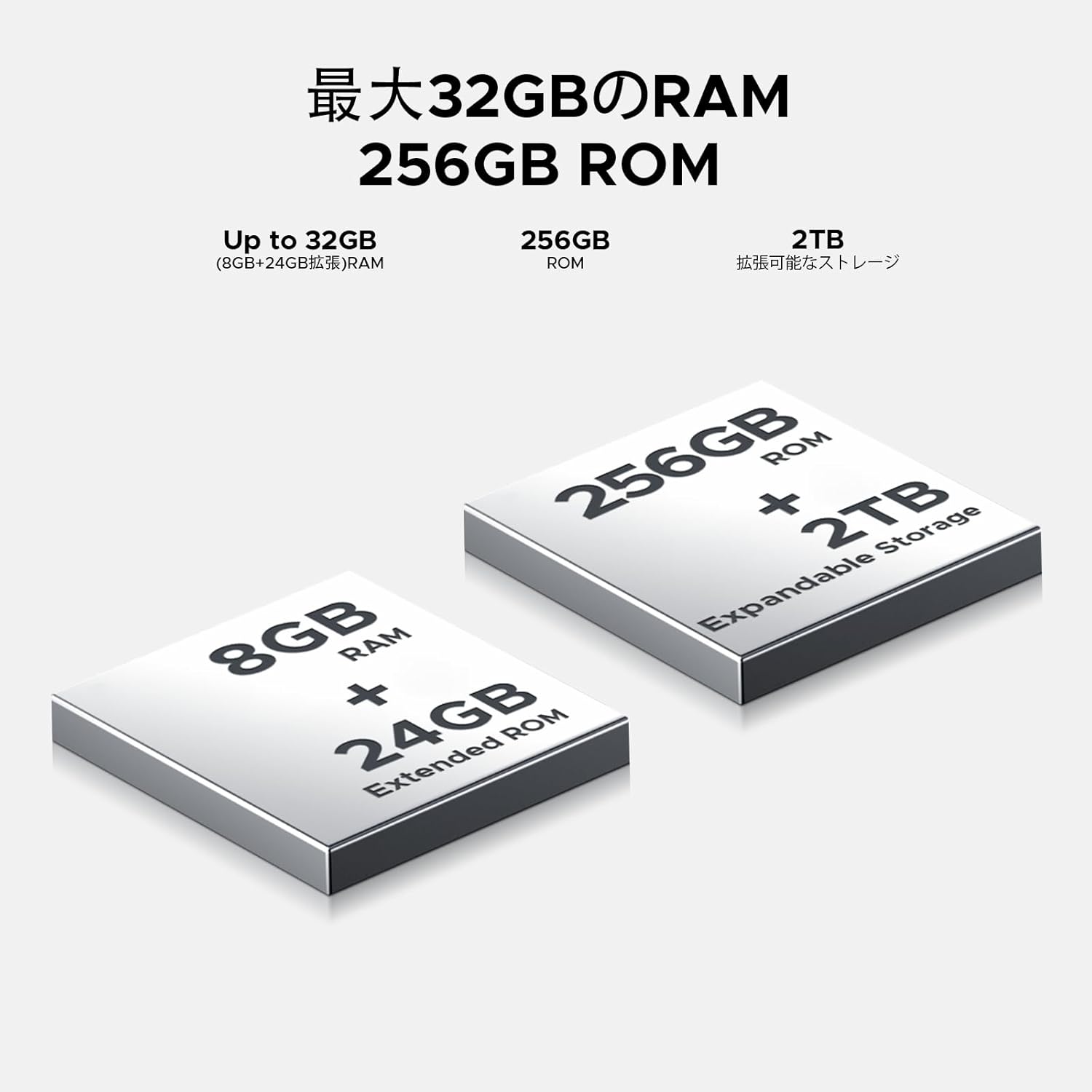
Image: 32GB RAM + 256GB ROM
8.2 Internal Storage (ROM)
The 256GB internal storage provides sufficient space for your apps, photos, and videos. For additional storage, you can expand it up to 2TB using a TF (microSD) card.

Image: 256GB ROM with 2TB Expandable Storage
8.3 Prozesadorea
Powered by the Unisoc T7250 Octa-core processor, the device delivers reliable performance for daily tasks, gaming, and multimedia consumption.

Image: Powerful T7250 Octa-core Processor
9. Pantaila
The DOOGEE Note58 Pro features a 6.75-inch HD+ IPS display with a 90Hz refresh rate, providing a smooth and vibrant visual experience.
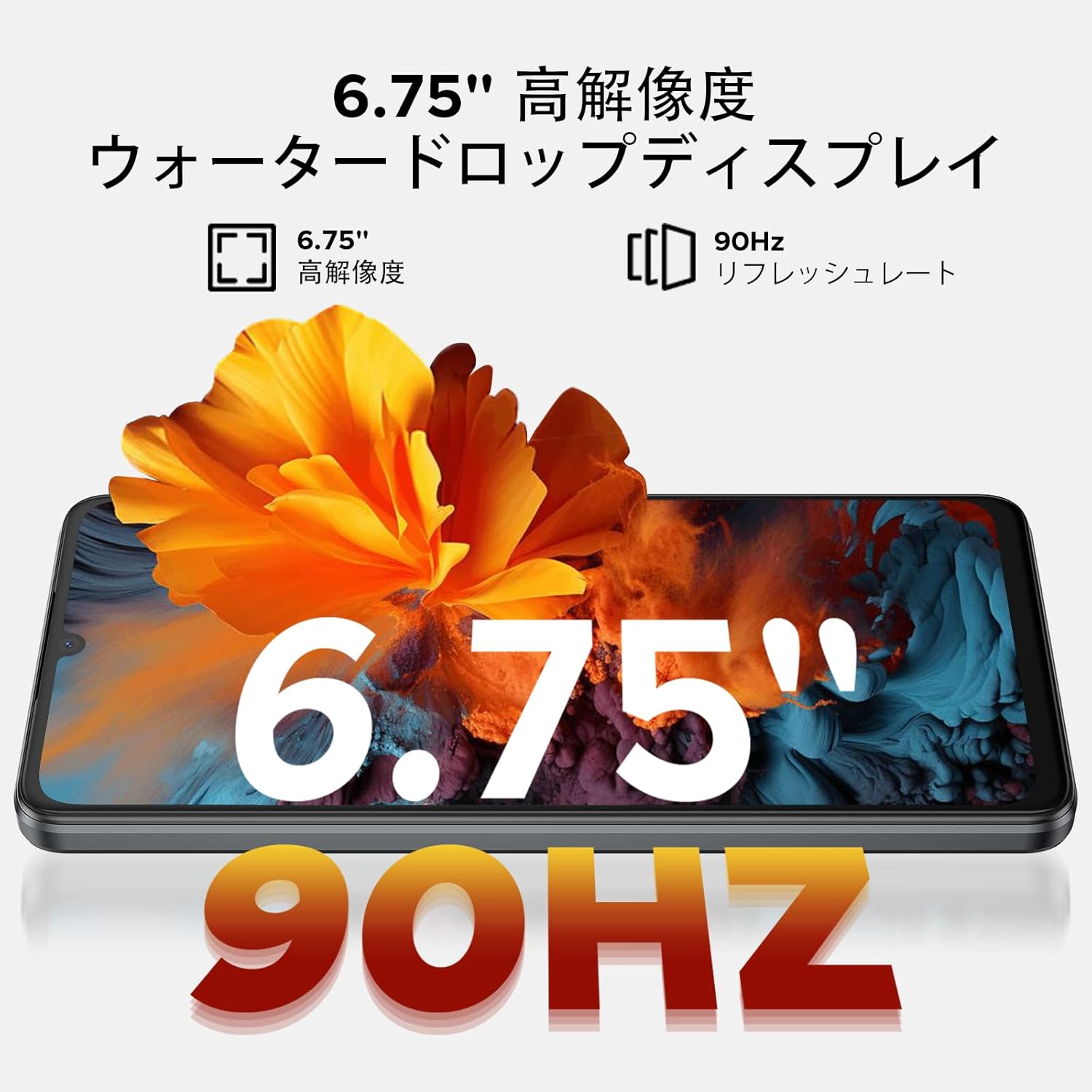
Image: 6.75-inch 90Hz HD+ Display
9.1 Eye-Care Modes
To reduce eye strain, activate the eye-care modes available in the display settings. These modes adjust color temperature to provide a more comfortable viewing experience, especially in low light.
9.2 Widevine L1 Support
The device supports Widevine L1, allowing you to stream high-definition content from popular platforms like Hulu, Amazon Prime Video, and HBO Max.

Image: Seamless Visual Experience with Widevine L1
10. Nabigazioa
The DOOGEE Note58 Pro integrates four major global positioning systems for accurate navigation.

Image: Precise Navigation System
10.1 Supported Systems
- GPSa: Kokapen Sistema Globala
- GLONASSA: Globalnaya Navigatsionnaya Sputnikovaya Sistema
- Galileo: European satellite navigation system
- BeiDou: Chinese satellite navigation system
These systems ensure reliable location tracking and navigation whether you are in urban areas, mountainous regions, or remote locations.
11. Mantentzea
11.1 Gailua garbitzea
To clean your smartphone, use a soft, lint-free cloth. Avoid using harsh chemicals or abrasive materials, as these can damage the screen and finish. For stubborn smudges, lightly dampGarbitu oihal bat urarekin edo elektronikarako diseinatutako pantaila-garbitzaile batekin.
11.2 Software eguneraketak
Egiaztatu eta instalatu software eguneraketak aldizka, zure gailuak azken funtzioak, segurtasun adabakiak eta errendimendu hobekuntzak dituela ziurtatzeko. Joan honera Ezarpenak > Sistema > Sistema eguneratzea eguneraketak ikusteko.
11.3 Biltegiratze kudeaketa
Aldian behin berriroview zure gordetako files and applications. Delete unnecessary items to free up space and maintain optimal device performance. You can also offload large files to cloud storage or an external TF card.
12. Arazoak
If you encounter issues with your DOOGEE Note58 Pro, try the following common troubleshooting steps:
- Gailua ez da pizten: Ziurtatu bateria kargatuta dagoela. Konektatu kargagailua eta itxaron minutu batzuk berriro pizten saiatu aurretik.
- Aplikazioak huts egiten edo blokeatzen: Close the problematic app and reopen it. If the issue persists, restart your device. Clear the app's cache and data in Ezarpenak > Aplikazioak > [Aplikazioaren izena] > Biltegiratzea eta cachea.
- Poor Wi-Fi/Bluetooth connection: Ensure Wi-Fi/Bluetooth is enabled and you are within range of the network/device. Try forgetting the network/device and reconnecting. Restart your router if it's a Wi-Fi issue.
- Errendimendu motela: Close unnecessary background apps. Clear cached data. Check for available software updates. Consider performing a factory reset as a last resort (back up your data first).
- SIM txartela ez da detektatu: Ensure the SIM card is correctly inserted and that your carrier's frequency bands are supported by the device. Restart the phone.
- Bateria azkar agortzen da: Review bateriaren erabilera hemen Ezarpenak > Bateria to identify power-hungry apps. Reduce screen brightness, disable unnecessary features (GPS, Bluetooth, Wi-Fi), and enable battery saver mode.
Urrats hauek zure arazoa konpontzen ez badute, jo ezazu Bermea eta Laguntza atalera laguntza gehiago lortzeko.
13. Zehaztapenak
| Ezaugarri | Zehaztapena |
|---|---|
| Marka | DOOGEE |
| Modelo zenbakia | N58 Pro |
| Sistema eragilea | Android 16 |
| Pantailaren tamaina | 6.75 hazbetekoa |
| Bistaratzeko mota | LCDa |
| Instalatutako RAM memoriaren tamaina | 32 GB |
| Memoria Biltegiratzeko Ahalmena | 256 GB (TF txartelaren bidez 2 TB arte zabaldu daiteke) |
| Bateria Edukiera | 6250 mAh |
| Kamera Nagusia | 16 MP |
| Aurrealdeko kamera | 8 MP |
| Konektibitate Teknologia | Bluetooth 5.2, Wi-Fi 5, 4G Dual SIM, NFC |
| Nabigazio Sistemak | GPS, GLONASS, Galileo, BeiDou |
| Elementuaren pisua | 199 gramo |
| Paketearen neurriak | 19.2 x 10.4 x 5.2 cm |
| Estreinaldi urtea | 2025 |
14. Bermea eta laguntza
The DOOGEE Note58 Pro comes with a one-year warranty from the date of purchase.
14.1 Frequency Band Compatibility
Before purchase, please verify that the device's supported frequency bands are compatible with your local carrier. Supported bands include:
- GSM: B2/3/5/8
- WCDMAB: 1/2/4/5/8
- TDD: 38/40/41
- FDD: B1/2/3/4/5/7/8/18/19/20/25/26/28A/28B/66
14.2 Laguntza Teknikoa
Should you encounter any issues or require technical assistance, please contact our customer support. Our technical specialists are committed to responding within 48 hours.

Image: Customer Service Information
15. Paketearen edukia
The following items are included in your DOOGEE Note58 Pro package:
- 1x DOOGEE Note58 Pro Smartphone
- 1x C motako kablea
- 1x kargagailua
- 1x SIM Card Pin
- 1x Ontziratzeko Kutxa
- 1x Telefonoaren kaxa

Irudia: Paketearen edukia
16. Kolore Aukerak
The DOOGEE Note58 Pro is available in the following colors:
- Inkstone Black
- Amber Gold
- Silver (as seen in product videos)

Image: Color Options
17. Produktuen bideoak
17.1 DOOGEE Note58 Pro Overview
Video: This video provides a quick overview of the DOOGEE Note58 Pro, showcasing its unboxing, design, camera features, and multimedia capabilities. It highlights the phone's sleek appearance and user experience.


