1. Sarrera
Thank you for choosing the KTC H32S5 31.5-inch QHD Curved Gaming Monitor. This manual provides essential information for setting up, operating, and maintaining your monitor to ensure optimal performance and longevity. Please read this manual thoroughly before using the product.
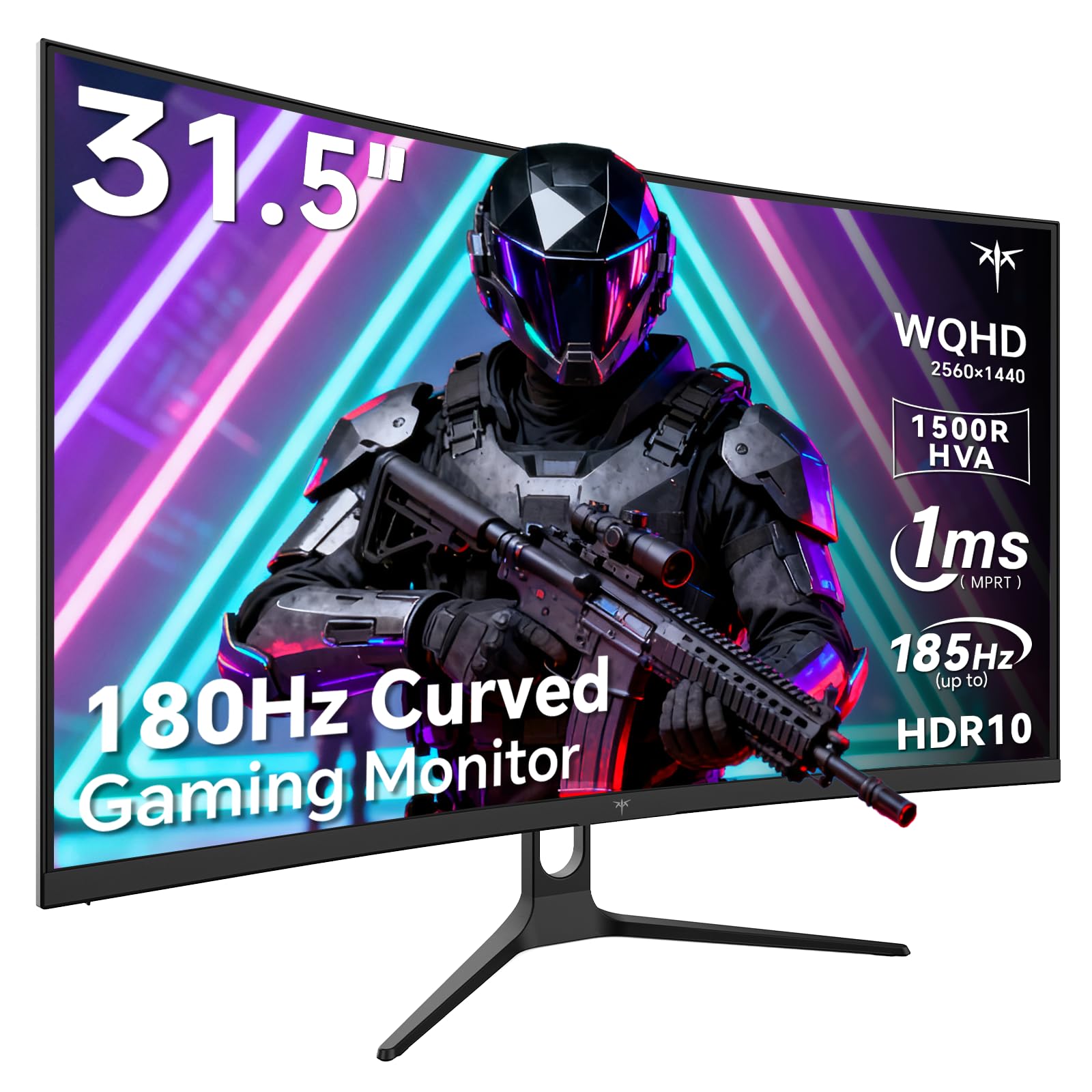
Image 1: KTC H32S5 31.5-inch QHD Curved Gaming Monitor.
2. Paketearen edukia
Egiaztatu elementu guztiak paketean daudela:
- 31.5" 2K Curved Monitor x1
- Monitor Stand x1
- Hasiera Azkarreko Gida (AGI) x1
- DP kablea x1
- Elikadura egokitzailea x1
3. Monitorearen konfigurazioa
3.1 Standa lotzea
Carefully attach the monitor stand to the back of the monitor following the instructions in the Quick Start Guide. Ensure all screws are tightened securely.
3.2 VESA hormako euskarriaren instalazioa
The monitor supports VESA 100mm x 100mm mounting. If you prefer to wall-mount the monitor, remove the stand and attach a compatible VESA mount (not included) to the designated holes on the back of the monitor. Ensure the wall mount can support the monitor's weight (approximately 16.87 pounds).

2. irudia: Atzekoa view of the monitor showing connectivity ports and VESA mount area.
3.3 Gailuetara konektatzea
Konektatu zure gailuak eskuragarri dauden atakak erabiliz:
- DisplayPort 1.4 (x2): For connecting to PCs and other devices supporting up to 185Hz refresh rate.
- HDMI 2.0 (x2): For connecting to gaming consoles, laptops, and desktops supporting up to 144Hz refresh rate.
- USB 2.0 (x2): For connecting peripherals (upgrade only).
- Aurikularrak Jack: Audio irteerarako.
- DC potentzia sarrera: Konektatu emandako energia-egokitzailea.
3.4 Hasierako piztea
After connecting all necessary cables, press the power button to turn on the monitor. The monitor will automatically detect the input signal. If no signal is detected, ensure your device is powered on and the correct input source is selected on the monitor.
4. Funtzionamendu-argibideak
4.1 Pantailan bistaratzeko (OSD) menua
The OSD menu allows you to adjust various monitor settings. Refer to the Quick Start Guide for detailed instructions on navigating the OSD menu using the monitor's control buttons.
4.2 Pantailaren ezarpenak
- Ebazpena: The monitor features WQHD (2560 x 1440) resolution for sharp and detailed images.
- Freskatze-tasa: Enjoy a smooth visual experience with a 180Hz refresh rate, overclockable to 185Hz via DisplayPort.
- Erantzun denbora: A 1ms MPRT response time minimizes motion blur, ideal for fast-paced gaming.
- Sinkronizazio egokitzailea: Adaptive FreeSync technology eliminates screen tearing and stuttering for fluid gameplay.
- Kolore gama: Experience vivid and realistic colors with 99% sRGB color gamut coverage, 126% sRGB color volume, and a 5000:1 contrast ratio. HDR10 support provides enhanced contrast and a wider color palette.
- Begiak zaintzea: Features like Low Blue Light and Flicker-Free technology help reduce eye strain during extended use.

Image 3: Visual representation of the monitor's high refresh rate for smoother gaming.

Image 4: Demonstration of Adaptive Sync technology eliminating screen tearing.

Image 5: Illustration of the 1500R curved display for an immersive viewesperientzia.
4.3 GamePlus Mode
Activate GamePlus mode for in-game enhancements such as a customizable crosshair, on-screen timer, and display modes optimized for FPS (First-Person Shooter) and RTS (Real-Time Strategy) games.

6. irudia: Amaituview of GamePlus features including Crosshair, Timer, FPS, and RTS modes.
5. Mantentzea
To ensure the longevity and optimal performance of your KTC H32S5 monitor, follow these maintenance guidelines:
- Pantaila garbitzea: Garbitu pantaila astiro-astiro zapi leun eta pelusik gabeko batekin. Orbanik egoskorrak izanez gero, garbitu astiro-astiro.ampen the cloth with water or a mild, non-abrasive screen cleaner. Avoid using alcohol, ammonia, or abrasive cleaners.
- Kanpoaldea garbitzea: Erabili zapi leun eta lehor bat monitorearen garbiketa egiteko.asing.
- Manipulazioa: Avoid touching the screen directly with your fingers or sharp objects. Do not place heavy objects on the monitor.
- Aireztapena: Ensure adequate ventilation around the monitor to prevent overheating. Do not block the ventilation openings.
- Itzali: Itzali beti monitoreak eta deskonektatu korronte-hartunetik garbitu aurretik edo denbora luzez erabili gabe geratuko bada.
6. Arazoak
Monitorearekin arazorik baduzu, jarraitu arazoak konpontzeko ohiko urrats hauek:
- Pantailarik ez/Pantaila beltza:
- Ziurtatu elikatze-kablea ondo konektatuta dagoela bai monitorera bai entxufearekin.
- Egiaztatu bideo-kablea (DP edo HDMI) ondo konektatuta dagoela bai monitoreari bai ordenagailura/gailura.
- Egiaztatu sarrera-iturri zuzena hautatuta dagoen monitorearen OSD menuaren bidez.
- Berrabiarazi zure ordenagailua/gailua.
- Irudi keinukaria edo distortsionatua:
- Check the video cable for any damage or loose connections. Try a different cable if available.
- Doitu freskatze-tasa ordenagailuaren pantailaren ezarpenetan.
- Ensure Adaptive Sync is enabled in both the monitor's OSD and your graphics card settings.
- Kolore arazoak:
- Reset the monitor's color settings to factory defaults via the OSD menu.
- Adjust color temperature or gamma settings in the OSD.
- Audiorik ez:
- Ensure headphones are properly connected to the headphone jack.
- Check audio settings on your connected device and the monitor's OSD.
Urrats hauek probatu ondoren arazoa konpontzen ez bada, jarri harremanetan bezeroarentzako arreta-zerbitzuarekin.
7. Produktuaren zehaztapenak
| Ezaugarri | Zehaztapena |
|---|---|
| Marka | CTC |
| Modelo zenbakia | H32S5 |
| Pantailaren tamaina | 31.5 hazbete |
| Ebazpena | 2560 x 1440 pixel (QHD zabala 1440p) |
| Aspektu-erlazioa | 16:9 |
| Kurbadura | 1500R |
| Freskatze tasa | 180Hz (up to 185Hz via DP) |
| Erantzun Denbora | 1 ms MPRT |
| Panel mota | AHT |
| Kolore gama | 99% sRGB coverage, 126% sRGB volume |
| Kontraste-erlazioa | 5000:1 |
| Irudiaren distira | 300 Kandela |
| HDR euskarria | HDR10 |
| Konektibitatea | DisplayPort 1.4 x2, HDMI 2.0 x2, USB 2.0 x2 |
| Audioa | Aurikularretarako Jack |
| Egokigarritasuna | Tilt adjustment (-5° to 20°) |
| VESA mendia | 100 mm x 100 mm |
| Produktuaren neurriak | 5.8 x 27.9 x 20.4 hazbete |
| Elementuaren pisua | 16.87 kilo |
| liburukiatage | 19 voltio (DC) |
8. Bermearen informazioa
This product is subject to a 30-day return/replacement policy. For detailed warranty terms and conditions, please refer to the documentation provided with your purchase or contact the seller directly.
9. Bezeroarentzako arreta
For any questions, technical assistance, or support regarding your KTC H32S5 monitor, please contact the seller, KTC-Official, through the Amazon messaging system. They are available to assist you with product inquiries and troubleshooting.
Era berean, bisitatu dezakezu KTC Store on Amazon informazio eta produktu gehiago lortzeko.
10. Produktuaren bideo ofiziala
Watch this official product video from KTC-Official for a closer look at the KTC 32 Inch 2K 180Hz Curved Gaming Monitor.