1. Sarrera
Thank you for choosing the Tukio Apple MFi Certified Tracker Tags. Hauek tags are designed to help you locate your valuable items using the Apple Find My network. This manual provides detailed instructions on how to set up, operate, and maintain your tracker tags errendimendu optimoa bermatzeko.
Note: These tracker tags are only compatible with iOS devices (iPhone, iPad, Mac) and do not support Android devices.

Irudia: Gainetikview of the Tukio Smart Tracker Tag ezaugarriak.
2. Zer dago kutxan
Zure paketeak elementu hauek izan behar ditu:
- 4 x Tukio Tracker Tags (Model: TX02)
- 4 x Protective Silicone Cases
- 4 x Key Rings
- 4 x Lanyards
- 1 x Erabiltzailearen eskuliburua

Irudia: Paketearen edukiaren irudikapen bisuala.
3. Konfigurazioa
3.1 Jarraitzailea lotzea Tag to the Protective Case
To protect your tracker tag and easily attach it to items, use the provided silicone case and lanyard/key ring.
- Identify the front and back sides of the silicone case. The circle on the front side is smaller, and the circle on the back side is larger.
- Align the side buttons of the tracker tag with the corresponding openings on the silicone case.
- Insert the transparent side of the tracker tag (front side) into the silicone case from the back side.
- Insert end 'A' of the lanyard into the hole on the top of the silicone case.
- Hold end 'A' and pass end 'B' through the loop of end 'A'.
- Pull it tight to secure the lanyard.
Video: Instructions on how to attach the tracker tag to its protective silicone case and lanyard.
3.2 Powering On and Pairing with Apple Find My App
Follow these steps to power on your tracker tag and connect it to your iOS device:
- Piztu: Press and hold the button on the tracker tag 2 segundoz bip bat entzun arte.
- Ensure Bluetooth is enabled on your iPhone or iPad.
- Ireki aurrez instalatutakoa "Aurkitu Nirea" aplikazioa zure iOS gailuan.
- Nabigatu "Elementuak" fitxa.
- Sakatu "+" ikonoa eta hautatu "Add New Item".
- Aukeratu "Beste elementu bateragarri bat" (do not select "Add AirTag").
- Your iOS device will search for nearby compatible items. When "Lucid tag" appears, tap "Connect".
- Follow the on-screen prompts to name your item and assign an emoji.
- Agree to link the device with your Apple ID.
- Sakatu "Finish" konfigurazioa osatzeko.

Image: Step-by-step guide for connecting the tracker tag Apple-ren Find My aplikaziora.
Video: A comprehensive guide on connecting Tukio Lucid Tag Jarraitzailea Tags with the Apple Find My app on iOS devices.
4. Funtzionamendu-argibideak
4.1 Locating Items Nearby
When your item is within Bluetooth range (up to 200 feet or 60 meters in open areas), you can make the tracker tag emit a sound:
- Ireki "Aurkitu Nirea" aplikazioa.
- Select the item you wish to locate from the "Elementuak" fitxa.
- Sakatu "Soinua erreproduzitu". The tracker tag will emit an 80-100dB beep to help you find it.
- Alternatively, you can ask Siri, "Hey Siri, where are my [item name]?"
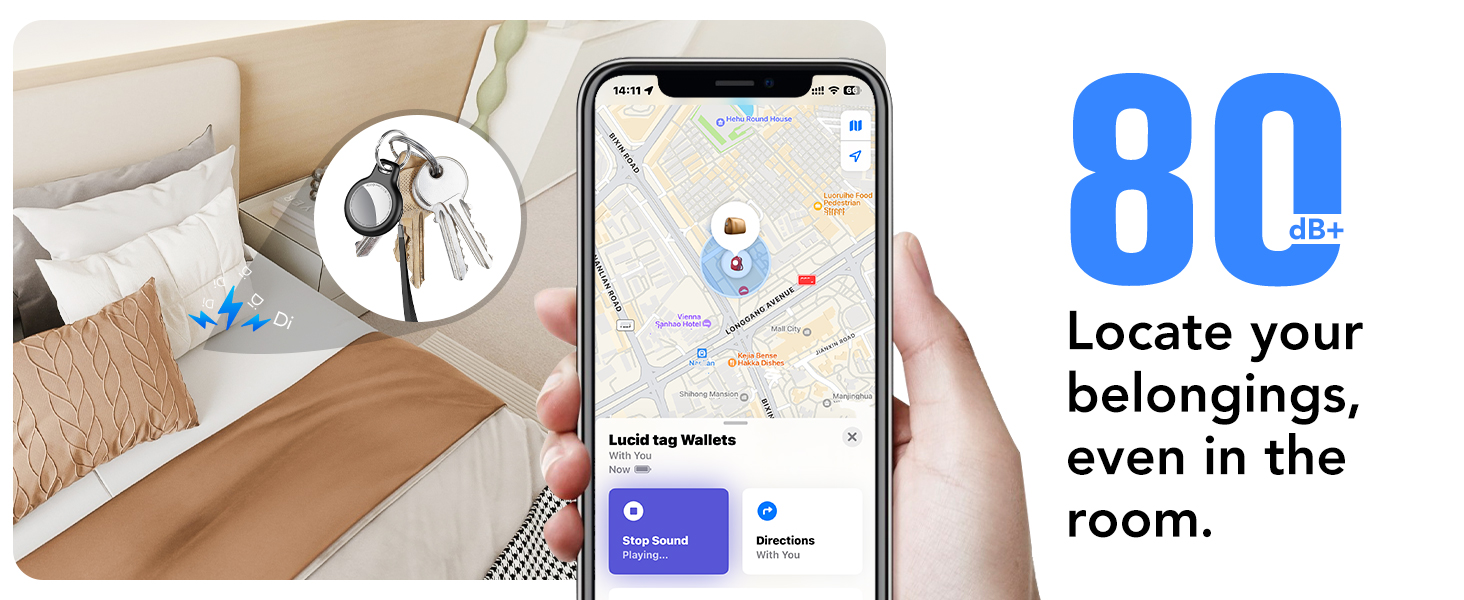
Image: Locating items using the Find My app's sound feature.
4.2 Locating Items Far Away (Lost Mode)
If your item is out of Bluetooth range, the Apple Find My network can help you locate it:
- The "Aurkitu Nirea" app will display the last known location of your item on a map.
- Galdutako modua: If an item is lost, you can enable "Lost Mode" in the Find My app. This allows any Apple device that comes within range of your tracker tag to anonymously relay its location to you. You can also leave a contact message for anyone who finds your item.
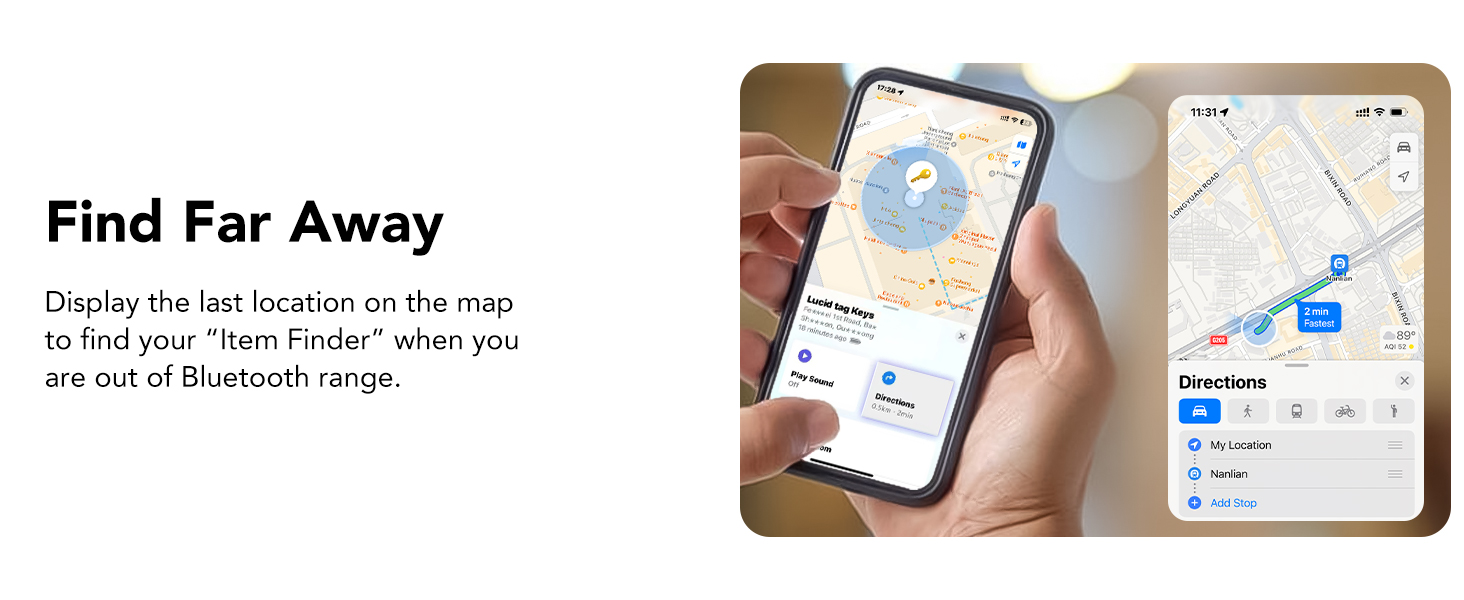
Image: Finding items that are far away using the Find My app.

Image: Activating Lost Mode for your tracker tag.
4.3 Atzean utzitakoen oroigarriak
Receive notifications if you accidentally leave your item behind:
- The "Aurkitu Nirea" app can alert you when your tracker tag is no longer detected near your iOS device, showing its last known location.
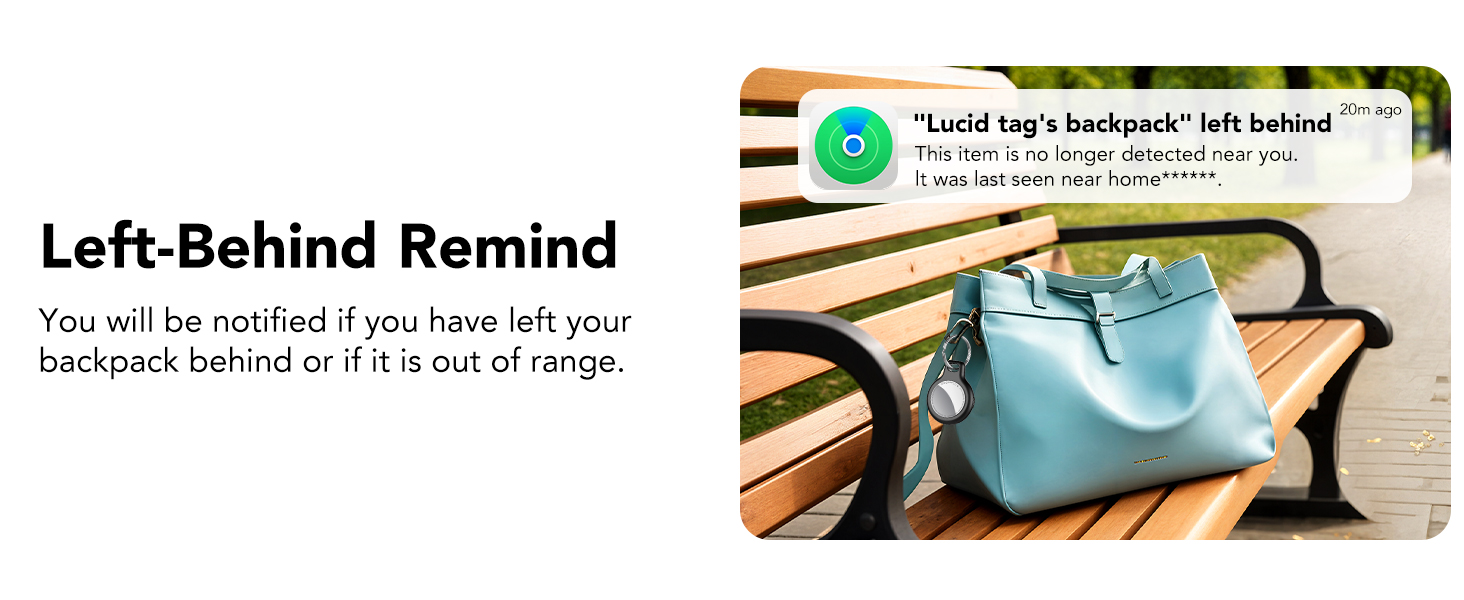
Image: Left-Behind Reminder notification.
4.4 Elementuak partekatzea
With iOS 17 or later, you can share your tracker tag's location with family and friends:
- urtean "Aurkitu Nirea" app, select the item and choose the option to "Elementu hau partekatu".
- You can share with up to 5 borrowers, allowing them to see the item's location on a map.
- Oharra: Both parties must be using iOS 17, iPadOS 17, macOS 14, or later versions.
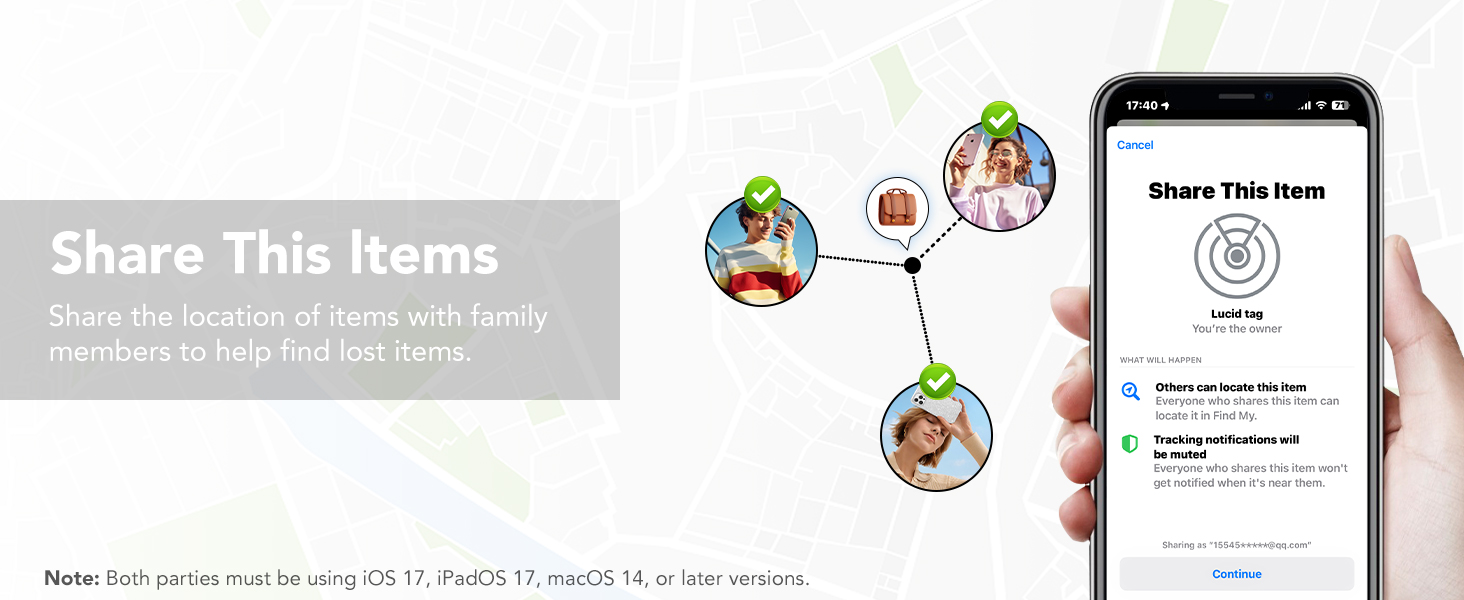
Image: Sharing item locations with others.
5. Bateria ordezkatzea
The Tukio Tracker Tag uses a replaceable CR2032 battery, offering up to 1 year of use. The Find My app will notify you when the battery is low.
Steps to Replace the Battery:
- Hold the back cover with both thumbs and turn it counter-clockwise to open the back cover.
- Kontu handiz kendu CR2032 bateria zaharra.
- Insert a new CR2032 battery with the positive (+) side facing up. Ensure the battery logo is facing up and the "+" sign is aligned with the power port.
- Locate the notch on the back cover, align it with the position on the left side of the tracker.
- Press the cover gently and turn it clockwise to secure it.
Video: Detailed instructions on how to replace the battery in your Tukio Lucid Tag.

Irudia: Bateria ordezkatzeko gida bisuala.
6. Mantentzea
To ensure the longevity and optimal performance of your Tukio Tracker Tags, jarraitu mantentze-jarraibide hauek:
- Garbiketa: Wipe the tracker tag zapi leun eta lehor batekin. Saihestu produktu kimiko gogorrak edo material urratzaileak erabiltzea.
- Uraren erresistentzia: Jarraitzailea tag has an IP67 rating, meaning it can withstand immersion in water up to 3 feet for 30 minutes. However, it is recommended to avoid prolonged exposure to water or extreme conditions. Ensure the battery cover is securely closed after replacement to maintain water resistance.
- Biltegiratzea: Store the tracker tags leku fresko eta lehor batean denbora luzez erabiltzen ez denean.
- Bateria egiaztatzea: Regularly check the battery status in the Find My app and replace it when prompted to avoid unexpected power loss.
7. Arazoak
If you encounter any issues with your Tukio Tracker Tag, refer to the following table for common problems and solutions:
| Arazoa | Kausa posiblea | Irtenbidea |
|---|---|---|
| Tracker not connecting to Find My app | Bluetooth is off; Tracker is off; Incorrect pairing method | Ensure Bluetooth is on. Press and hold the tracker button for 2 seconds to power on. In Find My app, select "Other Supported Item". |
| No sound when trying to locate | Tracker is out of range; Battery is low; Sound is temporarily disabled | Check last known location on map. Replace battery if low. Ensure sound is enabled in Find My app. |
| Left-Behind Reminder not working | Feature not enabled; iOS device not updated | Enable "Notify When Left Behind" in Find My app settings for the item. Update iOS device to iOS 17/iPadOS 17/macOS 14 or above. |
| Cannot remove item from Find My app | Device is still active | In Find My app, select the item, scroll down and tap "Remove Item". Confirm removal. |
| Tracker not powering off | Botoia ez da behar bezain luze eutsi | Press and hold the button until you hear 1 beep, followed by 2 consecutive beeps, and then 3 consecutive beeps. |

Image: Detailed functionality and troubleshooting table.
8. Zehaztapenak
- Eredua: TX02
- Konektibitatea: Bluetooth 5.3
- Bateragarritasuna: iOS devices only (Apple MFi Certified)
- Bateria mota: CR2032 (included, replaceable)
- Bateriaren iraupena: Urte 1 arte
- Soinu maila: 80-100 dB
- Uraren eta hautsaren aurkako erresistentzia: IP67 (withstands immersion in water up to 3 feet for 30 minutes)
- Neurriak: 1.22 x 1.22 x 0.35 hazbete (30.9 x 30.9 x 8.9 mm)
- Pisua: 0.988 ontza (gutxi gorabehera 7 g)
- Jarraipen-eremua: Up to 55-60 meters (180-196 feet) Bluetooth range; Global tracking via Apple Find My network.

Image: Key specifications and dimensions of the tracker tag.
9. Bermea eta laguntza
Tukio provides a 2-year warranty for its products. For any questions, technical support, or warranty claims, please contact our customer service team. Our after-sales team is always available to assist you.
- Bezeroarentzako arreta: 24 orduz eskuragarri.
- Laguntzarekin harremanetan jartzeko: Please go to your order page, find the order number of the product, and contact the seller directly.
Informazio gehiagorako, bisitatu Tukio Store on Amazon.


