1. Sarrera
This manual provides essential information for setting up, operating, maintaining, and troubleshooting your vivo Y31 5G smartphone. Please read this manual carefully before using your device to ensure proper functionality and safety.
2. Konfigurazioa
2.1. Kutxa irekitzea eta paketearen edukia
Egiaztatu elementu guztiak zure produktuaren paketean daudela:
- vivo Y31 5G Smartphone
- Elikatze-moldagailua
- USB kablea
- SIM erretiluaren kanporatzailea
- Telefono-zorroa
- Pantaila-babeslea (aurrez jarrita)
2.2. SIM txartelaren eta microSD txartelaren instalazioa
- Bilatu SIM txartelaren erretilua telefonoaren alboan.
- Sartu SIM txartelaren erretilua ateratzeko tresna erretiluaren ondoko zulo txikian eta sakatu astiro erretilua atera arte.
- Place your Nano-SIM card(s) and/or microSD card into the designated slots on the tray. Ensure the gold contacts face downwards. The vivo Y31 5G supports Dual SIM functionality.
- Kontu handiz sartu erretilua telefonoan berriro, bere lekuan klik egin arte.
2.3. Hasierako piztea eta konfigurazioa
- Press and hold the Power button (located on the right side) until the vivo logo appears.
- Follow the on-screen instructions to select your language, connect to a Wi-Fi network, set up your Google account, and configure security settings (fingerprint, face unlock, PIN/pattern).
3. Zure gailua funtzionatzea
3.1. Oinarrizko nabigazioa
The vivo Y31 5G operates on Funtouch OS 15. Use touch gestures for navigation:
- Sakatu: Hautatu elementu bat edo ireki aplikazio bat.
- Pasatu hatza: Pantailetan edo zerrendetan zehar joan.
- Pixka bat: Argazkiak handitu edo txikitu eta web orrialdeak.
- Pizteko botoia: Press to wake/sleep the screen, long-press to power off or restart.
- Bolumen-botoiak: Doitu multimedia bolumena, dei bolumena edo tonuaren bolumena.
3.2. Kameraren ezaugarriak
Gailuak kamera sistema polifazetiko batekin hornituta dago:
- Atzeko kamera: 50 MP main camera for high-resolution photos, complemented by a 0.08 MP secondary lens.
- Aurrealdeko kamera: 8 MP selfie camera for clear self-portraits.
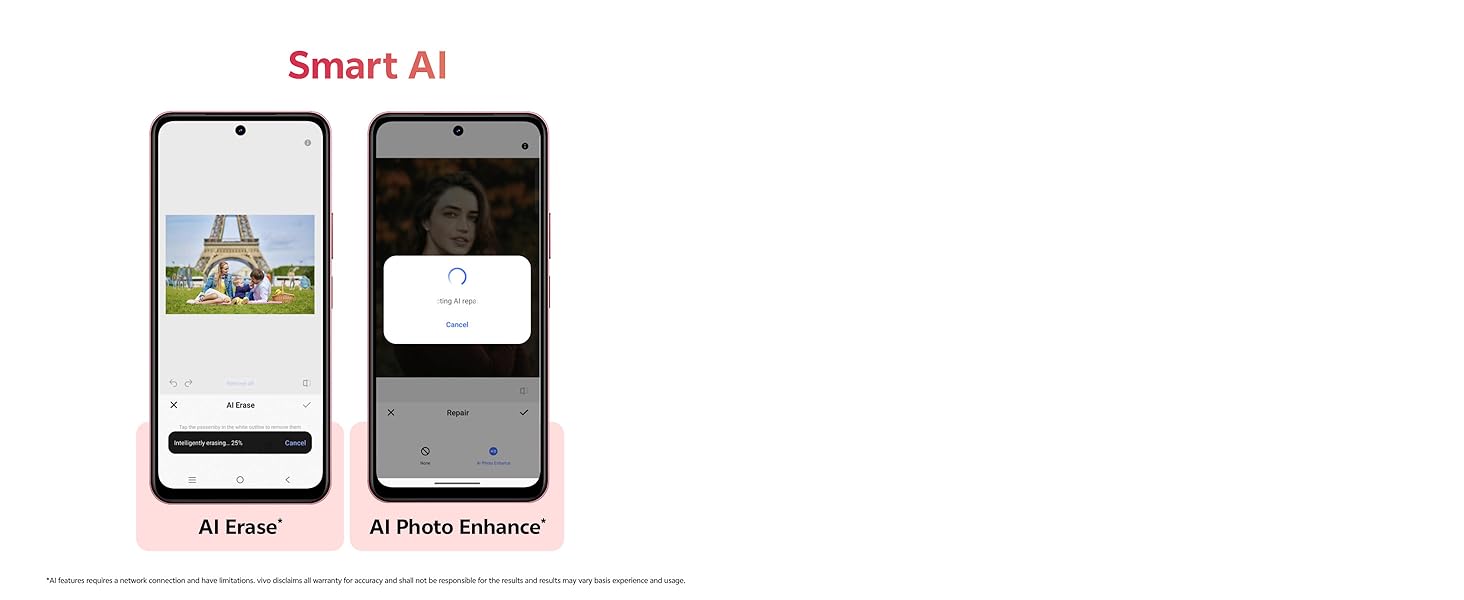
Image showing the 50MP AI Camera setup with 8MP HD Portrait Camera and 50MP HD Main Camera.
3.3. Smart AI Features
Enhance your photos with built-in AI capabilities:
- AI Ezabatzea: Intelligently remove unwanted objects or people from your photos.
- AI Photo Enhance: Automatically optimize image quality for better colors, contrast, and detail.
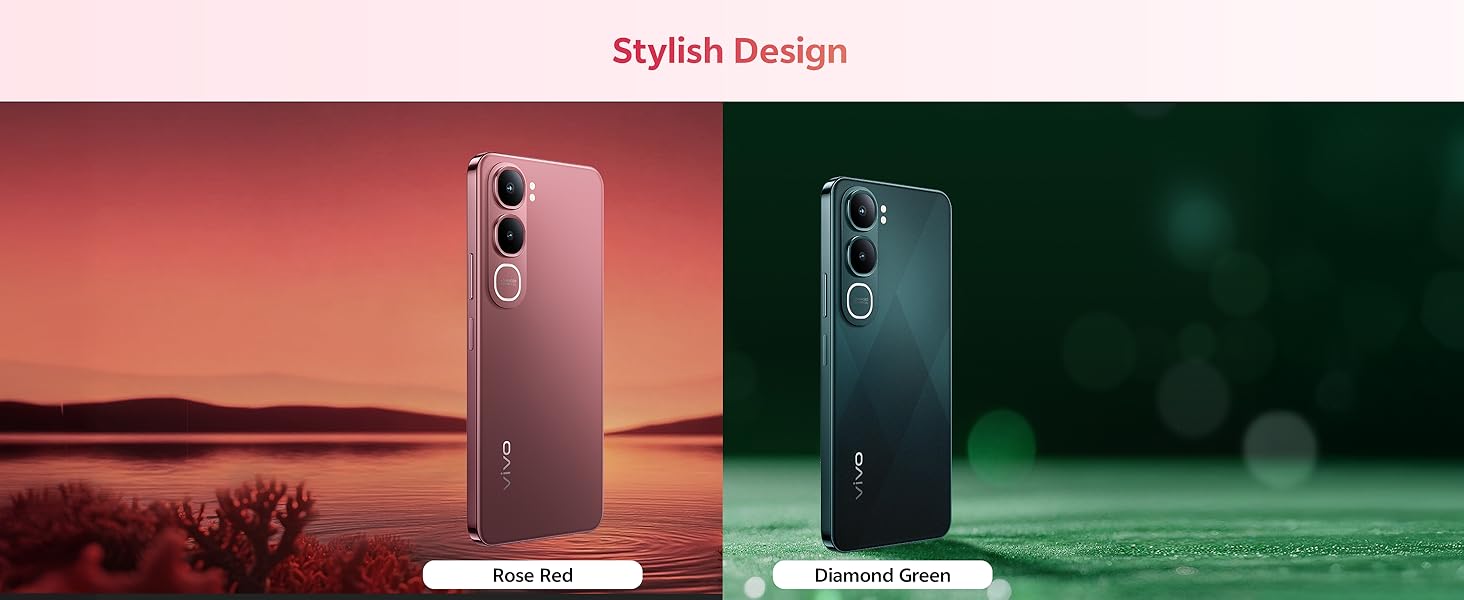
Diagram illustrating the Smart AI features, including AI Erase and AI Photo Enhance, on the vivo Y31 5G.
3.4. Bateria eta kargatzea
The vivo Y31 5G features a large 6500 mAh battery with 44W fast charging support. Use the provided power adapter and USB cable for optimal charging performance.
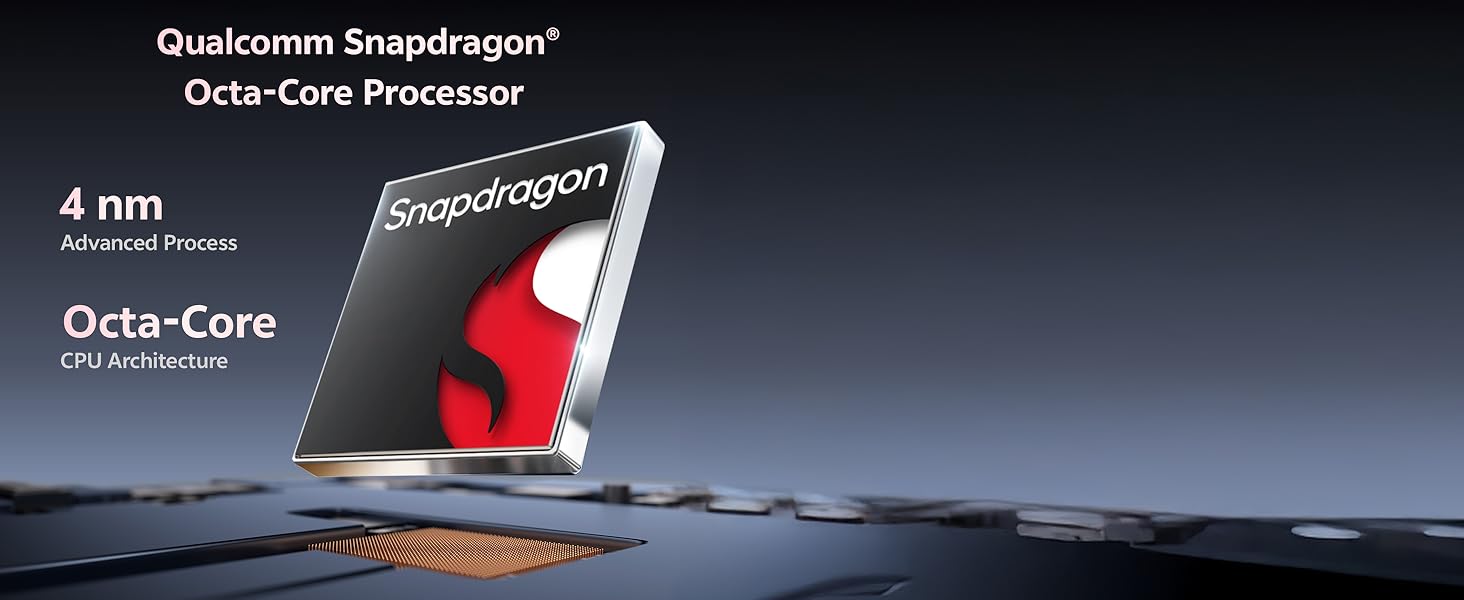
Illustration of the 6500 mAh battery and 44W FlashCharge capability of the vivo Y31 5G.
3.5. Pantaila
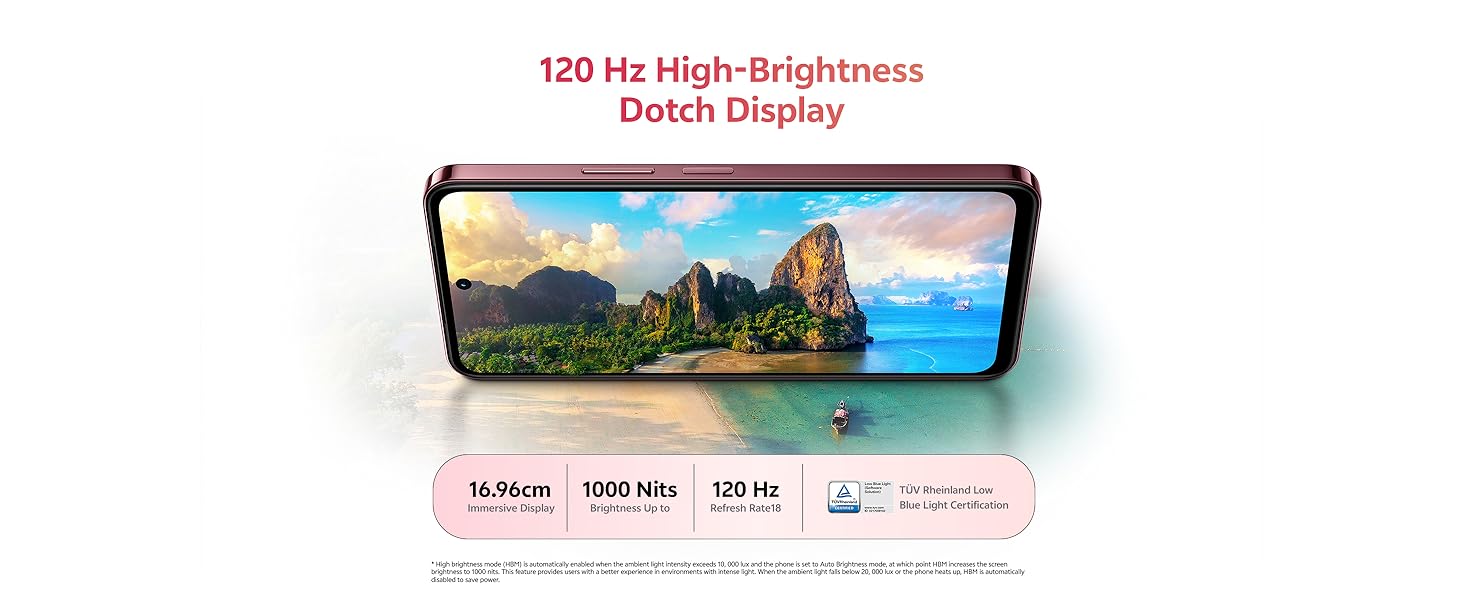
Enjoy an immersive visual experience with the 16.96 cm (6.68 inch) 120 Hz High-Brightness Dotch Display, offering up to 1000 Nits brightness and TÜV Rheinland Low Blue Light Certification for eye comfort.
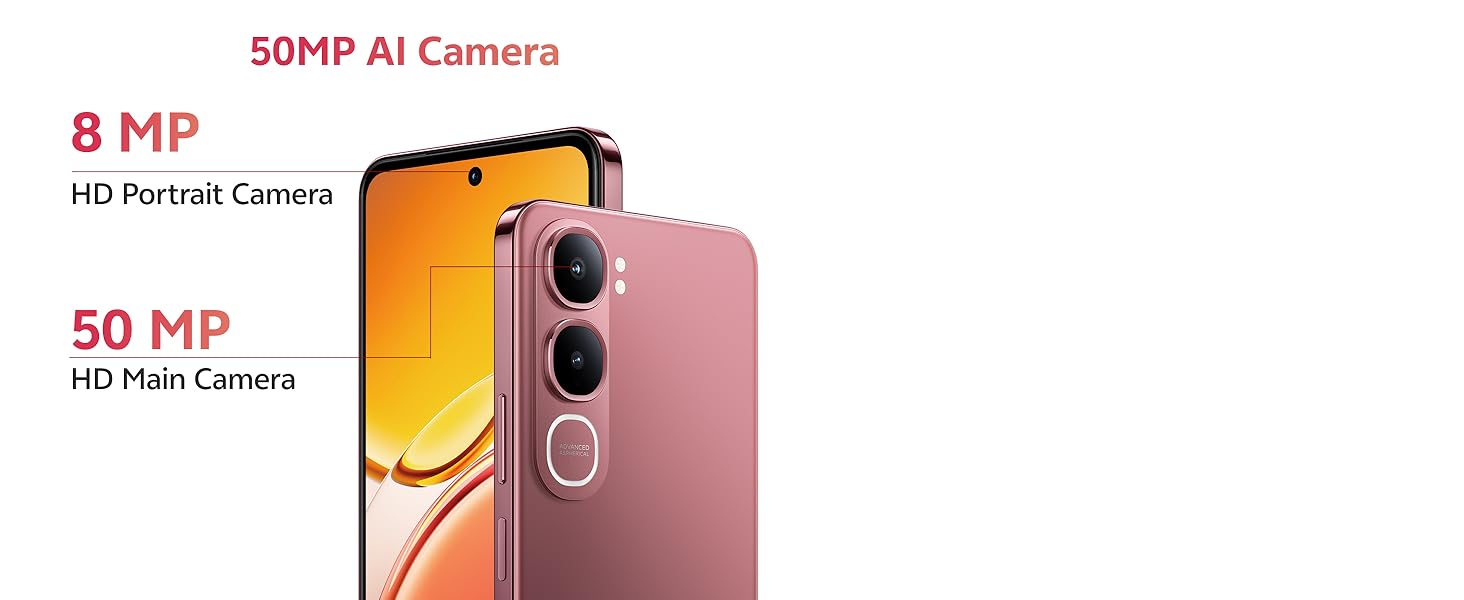
Image highlighting the 120 Hz High-Brightness Dotch Display of the vivo Y31 5G.
3.6. Audioa
The device features Dual Speakers with 400% volume capability and Hi-Res Audio Certification for an enhanced audio experience.
Visual representation of the Dual Speaker system and Hi-Res Audio certification on the vivo Y31 5G.
3.7. Konektibitatea
The vivo Y31 5G supports Bluetooth for wireless accessory connection and GPS for navigation services.
4. Mantentzea
4.1. Zure gailua garbitzea
- Erabili zapi leun eta lihorik gabeko bat telefonoaren pantaila eta gorputza garbitzeko.
- Saihestu produktu kimiko gogorrak, garbitzaile urratzaileak edo aire konprimitua erabiltzea.
4.2. Bateria zaintzea
- Saihestu telefonoa tenperatura altuetan jartzea.
- Ez deskargatu bateria guztiz maiz.
- Use only original vivo chargers and cables.
4.3. Software eguneraketak
Egiaztatu eta instalatu software eguneraketak aldizka errendimendu, segurtasun eta funtzio berrietarako sarbidea optimoa bermatzeko. Joan honera Settings > System update eskuragarri dauden eguneratzeak egiaztatzeko.
4.4. Iraunkortasun Ezaugarriak
The vivo Y31 5G is designed with enhanced durability:
- IP68/69 Rating: Provides protection against dust and water ingress. The device can withstand submersion in fresh water up to 1.5 meters for up to 30 minutes. It also features Wet-Hand Touch Technology for smooth control even with wet hands, and One-Tap Water Ejection.
- SGS Gold Label Five-Star Drop Resistance Certification: Indicates enhanced resistance to accidental drops.
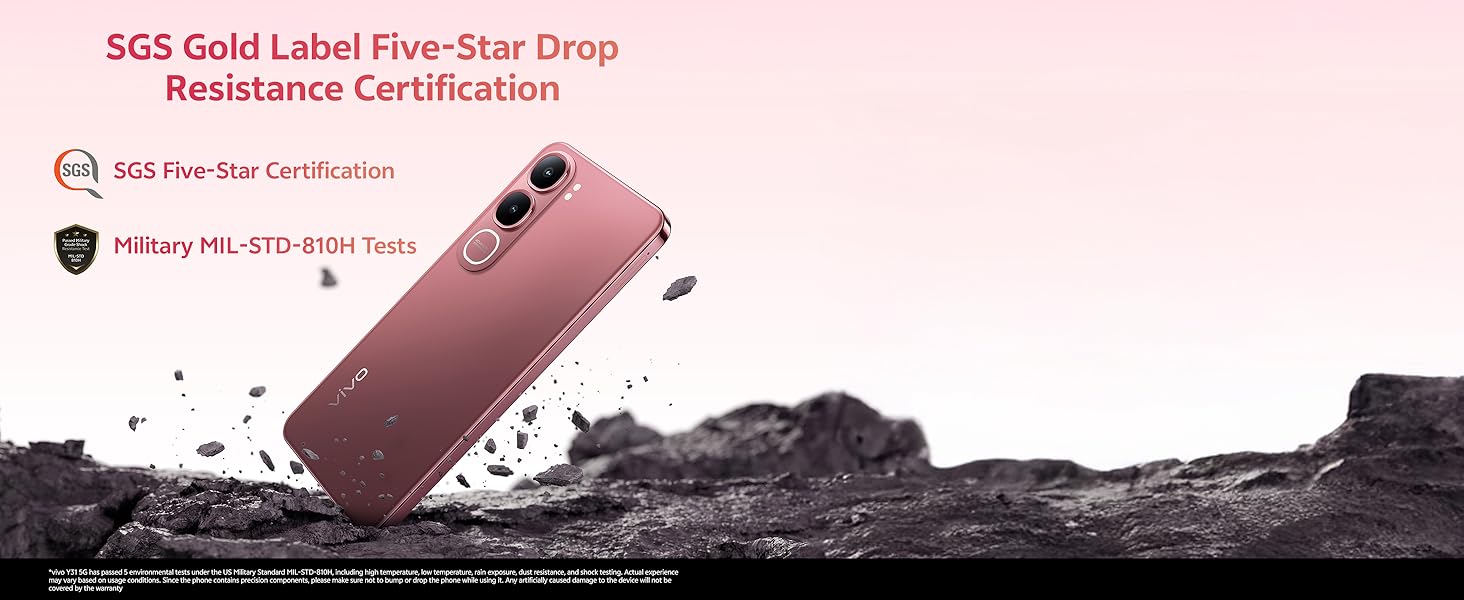
Image illustrating the IP68/69 water and dust resistance rating, Wet-Hand Touch technology, and One-Tap Water Ejection feature of the vivo Y31 5G.
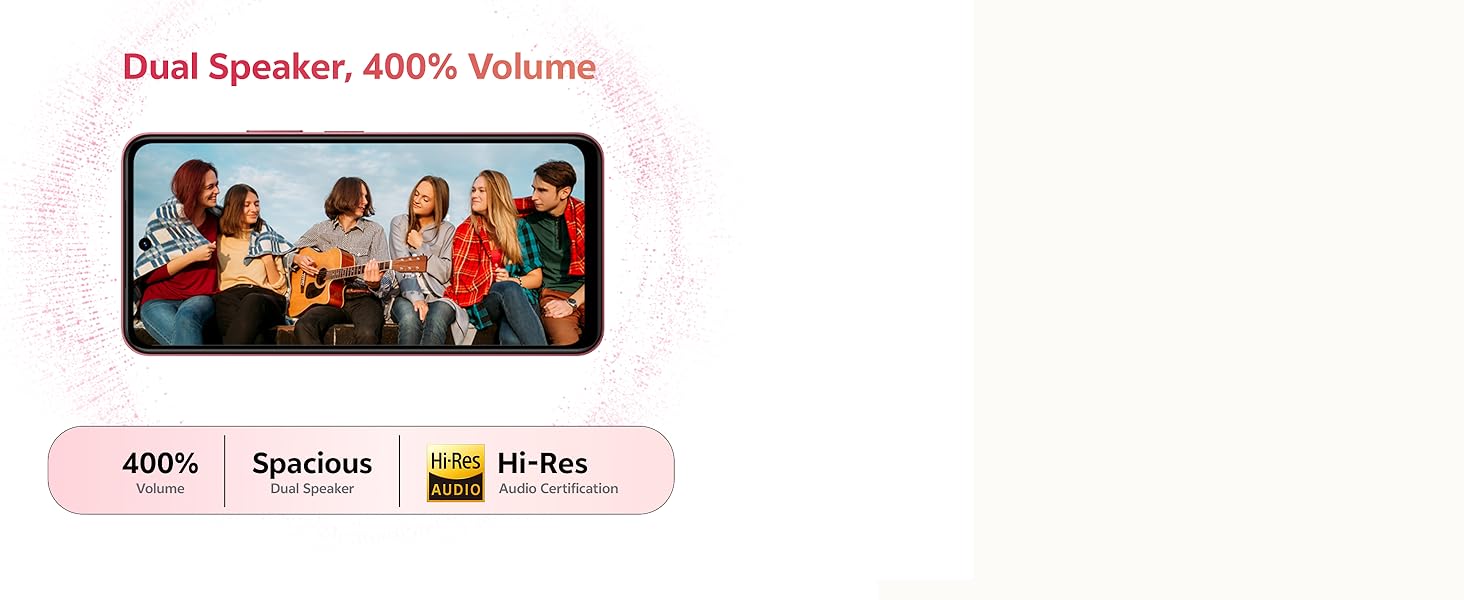
Image showing the SGS Gold Label Five-Star Drop Resistance Certification for the vivo Y31 5G.
5. Arazoak
This section addresses common issues you might encounter with your vivo Y31 5G.
5.1. Telefonoa ez da pizten
- Ensure the battery is charged. Connect the phone to its charger for at least 15 minutes.
- Berrabiarazteko, sakatu eta eutsi pizteko botoia 10-15 segundoz.
5.2. Bateriaren iraupen eskasa
- Murriztu pantailaren distira.
- Itxi atzeko planoan exekutatzen ez diren aplikazioak.
- Desgaitu Wi-Fi, Bluetooth edo GPSa erabiltzen ez dituzunean.
- Egiaztatu bateriaren erabilera hemen: Ezarpenak > Bateria energia-gosea duten aplikazioak identifikatzeko.
5.3. Connectivity Issues (Wi-Fi/Bluetooth)
- Aktibatu eta itzali Wi-Fi edo Bluetooth konexioa.
- Berrabiarazi telefonoa.
- Wi-Firako, ahaztu sarea eta konektatu berriro.
5.4. Aplikazioak kraskatzen edo izozten dira
- Force close the app (swipe up from the bottom and swipe the app away).
- Garbitu aplikazioaren cachea eta datuak Ezarpenak > Aplikazioak > [Aplikazioaren izena] > Biltegiratzea.
- Eguneratu aplikazioa azken bertsiora Google Play Store-tik.
5.5. Fabrika berrezarri
Arazoak jarraitzen badute, fabrika berrezartzea kontuan hartu dezakezu. Abisua: Honek telefonoko datu guztiak ezabatuko ditu. Jarraitu aurretik, egin datu garrantzitsuen babeskopia.
- Joan zaitez Ezarpenak > Sistema > Berrezarri aukerak.
- Hautatu Ezabatu datu guztiak (fabrika berrezarri).
- Berretsi zure erabakia eta idatzi zure PINa/eredua eskatzen bazaizu.
6. Zehaztapenak
Key technical specifications for the vivo Y31 5G smartphone:
| Ezaugarri | Zehaztapena |
|---|---|
| Modelo zenbakia | Y31 |
| Sistema eragilea | Funtouch OS 15 |
| Prozesadorea | Qualcomm Snapdragon Octa-Core (2.2 GHz CPU Speed) |
| RAM | 4 GB |
| Barne Biltegiratzea | 128 GB |
| Bistaratzeko tamaina | 16.96 cm (6.68 hazbete) |
| Bistaratzeko ebazpena | 1608 x 720 |
| Atzeko kamera | 50 MP + 0.08 MP |
| Aurrealdeko kamera | 8 MP |
| Bateria Edukiera | 6500 mAh |
| Kargatzen | 44W karga azkarra |
| Konektibitatea | Bluetootha, GPSa |
| Ezaugarri bereziak | Basic Phone, Bluetooth Enabled, Built-In GPS, Camera, Dual SIM |
| Neurriak (LxWxH) | 16.6 x 7.7 x 0.8 cm |
| Elementuaren pisua | 209 g |
| Kolorea | Diamond Green |
| Uraren/Hautsaren Erresistentzia | IP68/69 Rating |
| Jaurtiketa Erresistentzia | SGS Gold Label Five-Star Certified |
7. Bermea eta Laguntza
7.1. Bermearen informazioa
Your vivo Y31 5G smartphone comes with a standard manufacturer's warranty. Please refer to the warranty card included in your package for specific terms, conditions, and duration. Keep your proof of purchase for warranty claims.
7.2. Bezeroarentzako arreta
For technical assistance, service, or further inquiries, please contact vivo customer support. You can find contact details on the official vivo webgunea edo gailuarekin batera emandako dokumentazioan.
Fabrikatzailea: vivo Mobile India Pvt Ltd Plot No 08, Sector 24, Yamuna Expressway Area, Gautam Buddha Nagar, Uttar Pradesh, 201310


