Sarrera
This manual provides essential instructions for setting up, operating, and maintaining your LIGE EF21-J Smart Watch. Please read this guide thoroughly to ensure proper use and to fully utilize all features of your device. This smart watch is designed to be a versatile companion for both business and sports activities, offering advanced health monitoring, communication, and fitness tracking capabilities.
Paketearen edukia
Egiaztatu elementu guztiak zure paketean daudela:
- 1 x LIGE EF21-J Smart Watch
- 1 x Stainless Steel Strap
- 1 x silikonazko uhala
- 1 x USB kargatzeko kable magnetikoa
- 1 x C motako kargatzeko kablea
- 1 x Argibide eskuliburua (dokumentu hau)
Produktua amaituview
The LIGE EF21-J Smart Watch features a 1.43-inch AMOLED display, a durable metal case, and interchangeable straps to suit various occasions. It integrates advanced sensors for comprehensive health and fitness tracking.

Image: The LIGE EF21-J Smart Watch shown in different lifestyle scenarios, highlighting its adaptability for business, casual, and active use.
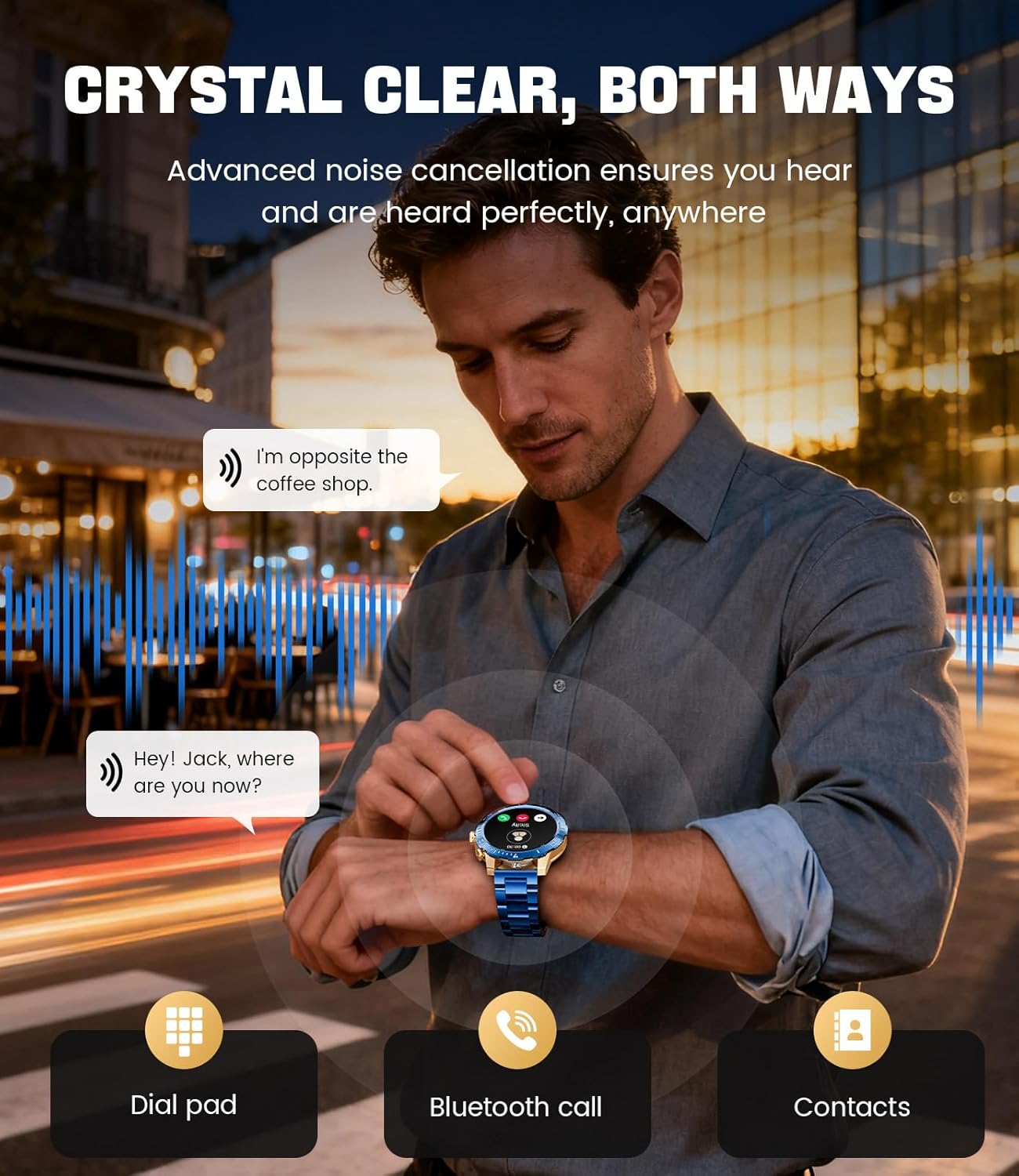
Image: A close-up of the LIGE EF21-J Smart Watch screen showing an incoming call, demonstrating its Bluetooth calling capability with clear audio.

Image: The LIGE EF21-J Smart Watch interface showing a selection of sports modes, including golf, climbing, and running, indicating its extensive activity tracking features.

Image: The LIGE EF21-J Smart Watch screen displaying heart rate, blood oxygen, and sleep data, illustrating its 24/7 health monitoring capabilities.
Bideoa: Produktu ofizial baten bideo-erakustaldiaasing the LIGE EF21-J Smart Watch's key features, including its AMOLED display, rotary encoder crown, charging capabilities, compatibility, sports modes, health monitoring, and various smart functions.
Konfigurazioa
1. Erloju adimenduna kargatzea
Before first use, fully charge your LIGE EF21-J Smart Watch. The watch comes with both a USB magnetic charging cable and a Type-C charging cable for convenience.
- Connect the magnetic end of the charging cable to the charging points on the back of the watch. Ensure it snaps securely into place.
- Connect the USB or Type-C end of the cable to a compatible power adapter (not included) or a computer's USB port.
- Erlojuaren pantailak kargatze-egoera adieraziko du. Karga oso batek normalean 2-3 ordu inguru behar ditu.

Image: The LIGE EF21-J Smart Watch connected to its magnetic charging cable, illustrating the charging process and the inclusion of both USB and Type-C cable options.
2. Aplikazioaren instalazioa
Zure erloju adimendunaren funtzionalitate osoa desblokeatzeko, deskargatu eta instalatu aplikazioa zure telefonoan.
- The LIGE EF21-J Smart Watch uses the FitCloudPro aplikazioa.
- Bilatu "FitCloudPro" in the Apple App Store (for iOS 12.0+ devices) or Google Play Store (for Android 8.0+ devices).
- Deskargatu eta instalatu aplikazioa.
3. Gailuaren parekatzea
Pair your smart watch with the FitCloudPro app via Bluetooth to synchronize data and enable smart features.
- Ziurtatu Bluetootha gaituta dagoela zure telefonoan.
- Open the FitCloudPro app and create an account or log in.
- Follow the in-app instructions to add a new device. The app will search for available devices.
- Select "EF21-J" or the corresponding device name from the list.
- Berretsi parekatze eskaera zure telefonoan eta erlojuan.
- Behin parekatuta, erlojuak ordua eta datuak zure telefonoarekin sinkronizatuko ditu.
Funtzionamendu-argibideak
Oinarrizko Nabigazioa
- Ukipen-pantaila: Irristatu ezkerrera, eskuinera, gora edo behera menuetan eta funtzioetan nabigatzeko. Sakatu hautatzeko.
- Rotary Encoder Crown: Biratu koroa zerrendetan zehar mugitzeko edo ezarpenak doitzeko. Sakatu koroa hasierako pantailara itzultzeko edo hautaketak berresteko.
- Alboko botoia: Typically used for quick access to sports modes or as a back button.
Bluetooth bidezko deiak
Egin eta jaso deiak zuzenean eskumuturretik zure telefonoarekin konektatuta zaudenean.
- Ensure your watch is paired with your phone via Bluetooth.
- To make a call: Access the dial pad or contacts list on your watch.
- To answer a call: When a call comes in, tap the green answer icon on the watch screen.
- To reject a call: Tap the red reject icon.
Jakinarazpen adimendunak
Jaso deien, mezuen eta aplikazioen jakinarazpenen alertak zuzenean zure erlojuan.
- Enable notification permissions for the FitCloudPro app in your phone's settings.
- Configure which app notifications you wish to receive through the FitCloudPro app.
- Irristatu behera erlojuaren aurpegitik view azken jakinarazpenak.
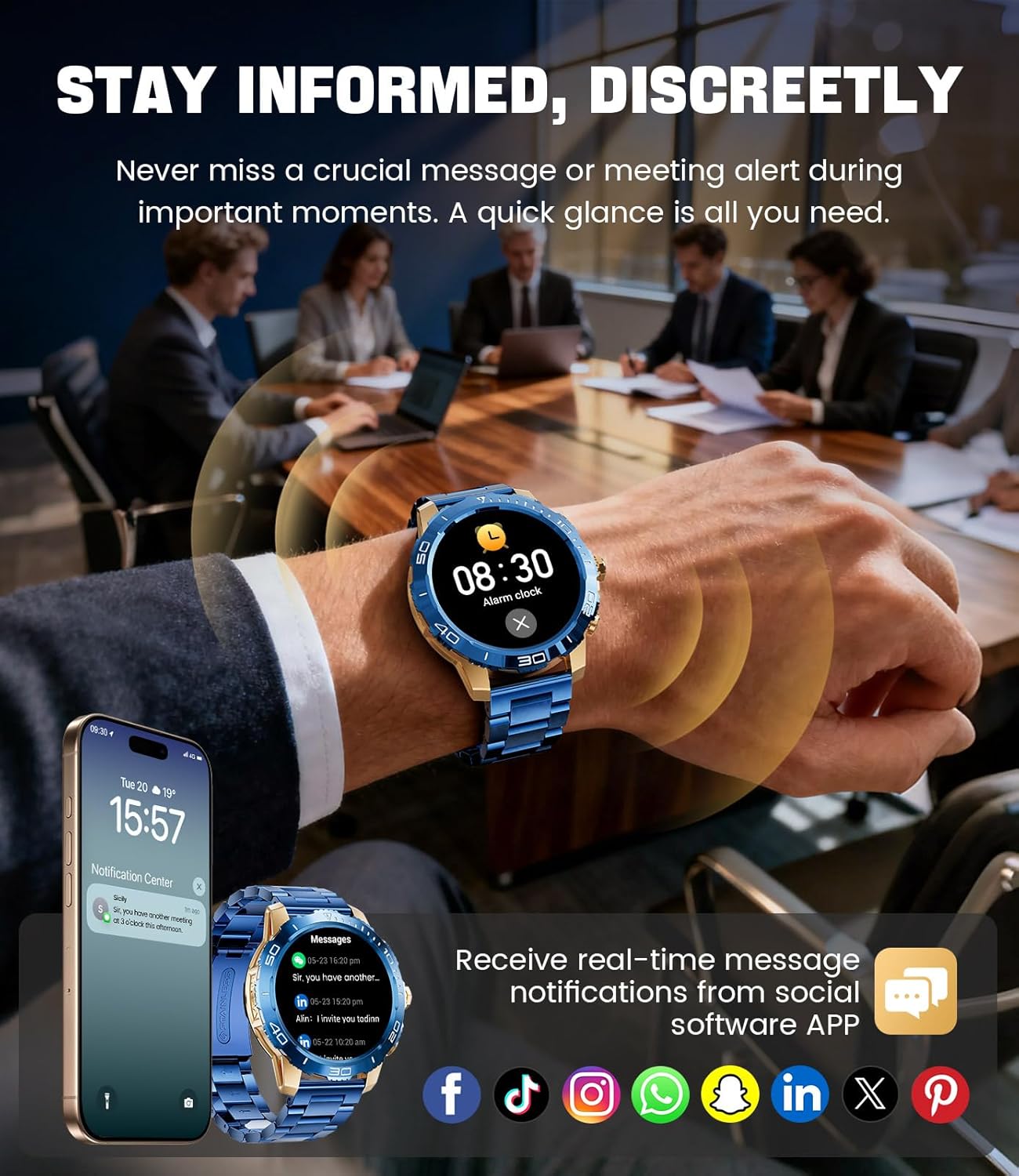
Image: The LIGE EF21-J Smart Watch screen showing incoming message notifications from various social media applications, demonstrating its ability to keep users informed discreetly.
Kirol modalitateak
The watch supports over 200 sports modes to accurately track your physical activities.
- Access the sports mode menu from the main interface.
- Select your desired activity (e.g., running, cycling, yoga, basketball).
- The watch will begin tracking metrics such as distance, steps, calories burned, and heart rate.
- End your workout by following the on-screen prompts. Data will sync to the FitCloudPro app for detailed analysis.
Osasunaren Jarraipena
Monitor your heart rate, blood oxygen, and sleep patterns throughout the day.
- Bihotz-taupadak: Erlojuak etengabe zure bihotz-maiztasuna kontrolatzen du. View real-time data on the watch or historical trends in the app.
- Odoleko oxigenoa (SpO2): Neurtu zure odoleko oxigeno mailak eskaeraren arabera.
- Loaren jarraipena: Wear the watch to bed to track your sleep duration and quality. Data includes deep sleep, light sleep, and awake times.
- Estresaren jarraipena: The watch can also provide insights into your daily stress levels.
Important: The LIGE EF21-J Smart Watch is not a medical device. Health data provided is for reference only and should not be used for medical diagnosis or treatment. Consult a healthcare professional for any health concerns.
Beste Funtzio batzuk
The watch offers a variety of additional features to enhance your daily life:
- Ahots laguntzailea: Interact with your phone's voice assistant directly from your watch.
- Musika erreproduzitzailearen kontrola: Kontrolatu musika erreprodukzioa zure telefonoan (erreproduzitu, pausatu, abestiak saltatu).
- Eguraldi Iragarpena: Lortu eguraldiaren eguneraketak denbora errealean.
- Iratzargailua: Ezarri alarmak esnatzeko edo zereginak gogorarazteko.
- Sedentarioaren abisua: Jaso alertak jarduerarik gabeko aldi baten ondoren mugitzeko.
- Edan ura abisua: Set reminders to stay hydrated.
- Linterna: Use the watch screen as a small flashlight.
- Aurkitu nire telefonoa: Bilatu parekatutako telefonoa.
- Pasahitz babesa: Enhance security with a screen lock password.

Image: The LIGE EF21-J Smart Watch interface showcasing a range of smart functions, including music control, weather, breath training, drink reminders, flashlight, and health monitoring summaries.
Baterien kudeaketa
The LIGE EF21-J Smart Watch is equipped with an 800mAh battery, designed for extended use.
- Erabilera tipikoa: Expect over 10 days of battery life with regular use.
- Egonean denbora: The watch can last over 30 days in standby mode.
- Kargatzen: Use the provided USB magnetic or Type-C charging cables. Always use a compatible 5V/1A power adapter.
- Bateria optimizatzea: Bateriaren iraupena luzatzeko, murriztu pantailaren distira, mugatu atzeko planoan aplikazioen freskatze-fasea eta desgaitu beharrezkoak ez diren jakinarazpenak.
Mantentzea
- Garbiketa: Regularly wipe the watch screen and body with a soft, dry cloth. For stubborn dirt, use a slightly damp zapi eta ondo lehortu.
- Uraren erresistentzia: The watch has an IP68 water resistance rating, meaning it is protected against dust and can withstand immersion in water up to 1.5 meters for up to 30 minutes. It is suitable for daily use, hand washing, and light rain. Avoid hot water, saunas, or diving, as steam and high pressure can compromise the seal.
- Uhalaren zainketa: Clean silicone straps with mild soap and water. For stainless steel straps, use a soft brush and mild cleaning solution, then dry completely.
- Biltegiratzea: Gorde erlojua leku fresko eta lehor batean erabiltzen ez duzunean. Saihestu tenperatura altuetatik.
Arazoak konpontzea
| Arazoa | Irtenbidea |
|---|---|
| Erlojua ez da pizten | Ziurtatu erlojua guztiz kargatuta dagoela. Konektatu kargagailura gutxienez 30 minutuz. |
| Ezin da telefonoarekin parekatu |
|
| Jakinarazpenak ez dira jaso |
|
| Osasun-datu zehaztugabeak | Ensure the watch is worn snugly on your wrist, about one finger's width from your wrist bone. Avoid excessive movement during measurements. Remember, this is not a medical device. |
| Bateriaren iraupen laburra |
|
Zehaztapenak
| Ezaugarri | Xehetasuna |
|---|---|
| Modelo zenbakia | EF21-J |
| Bistaratzea | 1.43-inch AMOLED, 466x466 pixels |
| Bateria Edukiera | 800mAh litio-polimeroa |
| Bateriaren iraupena (tipikoa) | 10 egun baino gehiago |
| Egonean Denbora | 30 egun baino gehiago |
| Konektibitatea | Bluetootha |
| Uraren Erresistentzia | IP68 |
| Sistema eragileen bateragarritasuna | Android 8.0+ edo iOS 12.0+ |
| Lagunentzako aplikazioa | FitCloudPro |
| Osasunaren Jarraipena | Heart Rate, Blood Oxygen, Sleep Tracking, Stress Monitoring |
| Kirol modalitateak | 200+ modu |
| Ezaugarri bereziak | Bluetooth Call, Voice Assistant, Music Control, Weather, Alarm, Sedentary Reminder, Drink Reminder, Flashlight, Find My Phone, Password Protection, AMOLED Always On Display |
| Elementuaren pisua | 7.1 ontza (201 gramo) |
| Paketearen neurriak | 6 x 4 x 0.9 hazbete (15.24 x 10.16 x 2.29 cm) |
Bermea eta Laguntza
LIGE provides customer support for your EF21-J Smart Watch. If you encounter any issues or have questions regarding your device, please contact us through the Amazon messaging system. Our professional customer service team is available to assist you.
Mesedez, kontsultatu erosketa-dokumentazioa bermearen baldintza eta zehaztapen zehatzak ikusteko.


