1. Sarrera
Welcome to the user manual for your new XIAOMI QLED 32" A Pro 2026 Smart TV. This guide provides essential information for setting up, operating, and maintaining your television to ensure optimal performance and enjoyment. Your new Smart TV combines advanced display technology with the intuitive Google TV platform, offering a seamless entertainment experience.
2. Konfigurazioa
2.1. Kutxa irekitzea eta paketearen edukia
Carefully remove the television and all accessories from the packaging. Ensure all components are present:
- XIAOMI QLED 32" A Pro 2026 Smart TV
- Urruneko Kontrola
- Elikatze-kablea
- TV Stands (2x)
- Euskarri muntaketarako torlojuak
- Erabiltzailearen eskuliburua (dokumentu hau)
2.2. Stand-asanblada
If you choose to place the TV on a surface, attach the included stands:
- Jarri telebistaren pantaila beherantz gainazal bigun eta lau batean, marradurak saihesteko.
- Lerrokatu euskarri bakoitza telebistaren behealdeko dagokien zirrikituekin.
- Lotu euskarri bakoitza emandako torlojuekin.

Image: Close-up of the TV's metallic stand, highlighting its quality construction.
2.3. Pareta Muntatzea
For wall mounting, use a VESA-compatible bracket (not included). Refer to the dimensions image for VESA mount specifications (100x200mm).

Image: Diagram showing the dimensions of the Xiaomi TV A Pro 32 2026, including height, width, depth, and VESA wall mount specifications (100x200mm).
2.4. Gailuak konektatzea
Konektatu kanpoko gailuak telebistaren ataketara:
- HDMI: Connect gaming consoles, Blu-ray players, or set-top boxes. This model features HDMI connectivity.
- USBa: USB unitateetatik multimedia erreproduzitzeko.
- Sarea (Ethernet): Interneteko kable bidezko konexio baterako.
- Antena/Satelitea: Telebistako irrati-seinaleetarako.
Telebista piztu aurretik, ziurtatu konexio guztiak ondo daudela.
3. Funtzionamendua
3.1. Piztu/Itzali
Connect the power cable to the TV and a power outlet. Press the power button on the remote control or on the TV itself to turn it on or off.
3.2. Google TV interfazea
Your TV runs on Google TV, which organizes movies, shows, and more from your apps and subscriptions. It provides personalized recommendations and access to over 10,000 apps through Google's powerful search engine.

Image: The Google TV home screen displaying a variety of streaming applications and personalized content suggestions.
3.3. Ahots-kontrola Google Assistant-ekin
Use your voice to control your TV and smart home devices. Simply press the Google Assistant button on your remote to get started. You can ask Google Assistant to find films, stream apps, play music, and more.

Image: The Google Assistant logo and text explaining how to use voice commands to control the TV and access content.
3.4. Urruneko kontrola
The 360° Bluetooth remote control offers convenient customization and allows you to search for content using your voice from any angle.

Image: A close-up of the TV's remote control, highlighting its Bluetooth connectivity and voice control button.
3.5. Google Cast
Easily stream movies, shows, photos, and more from your phone or tablet directly to your TV using Google Cast. This feature requires Google Cast enabled apps on your mobile device.

Image: A smartphone screen mirroring content to the television via Google Cast, displaying a vibrant landscape.
4. Ezaugarriak
4.1. QLED Quantum Dot Display
Experience captivating, realistic images with the QLED display, featuring a wide color gamut and precise color adjustment. It delivers vibrant, mesmerizing colors, supporting 1.07 billion colors and DCI-P3 94% color space, a standard used in Hollywood.

Image: An illustration of QLED quantum dot technology, showing layers of display components and a vibrant image on screen.
4.2. Low Blue Light for Eye Comfort
The next-generation DC dimming technology smoothly controls screen brightness and eliminates backlight flicker. The available eye comfort mode effectively reduces blue light, allowing for worry-free enjoyment of stunning visuals.

Image: A person watching the TV in a dimly lit room, illustrating the low blue light feature for eye comfort.
4.3. Dolby Audio & DTS:X
Equipped with dual high-power speakers, the TV delivers fuller treble and richer bass. Enjoy a cinematic experience at home with dynamic and crystal-clear sound certified by Dolby Audio & DTS:X.

Image: The TV screen displaying a wave, with sound waves emanating from the bottom, illustrating Dolby Audio and DTS:X features.
4.4. Full-Screen Display
The TV features an ultra-high screen-to-body ratio with almost invisible borders, providing a more immersive experience when watching films and gaming.

Image: A comparison of a standard TV screen with a full-screen display, highlighting the minimal bezels for an immersive view.
4.5. Leading Performance
With a powerful quad-core processor, 1.5GB of RAM, and 8GB of storage, you can enjoy smooth performance and easily download applications.

Irudia: Xehetasun zehatza view of the TV's internal processor and memory components, illustrating its leading performance capabilities.
4.6. Haririk gabeko konexioa
The TV supports Bluetooth 5.0 and Dual-band Wi-Fi for seamless wireless connections to your devices and network.
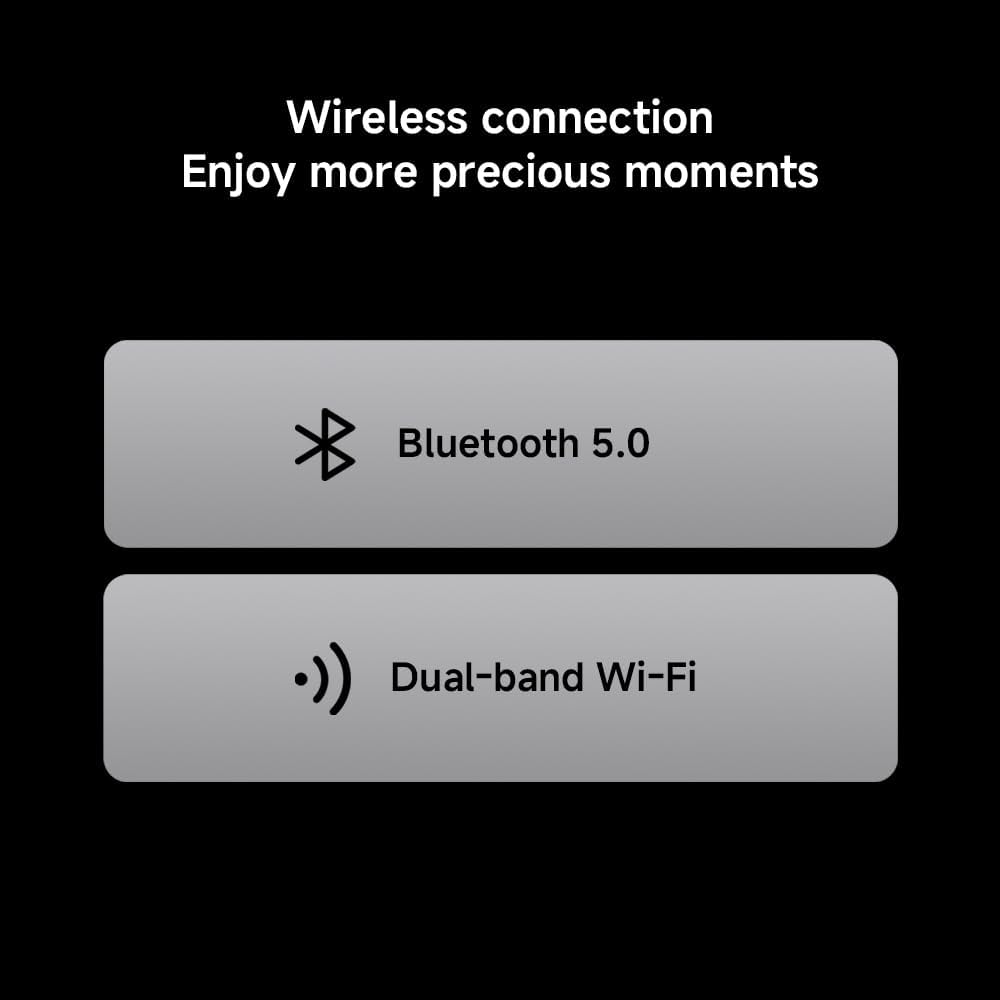
Image: Icons representing Bluetooth 5.0 and Dual-band Wi-Fi, indicating the TV's wireless connectivity options.
4.7. Metallic Design
The TV features an exquisite metal finish and craftsmanship, adding a touch of sophistication to your home decor.
Image: Two close-up shots showcasing the TV's metallic stand and slim side profile, emphasizing its quality design.
5. Zehaztapenak
| Ezaugarri | Deskribapena |
|---|---|
| Marka | XIAOMI |
| Modelo zenbakia | 6941948705524 |
| Pantailaren tamaina | 32 hazbete |
| Bistaratzeko Teknologia | QLED |
| Ebazpena | 1366 x 768 pixel (HD) Note: While marketed as '4K', the official product information sheet specifies HD resolution. |
| Freskatze tasa | 60 Hz |
| Sistema eragilea | Google TV |
| Audio Teknologia | Dolby Audio, DTS:X |
| Konektibitatea | HDMI, USB, Ethernet, Bluetooth 5.0, Dual-band Wi-Fi |
| Neurriak (LxWxH) | 120 x 2 x 120 cm |
| Pisua | 6 kg |
| Energia Eraginkortasunaren Balorazioa | F |
| EPREL Izen-ematea | 2194746 |

Image: Official Product Information Sheet detailing technical specifications and energy efficiency.

Image: The EU Energy Efficiency Label for the Xiaomi TV, showing its rating and power consumption.
6. Mantentzea
6.1. Telebista garbitzea
Pantaila garbitzeko, astiro-astiro zapi leun eta pelusik gabeko batekin garbitu. Orban egoskorrak izanez gero, astiro-astiro garbitu.ampen the cloth with water or a screen-cleaning solution. Avoid using harsh chemicals or abrasive materials. Clean the TV's exterior with a soft, dry cloth.
6.2. Software eguneraketak
Baliteke zure telebistak software eguneratze automatikoak jasotzea errendimendua hobetzeko eta funtzio berriak gehitzeko. Ziurtatu zure telebista Internetera konektatuta dagoela eguneratze hauek jasotzeko. Eskuz ere egiaztatu ditzakezu eguneratzeak telebistaren ezarpenen menuan.
7. Arazoak
| Arazoa | Irtenbidea |
|---|---|
| Botererik ez | Check if the power cable is securely connected to the TV and the power outlet. Ensure the power outlet is functional. |
| Irudi/soinurik ez | Egiaztatu sarrera-iturri zuzena hautatuta dagoela. Egiaztatu kable-konexio guztiak (HDMI, antena, etab.) solteak edo kalteak dituzten. |
| Urruneko kontrola ez dabil | Ordeztu urrutiko agintearen pilak. Ziurtatu ez dagoela oztoporik urrutiko agintearen eta telebistaren artean. |
| Sareko konexio arazoak | Berrabiarazi bideratzailea eta modema. Egiaztatu telebistako Wi-Fi ezarpenak edo ziurtatu Ethernet kablea behar bezala konektatuta dagoela. |
| Errendimendu motela | Close unused applications. Clear cache and data from apps in the TV settings. Consider uninstalling rarely used apps to free up storage. |
8. Bermea
Your XIAOMI QLED 32" A Pro 2026 Smart TV comes with a standard manufacturer's warranty. Please refer to the warranty card included in your product packaging or visit the official Xiaomi webwebgunean bermearen estaldurari eta zerbitzuari buruzko baldintza zehatzak ikusteko.
9. Laguntza
Laguntza gehiago, laguntza teknikoa edo baliabide gehigarrietara sartzeko, bisitatu Xiaomiren laguntza ofiziala. website or contact their customer service. You can also find more product information via the EPREL database using the registration number: 2194746.
9.1. Produktuaren bideo ofiziala
Video: An official product video from Xiaomi showcasing the features of the Xiaomi TV F Pro 32 2026, including its design, display, and smart functionalities.


