Sarrera
Eskerrik asko erosketagatik.asing the Intempo LED Blaze Speaker. This manual provides important information regarding the safe operation, setup, and maintenance of your speaker. Please read this manual thoroughly before use and retain it for future reference.
The Intempo LED Blaze Speaker is designed to deliver powerful audio with 100W PMPO output, featuring Bluetooth connectivity, five LED color modes, and a built-in karaoke function with an included microphone. It offers up to 10 hours of playback on a single charge, making it suitable for various indoor and outdoor settings.
Segurtasun-argibideak
- Irakurri arretaz argibide guztiak bozgorailua erabili aurretik.
- Mantendu bozgorailua uretatik, hezetasunetik eta muturreko tenperaturetatik urrun.
- Ez saiatu bozgorailua desmuntatzen, konpontzen edo aldatzen. Horrek bermea baliogabetuko du.
- Use only the charging cable provided or a compatible charger with the specified voltage (5V korrontea).
- Ensure the speaker is placed on a stable surface to prevent accidental falls.
- Avoid prolonged exposure to very high volume levels to prevent hearing damage.
- Mantendu haurren eskura.
Paketearen edukia
Mesedez, markatu laukitxoa elementu hauetarako:
- 1 x Intempo LED Blaze Speaker
- 1 x Wired Karaoke Microphone
- 1 x Kargatzeko kablea (USB)
- Argibide eskuliburua (dokumentu hau)

Image: The Intempo LED Blaze Speaker shown within its retail packaging, highlighting its features and included microphone.
Produktua amaituview
Familiarize yourself with the various parts and controls of your Intempo LED Blaze Speaker.

Irudia: Goian view of the speaker's control panel, indicating the mobile phone stand, volume control dial, and microphone input with an included microphone.

Irudia: Xehetasun zehatza view of the speaker's top control panel, showing buttons for mode, TWS, LED, microphone volume, EQ, record, and playback controls around a central volume knob.

Image: Top rear view of the speaker, displaying the DC5V charging port, TF card slot, USB port, AUX input, microphone input, and the power switch (OFF/ON).
Kontrol panelaren funtzioak:
- DC5V ataka: Bozgorailua kargatzeko.
- TF CARD Slot: Sartu TF (MicroSD) txartel bat musika erreproduzitzeko.
- USB ataka: Sartu USB unitate bat musika erreproduzitzeko.
- AUX sarrera: Konektatu kanpoko audio gailuak 3.5 mm-ko audio kable baten bidez.
- Mikroaren sarrera: Konektatu kabledun mikrofonoa.
- OFF/ON etengailua: Power the speaker on or off.
- MODE botoia: Switch between Bluetooth, TF Card, USB, and AUX modes.
- TWS botoia: Activate True Wireless Stereo pairing (for connecting two Blaze speakers).
- LED botoia: Cycle through LED light modes or turn them off.
- MIC Button: Doitu mikrofonoaren bolumena.
- EQ botoia: Hautatu ekualizazio aurrezarpenak.
- REC botoia: Record audio (requires a storage device).
- Bolumen-markagailua: Doitu bozgorailu nagusiaren bolumena.
- Erreprodukzio kontrolak: Erreproduzitu/Pausatu, Aurreko pista, Hurrengo pista.
Konfigurazioa
Hasierako karga:
- Before first use, fully charge the speaker. Connect the provided USB charging cable to the DC5V port on the speaker and the other end to a USB power adapter (not included) or a computer's USB port.
- Kargatzeko adierazlearen argia piztuko da. Erabat kargatu ondoren itzali edo kolorez aldatuko da.
- Karga oso batek normalean hainbat ordu behar ditu.
Piztu/Itzaltzea:
- Bozgorailua pizteko, irristatu AKTIBATU/AKIZTU aldatu ON position. You will hear an audible prompt.
- Bozgorailua itzaltzeko, irristatu AKTIBATU/AKIZTU aldatu OFF posizioa.
Funtzionamendu-argibideak
Bluetooth bidezko lotura
- Turn on the speaker. It will automatically enter Bluetooth pairing mode, indicated by a flashing LED or an audible prompt.
- Zure gailu mugikorrean (smartphone-a, tableta, etab.), gaitu Bluetooth-a eta bilatu eskuragarri dauden gailuak.
- Select "Intempo Blaze" from the list of devices.
- Once paired, the speaker will indicate a successful connection, and the LED will stop flashing (or change pattern).
- You can now play audio from your device through the speaker. The effective range is up to 25 meters.
LED argi-moduak:
The speaker features five LED color modes that react to your music, creating a dynamic visual experience.
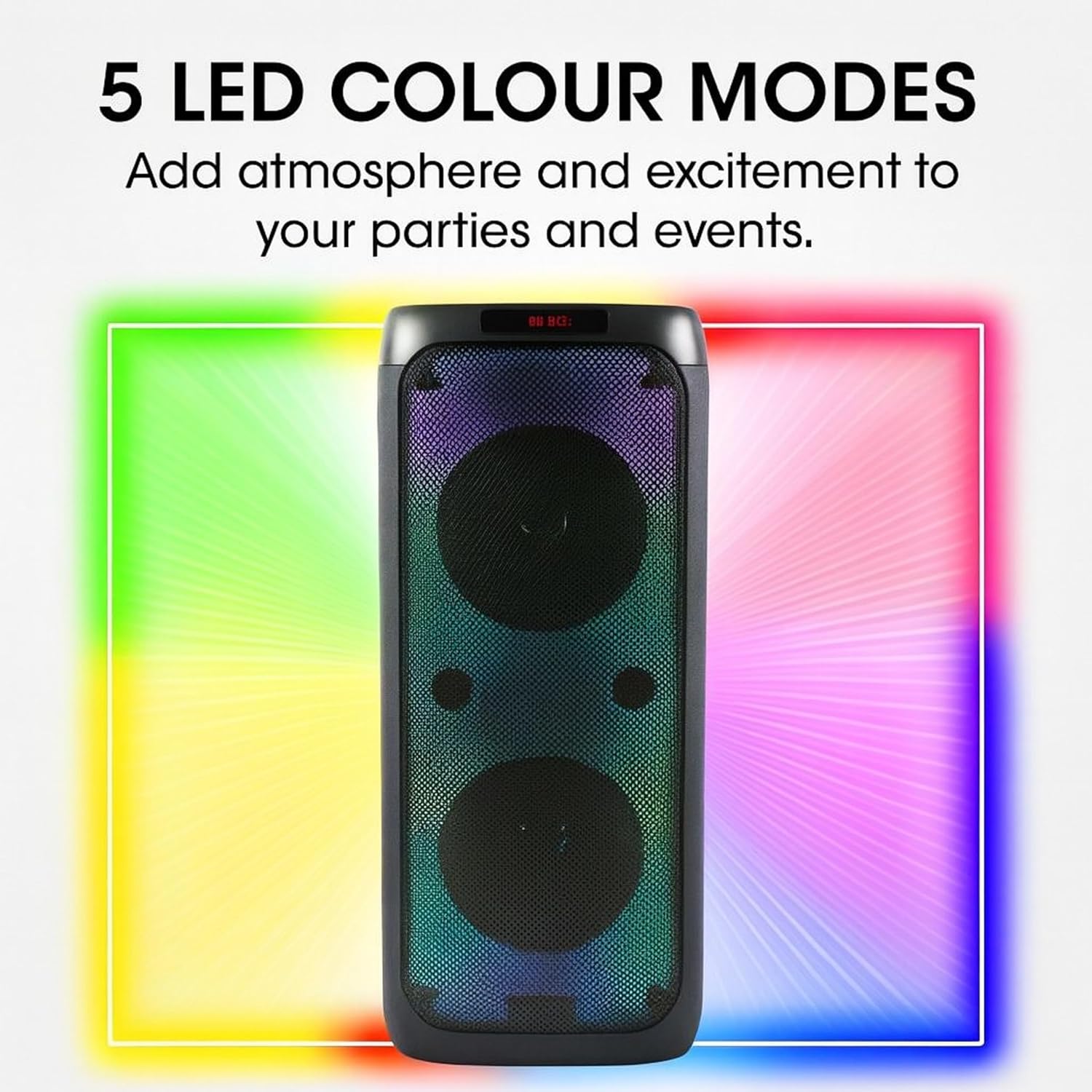
Image: The Intempo LED Blaze Speaker with a graphic overlay highlighting its capability of 5 LED colour modes, designed to add atmosphere.
- Sakatu LED button on the control panel to cycle through the available light modes.
- Jarraitu sakatzen LED argiak itzaltzeko botoia.
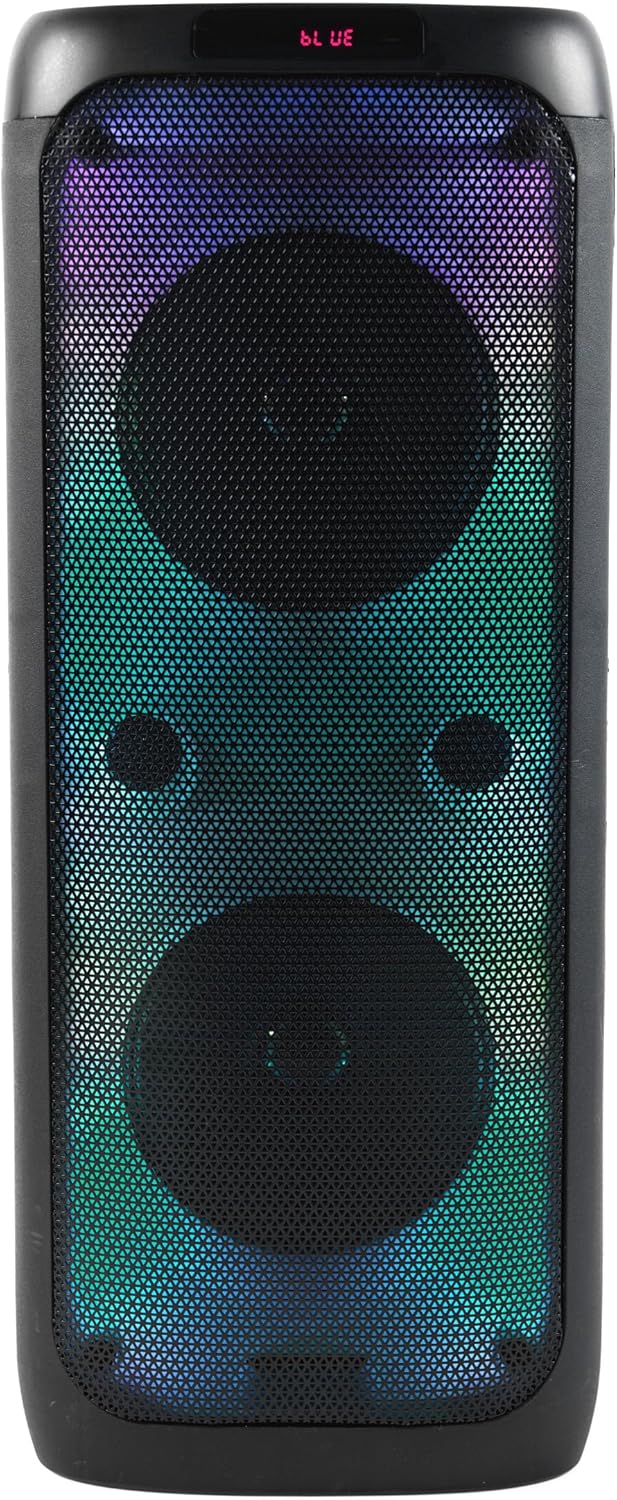
Irudia: Aurrealdea view of the Intempo LED Blaze Speaker, showcasing its vibrant multi-color LED lights active behind the speaker grilles.

Irudia: Aurrealdea view of the Intempo LED Blaze Speaker, displaying a dynamic rainbow-colored LED light pattern.
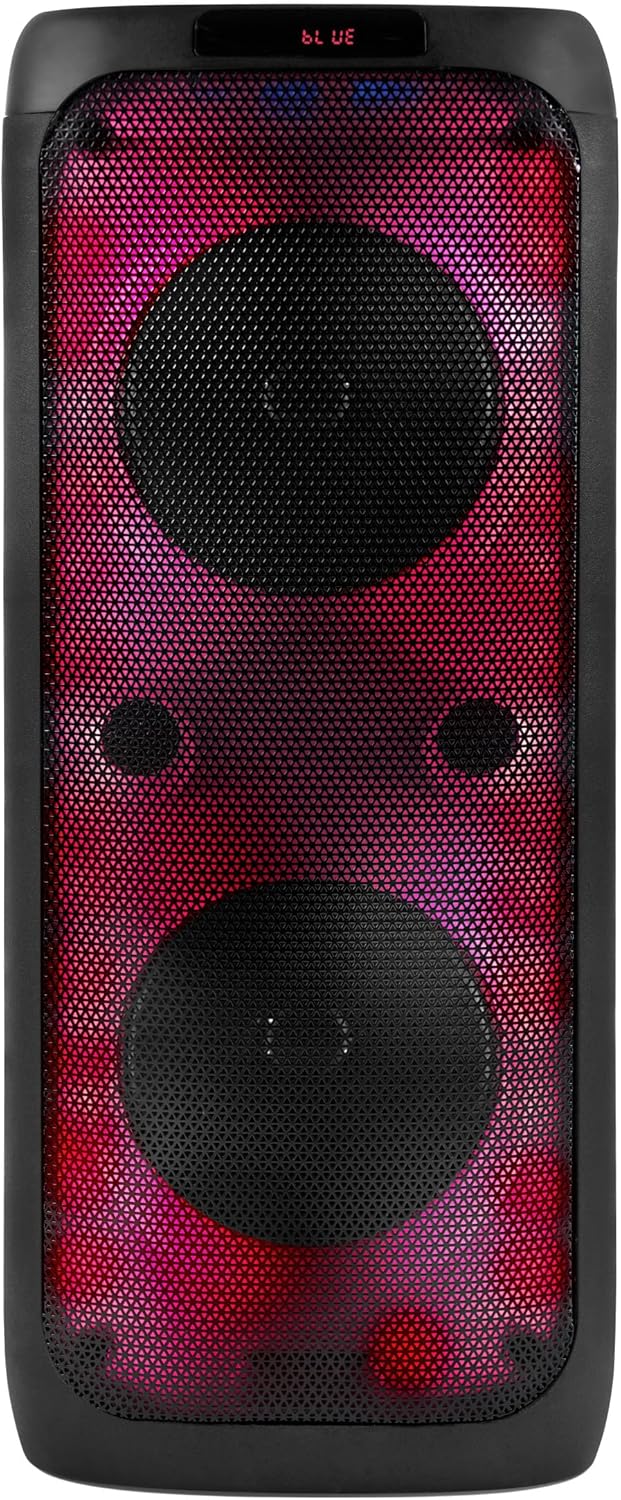
Irudia: Aurrealdea view of the Intempo LED Blaze Speaker, illuminated with a striking red and purple LED light combination.
Karaoke funtzioa:
- Connect the included wired microphone to the MIC Sarrera port on the speaker's control panel.
- Doitu mikrofonoaren bolumena erabiliz MIKROA button or dedicated control if available.
- Play music via Bluetooth, USB, TF card, or AUX, and sing along.
Telefonoaren euskarria erabiliz:
The integrated phone stand allows you to conveniently place your smartphone or tablet while using the speaker.
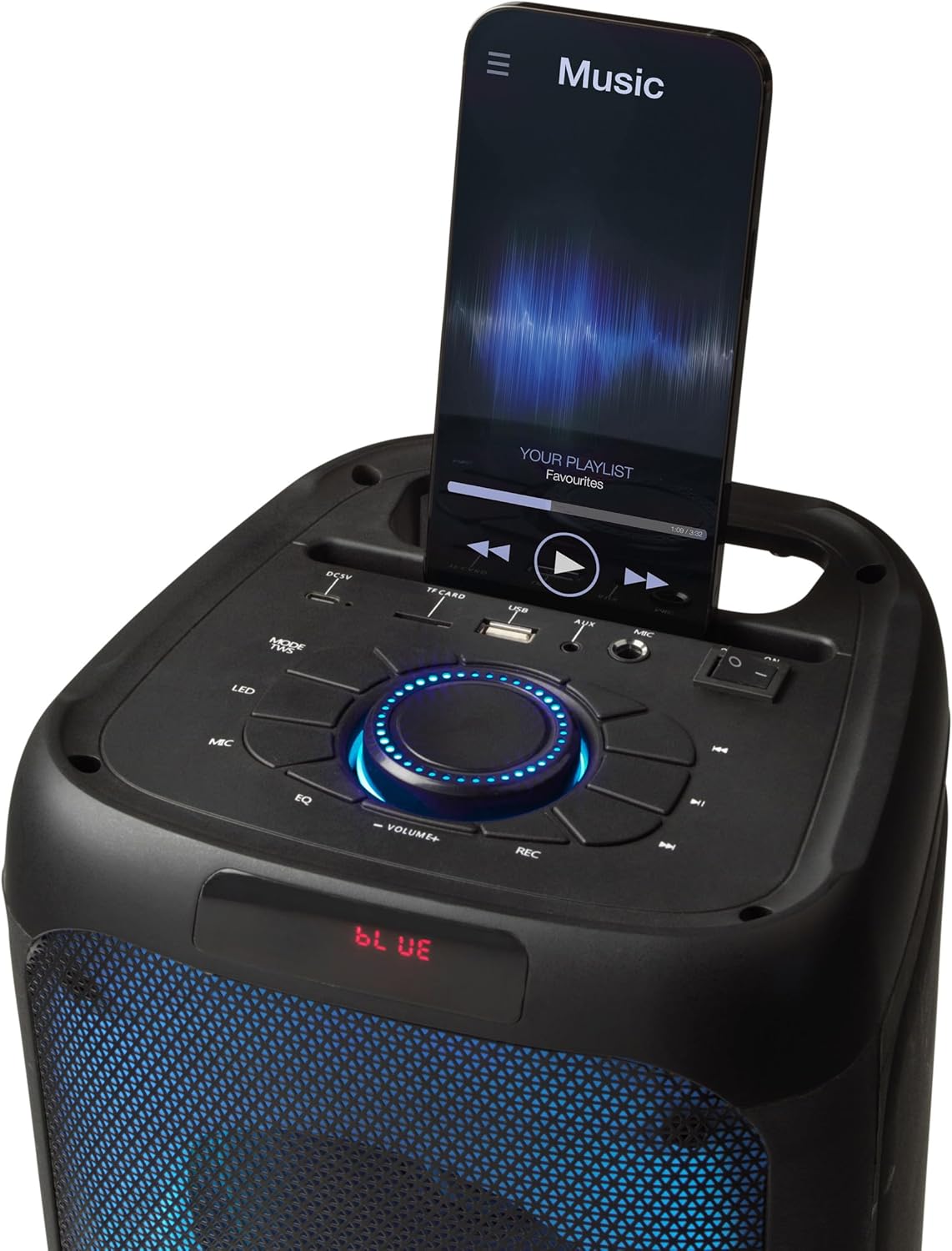
Image: The top panel of the Intempo LED Blaze Speaker, showing a smartphone securely placed in the integrated mobile phone stand, displaying a music application.
USB/TF txartelaren erreprodukzioa:
- Insert a USB drive or TF (MicroSD) card containing MP3 audio files dagokion portuan.
- Sakatu MODUA button to switch to USB or TF Card mode. The speaker will automatically begin playing music.
- Use the playback controls (Play/Pause, Previous/Next Track) to manage your music.
AUX sarrera:
- Konektatu 3.5 mm-ko audio-kable baten mutur bat (ez dago barne) AUX sarrera ataka bozgorailuan.
- Konektatu audio kablearen beste muturra kanpoko gailuaren entzungailuen konektorera edo audio irteerara.
- Sakatu MODUA botoia AUX modura aldatzeko.
- Kontrolatu erreprodukzioa eta bolumena kanpoko gailutik.
Bolumen kontrola:
- Biratu erdigunea. Bolumenaren markaketa erlojuaren orratzen noranzkoan bolumena handitzeko eta erlojuaren orratzen kontrako noranzkoan bolumena jaisteko.
Hizlaria kargatzen
The Intempo LED Blaze Speaker is equipped with a 3000 mAh rechargeable battery, providing up to 10 hours of continuous playback.
- When the battery is low, the speaker may emit an audible warning or the LED indicator may change.
- Connect the USB charging cable to the DC5V port on the speaker and to a suitable USB power source.
- Utzi bozgorailua guztiz kargatzen deskonektatu aurretik.
- Do not leave the speaker charging unattended for extended periods.
Mantentzea
- Garbiketa: Use a soft, dry cloth to clean the exterior of the speaker. Do not use abrasive cleaners, solvents, or harsh chemicals.
- Biltegiratzea: Denbora luzez erabiltzen ez baduzu, gorde bozgorailua leku fresko eta lehor batean, eguzki-argitik eta muturreko tenperaturetatik urrun.
- Bateria zaintzea: Bateriaren iraupena luzatzeko, saihestu bateria maiz erabat deskargatzea. Kargatu bozgorailua aldizka, erabiltzen ez bada ere.
Arazoak konpontzea
| Arazoa | Kausa posiblea | Irtenbidea |
|---|---|---|
| Bozgorailua ez da pizten. | Bateria agortuta dago. | Kargatu bozgorailua guztiz. |
| Soinurik ez. | Volume is too low; incorrect mode selected; device not connected. | Increase volume; press MODE button to select correct input; ensure Bluetooth device is paired or AUX/USB/TF is properly connected. |
| Bluetooth gailua ezin da parekatu. | Speaker not in pairing mode; device too far; Bluetooth not enabled on device. | Ensure speaker is on and in Bluetooth mode; move device closer; enable Bluetooth on your device and search again. |
| Mikrofonoa ez dabil. | Microphone not connected properly; microphone volume too low. | Ensure microphone is fully plugged into the MIC input; adjust microphone volume using the MIC button. |
Zehaztapenak
| Ezaugarri | Zehaztapena |
|---|---|
| Modelo zenbakia | EE7515 |
| Marka | INTEMPO |
| Bozgorailuaren irteera potentzia | 100W PMPO |
| Konektibitate Teknologia | Bluetootha |
| Bluetooth barrutia | Gehienez 25 metro |
| Bateria Edukiera | 3000 mAh |
| Erreprodukzio-denbora | Gehienez 10 ordu |
| LED moduak | 5 Kolore Modu |
| Sarrerak | USB, TF Card, AUX (3.5mm), Microphone (6.35mm) |
| Neurriak (L x W x H) | 25.5 x 25.5 x 53.4 cm |
| Pisua | 4.36 kg |
| Materiala | Metala, Plastikoa |
| Energia iturria | Battery Powered (1 Non-standard Battery, included) |
Bermea eta Laguntza
This product is covered by a manufacturer's warranty. Please refer to the warranty card included with your purchase or contact the retailer for specific warranty terms and conditions.
For technical support, troubleshooting assistance beyond this manual, or inquiries regarding replacement parts, please contact Intempo customer service or your point of purchase.


