Produktua amaituview
The LEICKE DAB+ Radio Tube (Model EP19035) is a versatile portable audio device combining a DAB+/FM radio with a powerful Bluetooth speaker. It features a robust 4500 mAh battery for extended playtime, dynamic RGB LED lighting, and multiple connectivity options including Micro SD and AUX-In. This manual provides essential information for setup, operation, and maintenance.
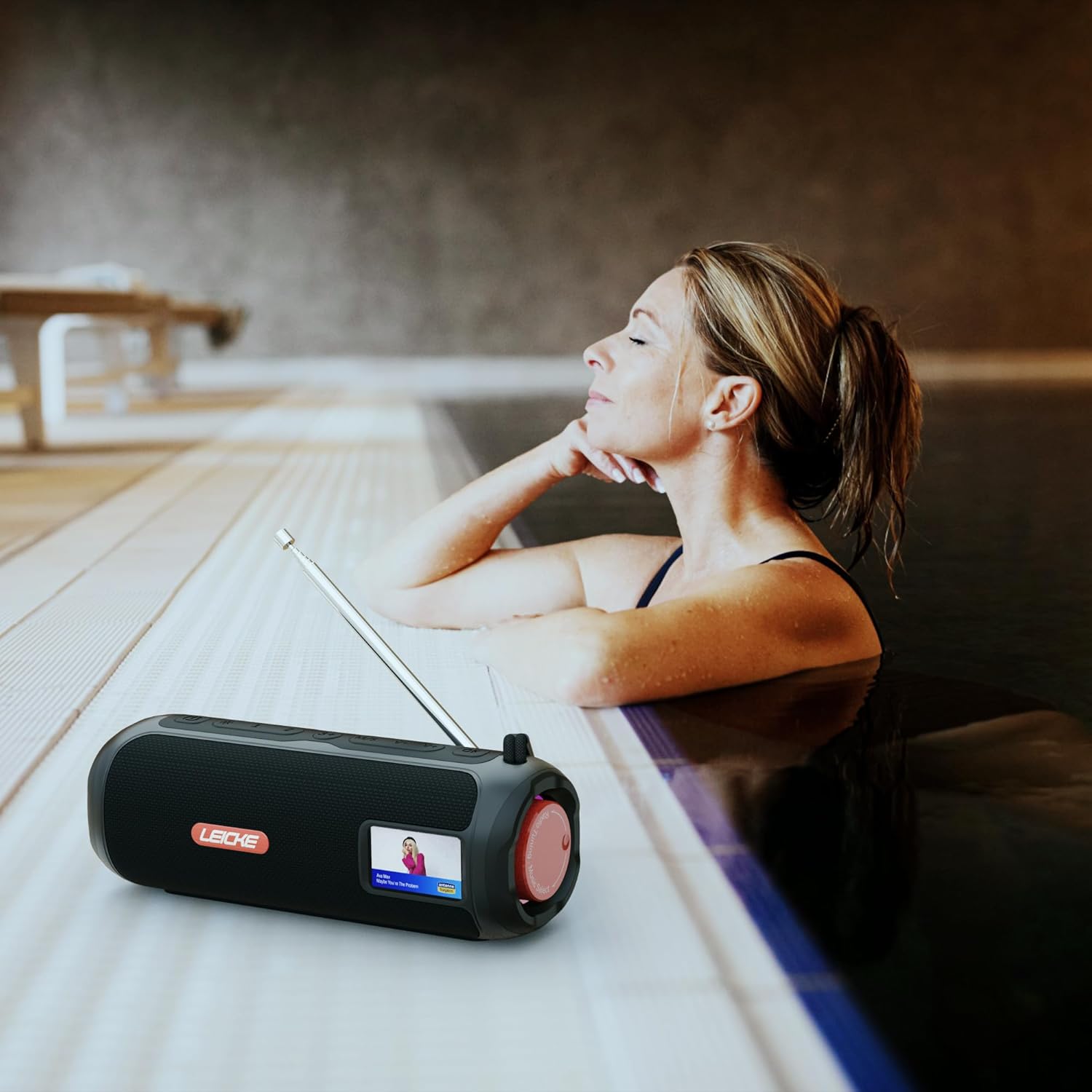
Image: The LEICKE DAB+ Radio Tube, showcasing its portable design, suitable for various environments like a poolside.
Ezaugarri nagusiak:
- Soinu estereo indartsua: Two 5W speakers deliver rich, clear audio with dynamic effects and powerful bass.
- Bateriaren iraupen hedatua: Integrated 4500 mAh rechargeable battery provides up to 12 hours of playtime.
- DAB+ & FM Radio: Enjoy noise-free digital DAB+ and traditional FM radio with 30 station presets.
- Atmospheric RGB Lighting: Features cool color-changing LED lights for enhanced ambiance.
- Konektibitate polifazetikoa: Bluetooth 5.3 for wireless streaming, Micro SD card slot, and 3.5 mm AUX-In.
- Karga erosoa: USB-C port for quick and easy charging.
- Funtzio gehigarriak: Includes an integrated alarm clock, sleep timer, and equalizer settings.
Paketearen edukia
Mesedez, egiaztatu paketea elementu hauek dituen:
- LEICKE DAB+ Radio Tube (Model EP19035)
- USB-C kargatzeko kablea
- Jabearen eskuliburua
- (Note: Specific accessories like AUX cable may vary by region or package. Please refer to your product packaging.)
Kontrolak eta konexioak
Familiarize yourself with the various buttons, ports, and indicators on your LEICKE DAB+ Radio Tube.

Irudia: Aurrealdea view of the LEICKE DAB+ Radio Tube, highlighting the display, SD card slot, AUX input, and USB-C port.

Irudia: Atzealdea view of the LEICKE DAB+ Radio Tube, showing the extendable antenna, AUX port, USB-C port, and Micro SD slot.
Portuaren deskribapenak:
- Mikro SD zirrikitua: Insert a Micro SD card for playing stored audio files.
- AUX-In (3.5mm): Konektatu kanpoko audio gailuak 3.5 mm-ko audio kable bat erabiliz.
- USB-C ataka: Gailua kargatzeko erabiltzen da.
- Antena: Extend for optimal DAB+ and FM radio reception.
(Note: Specific button functions will be detailed in the 'Operating' section.)
Konfigurazioa
1. Hasierako kargatzea
- Lehenengo aldiz erabili aurretik, kargatu gailua guztiz.
- Connect the provided USB-C cable to the USB-C port on the speaker and the other end to a compatible USB power adapter (not included) or a computer's USB port.
- The charging indicator on the display will show the charging status. Once fully charged, the indicator will change.
2. Piztu/Itzaltzea
- Pizteko: Sakatu eta eutsi pizteko botoiari (normalean markatuta dago ⏻ or BOTEREA) for a few seconds until the display lights up.
- Itzaltzeko: Press and hold the Power button again for a few seconds until the display turns off.
Funtzionamendu-argibideak
Modu hautaketa
Sakatu MODUA button to cycle through available modes: DAB+ Radio, FM Radio, Bluetooth, Micro SD, and AUX-In.
1. DAB+ Radio Operation
- Zabaldu antena guztiz harrera onena lortzeko.
- Hautatu DAB+ modua erabiliz MODUA botoia.
- Irratiak automatikoki bilatuko ditu eskuragarri dauden DAB+ irratiak lehen aldiz erabiltzean edo irratirik aurkitzen ez badu.
- Erabili AURREAN / HURRENEAN botoiak eskuragarri dauden irratien zerrendan nabigatzeko.
- Sakatu ENTER/PLAY botoia sakatu estazio bat hautatzeko.
- Aurrez aurreko ezarpenak gordetzea: While listening to a station, press and hold the PRESET botoia. Erabili AURREAN / HURRENEAN aurrezarritako zenbaki bat (1-30) hautatzeko, eta ondoren sakatu ENTER/PLAY gordetzeko.
- Aurrezarpenak gogoratzen: Sakatu labur PRESET botoia, gero erabili AURREAN / HURRENEAN to select a saved station and press ENTER/PLAY.
2. FM Irratiaren funtzionamendua
- Zabaldu antena guztiz harrera onena lortzeko.
- Hautatu FM modua tekla erabiliz MODUA botoia.
- Bilaketa automatikoa: Eduki sakatuta JOLASTU/PAUSTU botoia eskuragarri dauden FM irratiak automatikoki eskaneatu eta gordetzeko.
- Eskuzko sintonizazioa: Sakatu labur AURREAN / HURRENEAN maiztasuna fintzeko.
- Aurrez aurreko ezarpenak gordetzea: Similar to DAB+ mode, press and hold PRESET to save, and briefly press to recall.
3. Bluetooth parekatzea
- Hautatu Bluetooth modua erabiliz MODUA button. The display will show "Bluetooth" and an icon will flash, indicating it's in pairing mode.
- Zure telefonoan, tabletan edo ordenagailu eramangarrian, gaitu Bluetooth-a eta bilatu gailu berriak.
- Select "LEICKE DAB+ Tube" from the list of available devices.
- Once paired, the speaker will emit a confirmation sound, and the Bluetooth icon on the display will stop flashing.
- Orain konektatutako gailuko audioa bozgorailuaren bidez erreproduzitu dezakezu.
4. Micro SD Playback
- Insert a Micro SD card (with supported audio files) Micro SD zirrikituan.
- Select Micro SD mode using the MODUA button. The device will automatically start playing music from the card.
- Erabili JOLASTU/PAUSTU to control playback, and AURREAN / HURRENEAN pistak saltatzeko.
5. AUX-In Connection
- Connect one end of a 3.5mm audio cable (not included) to the AUX-In port on the speaker.
- Konektatu beste muturra kanpoko gailuaren entzungailuen konektorera edo audio irteerara.
- Select AUX-In mode using the MODUA botoia.
- Kontrolatu erreprodukzioa eta bolumena kanpoko gailutik.
6. Bolumenaren kontrola
Use the dedicated Volume Up (+) eta Bolumena Jaistea (-) buttons to adjust the audio level.
7. Ekualizatzailearen ezarpenak
Sakatu EQ button (if available) to cycle through preset equalizer modes such as Pop, Rock, Classic, Jazz, etc. There is no manual equalizer adjustment.
8. RGB LED argiak
The RGB LED lights will automatically activate when the device is powered on. There may be a dedicated button to change light modes or turn them off (refer to device specific button layout if available).
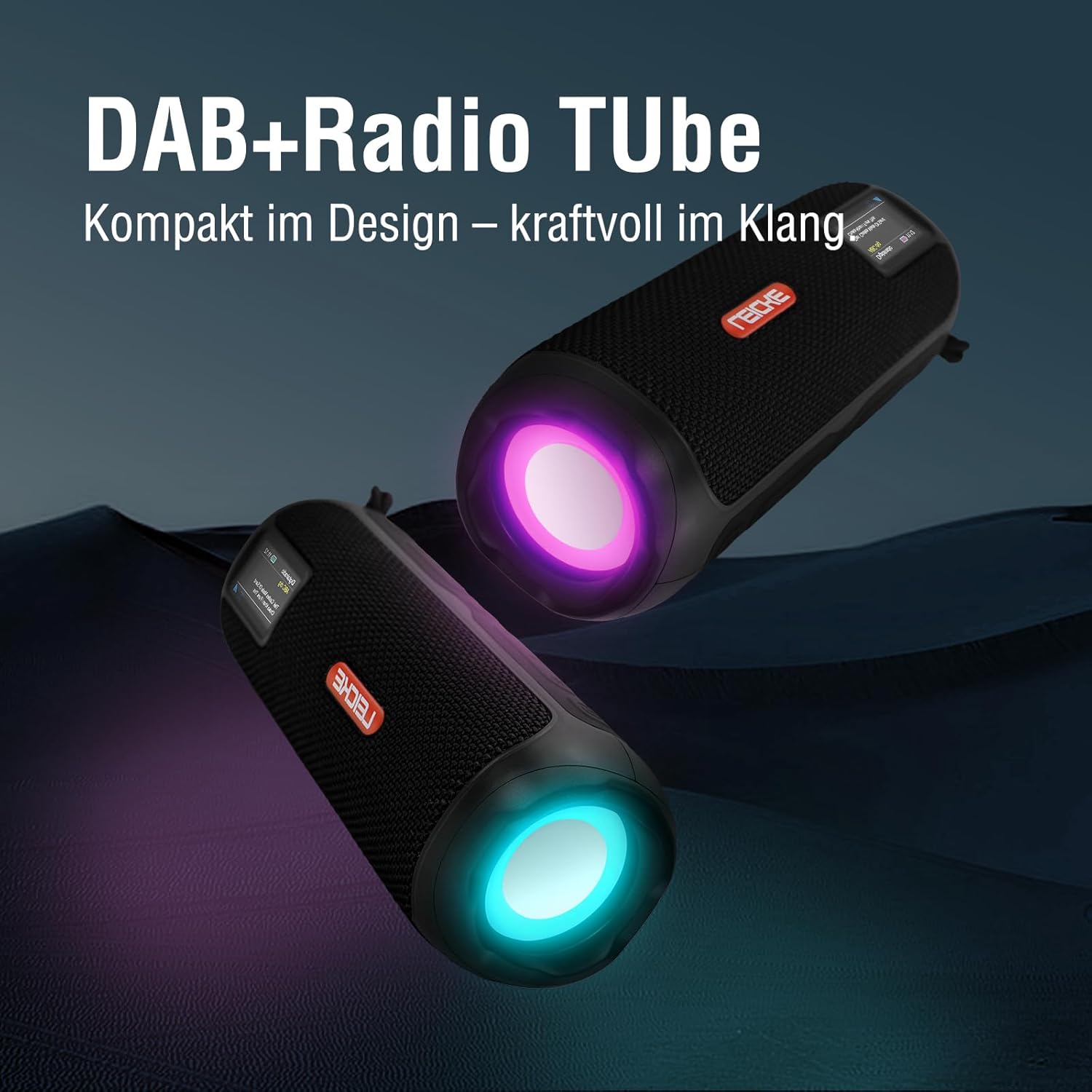
Image: Two LEICKE DAB+ Radio Tubes displaying their vibrant RGB LED lighting feature.
9. Alarm Clock and Sleep Timer
Access the menu settings (usually by pressing a MENUA or EZARTU button) to configure the alarm clock and sleep timer functions. Follow the on-screen prompts to set times and preferences.
Mantentzea
Garbiketa
- Ziurtatu gailua itzalita eta energia-iturri guztietatik deskonektatuta dagoela garbitu aurretik.
- Erabili zapi leun, lehor eta lihorik gabeko bat kanpoko gainazalak garbitzeko.
- Ez erabili garbitzaile, argizari edo disolbatzaile urratzailerik, akabera kaltetu baitezakete.
- Saihestu hezetasuna irekiduretan sartzea.
Bateria zaintzea
- Bateriaren iraupena luzatzeko, saihestu bateria maiz erabat deskargatzea.
- Kargatu gailua aldizka, erabiltzen ez bada ere, bateriaren osasuna mantentzeko.
- Gorde gailua leku fresko eta lehor batean denbora luzez erabiltzen ez duzunean.
Biltegiratzea
- When storing the device for a long time, ensure it is charged to about 50-70% to prevent deep discharge.
- Mantendu gailua muturreko tenperaturetatik, eguzki-argitik eta hezetasun handitik urrun.
Arazoak konpontzea
| Arazoa | Kausa posiblea | Irtenbidea |
|---|---|---|
| Gailua ez da pizten. | Bateria gutxi; Pizteko botoia ez da behar bezala sakatu. | Charge the device fully. Press and hold the Power button for a few seconds. |
| Soinurik ez. | Bolumena baxuegia; Modu okerra hautatuta; Gailua ez dago parekatuta (Bluetooth). | Increase volume. Ensure correct mode (DAB+, FM, BT, SD, AUX) is selected. Re-pair Bluetooth device. |
| Irrati-harrera eskasa. | Antena ez dago luzatuta; Seinale ahula dagoen eremua. | Fully extend the antenna. Try moving the device to a different location. |
| Bluetooth gailua ez da parekatzen. | Speaker not in pairing mode; Device too far; Already connected to another device. | Ensure speaker is in Bluetooth pairing mode. Move devices closer. Disconnect from other devices. |
| Mikro SD txartela ez da ezagutzen. | Card inserted incorrectly; Unsupported file formatua; Txartel hondatua. | Reinsert the card correctly. Ensure files are in a supported format. Try a different Micro SD card. |
Zehaztapenak
| Ezaugarri | Xehetasuna |
|---|---|
| Marka | LEICKE |
| Modelo zenbakia | EP19035 |
| Tuner Teknologia | DAB Plus, FM |
| Konektibitatea | Bluetooth 5.3, Micro SD, 3.5mm AUX-In, USB-C (charging) |
| Audio Irteera | 10W Stereo Sound (2 x 5W speakers) |
| Bateria Edukiera | 4500 mAh litio ioi |
| Jolas-ordua | Gehienez 12 ordu (erabileraren arabera aldatzen da) |
| Ezaugarri bereziak | RGB LED Lights, Equalizer, Alarm Clock, Sleep Timer, 30 DAB+/FM Presets |
| Energia iturria | Battery Operated, Wired (USB-C) |
| Produktuaren neurriak | 3.2 x 3.2 x 12 cm; 660 g |
Bermearen informazioa
LEICKE products are designed and manufactured to the highest quality standards. This product is covered by a standard manufacturer's warranty. Please refer to the warranty card included in your package or visit the official LEICKE webzure eskualdeko berme-baldintza zehatzak ikusteko, bisitatu webgunea.
Gorde erosketa-agiria erosketaren frogagiri gisa, berme-erreklamazioetarako.
Bezeroarentzako Arreta
If you encounter any issues or have questions regarding your LEICKE DAB+ Radio Tube that are not covered in this manual, please contact LEICKE customer support.
- Lineako laguntza: Visit the official LEICKE webMaiz egiten diren galderen, laguntza-baliabideen eta harremanetarako formularioen gunea.
- Posta elektronikoko laguntza: Refer to your product packaging or the LEICKE webwebgunean laguntza-helbide elektroniko egokia lortzeko.
Please have your product model number (EP19035) and purchase details ready when contacting support.


