Introduction to the OPPO Find X9 Series
This manual provides a detailed guide to understanding and utilizing the full capabilities of your OPPO Find X9 Series smartphone, including the Find X9 and Find X9 Pro models. It covers essential functions, advanced features, and practical tips to enhance your user experience. The goal is to help you navigate your device efficiently and securely.
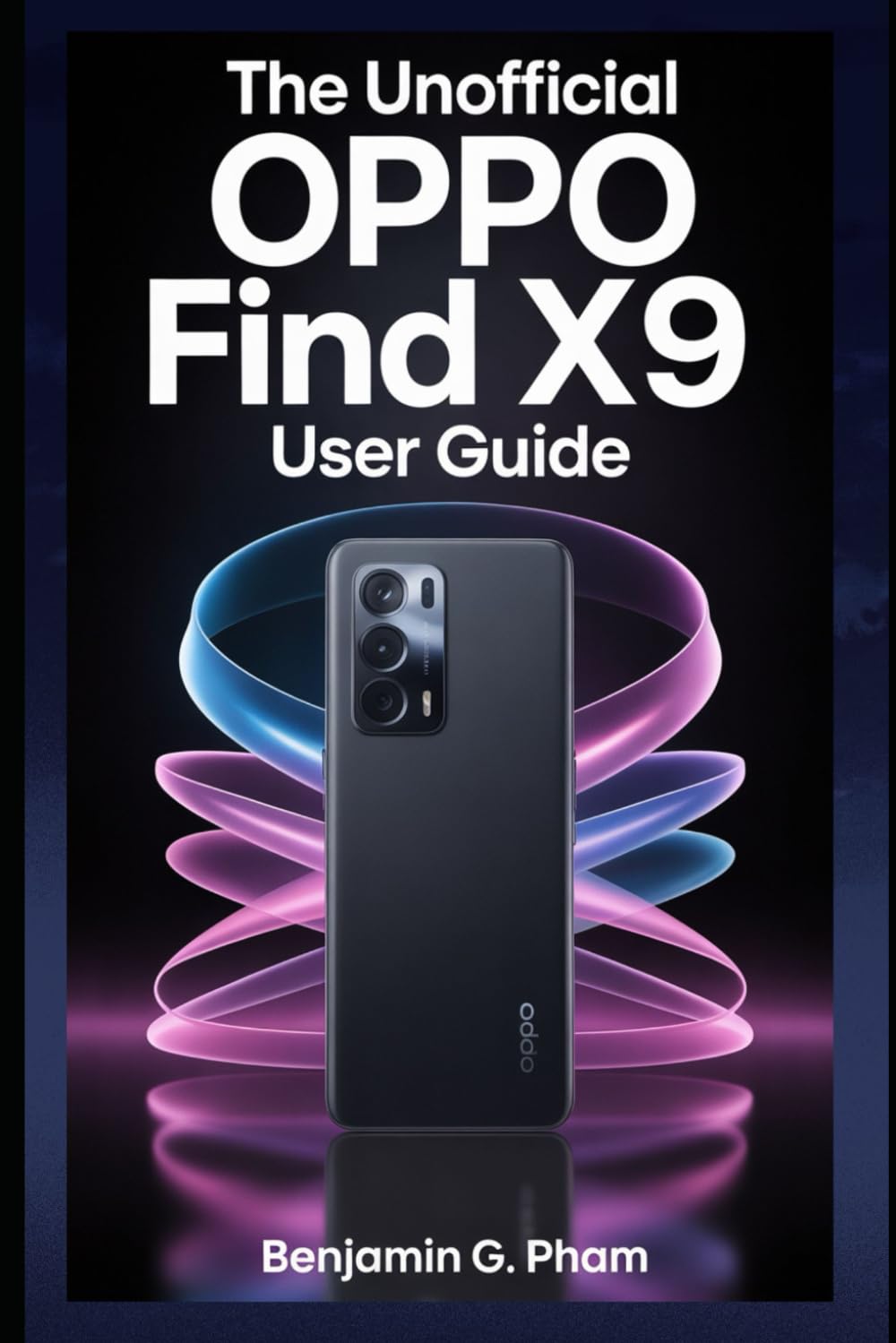
Image: Front cover of the user manual for the OPPO Find X9 Series, displaying the title and design.
1. Hasierako konfigurazioa eta konfigurazioa
Upon first powering on your OPPO Find X9 Series device, you will be guided through a series of steps to set up your phone. This section outlines the process for initial configuration.
- Piztu: Press and hold the power button until the OPPO logo appears.
- Hizkuntza hautaketa: Aukeratu nahiago duzun hizkuntza zerrendatik.
- Eskualdearen hautaketa: Select your geographical region.
- Wi-Fi konexioa: Connect to a stable Wi-Fi network to download necessary updates and complete setup.
- Google kontuaren konfigurazioa: Hasi saioa zure Google kontuarekin edo sortu berri bat. Hau ezinbestekoa da Google Play Store eta beste Google zerbitzu batzuk atzitzeko.
- Datuen transferentzia (aukerakoa): Follow prompts to transfer data from an old device if desired.
- Segurtasun konfigurazioa: Configure screen lock methods such as PIN, pattern, password, fingerprint, or facial recognition.
- Review and Finish: Accept terms and conditions, and complete the setup process.
2. Basic Operation and Navigation
Familiarize yourself with the fundamental operations and navigation gestures of your OPPO Find X9 Series device.
- Hasierako pantaila: Sartu aplikazioetara, widgetetara eta jakinarazpenetara. Irristatu ezkerrera edo eskuinera hasierako pantailen artean nabigatzeko.
- Aplikazioen tiradera: Irristatu hatza pantailaren behealdetik gora instalatutako aplikazio guztietara sartzeko.
- Jakinarazpen panela: Irristatu hatza behera pantailaren goialdetik view jakinarazpenak eta ezarpen azkarrak.
- Azken aplikazioak: Swipe up and hold from the bottom of the screen (or tap the recent apps button) to view eta erabili berri diren aplikazioak kudeatu.
- Keinuak: Customize navigation gestures in Settings > System Settings > System Navigation.
3. Kameraren ezaugarriak eta argazkilaritza
The OPPO Find X9 Series offers advanced camera capabilities. This section guides you through various camera modes and settings to capture high-quality photos and videos.
- Kamera moduak: Explore modes such as Photo, Video, Portrait, Night, Pro, Panorama, and Slow-motion.
- Ezarpenak: Adjust resolution, aspect ratio, timer, grid lines, and advanced camera parameters.
- AI hobekuntzak: Utilize AI Scene Enhancement for optimized photo quality based on detected subjects.
- Adituen aholkuak: Learn about composition, lighting, and focus techniques for improved photography.
4. AI Tools and Smart Settings
Discover the integrated AI features and smart settings designed to personalize and optimize your device's performance and user experience.
- Alboko barra adimenduna: Access frequently used apps and tools quickly.
- Flexible Windows: Utilize split-screen and floating windows for enhanced multitasking.
- AI System Booster: Optimize system performance and app launch speeds.
- Pertsonalizazioa: Customize themes, wallpapers, always-on display, and icon styles.
5. Productivity Tools and Connectivity
Enhance your productivity with various built-in tools and seamless connectivity options.
- File Partekatzea: Use Nearby Share or OPPO Share for quick file gailuen arteko transferentziak.
- Multi-Screen Connect: Mirror your phone screen to a PC or tablet for a larger workspace.
- Ongizate digitala: Monitor and manage your screen time and app usage.
- Hodeiko zerbitzuak: Sync data and back up your device using Google Drive or OPPO Cloud.
6. Segurtasuna eta Pribatutasuna
Protect your personal data and maintain your privacy with the security features available on your OPPO Find X9 Series device.
- Biometric Security: Configure and manage fingerprint and facial recognition for secure unlocking and app access.
- Aplikazioaren blokeoa: Protect individual applications with a password or biometric authentication.
- Segurtasun pribatua: Securely store private photos, videos, and documents.
- Permission Manager: Control which apps have access to your device's features and data.
- Pribatutasun-panela: Monitor app access to sensitive permissions.
7. Gailuen mantenimendua
Regular maintenance helps ensure optimal performance and longevity of your OPPO Find X9 Series smartphone.
- Software eguneraketak: Egiaztatu eta instalatu sistemaren eguneraketak aldizka honen bidez: Ezarpenak > Gailuari buruz > Eguneratuta.
- Bateria optimizatzea: Manage battery usage in Ezarpenak > Bateria bateriaren iraupena luzatzeko.
- Biltegiratze kudeaketa: Garbitu alferrikako files and cache to free up storage space.
- Garbiketa: Use a soft, lint-free cloth to clean the screen and device body. Avoid harsh chemicals.
8. Ohiko arazoak konpontzea
Atal honek aurki ditzakezun arazo ohikoenak jorratzen ditu eta irtenbideak eskaintzen ditu.
| Gaia | Irtenbidea |
|---|---|
| Gailua ez da pizten | Ziurtatu bateria kargatuta dagoela. Sakatu eta eutsi pizteko botoia gutxienez 10 segundoz. |
| Aplikazioak huts egiten edo blokeatzen | Garbitu aplikazioaren cachea (Settings > Apps > App management > [App Name] > Storage usage > Clear cache). Berrabiarazi gailua. |
| Bateriaren iraupen eskasa | Check battery usage in settings to identify power-hungry apps. Reduce screen brightness. Disable unnecessary features like GPS or Bluetooth when not in use. |
| Sarearen konexio arazoak | Toggle Wi-Fi/Mobile Data off and on. Restart the device. Reset network settings (Settings > System settings > Back up and reset > Reset phone > Reset network settings). |
9. Product Specifications (OPPO Find X9 Series)
This manual details the specifications of the OPPO Find X9 and Find X9 Pro models. For precise technical specifications, please refer to the official OPPO website or the packaging of your specific device model.
Note: As this document is a general guide, specific hardware details such as processor type, RAM, storage, and camera sensor models are covered within the guide's content rather than listed here.
ISBN for this user guide: 979-8270541873

Image: Back cover of the user manual, showing the ISBN barcode and additional details.
10. Bermea eta Laguntza
For information regarding your device's warranty, please refer to the warranty card included with your OPPO Find X9 Series smartphone or visit the official OPPO support website. For technical assistance, contact OPPO customer service through their official channels.
- Official OPPO Webgunea: For product information, FAQs, and support resources.
- Bezeroarentzako arreta: Contact details for phone, chat, or email support can be found on the official webgunea.


