1. Sarrera
Thank you for choosing the TELESIN Magnetic RGB Video Light. This portable and versatile lighting solution is designed for content creators, streamers, and photographers, offering full RGB color control, adjustable brightness, and multiple mounting options. This manual will guide you through the setup, operation, and maintenance of your device to ensure optimal performance.
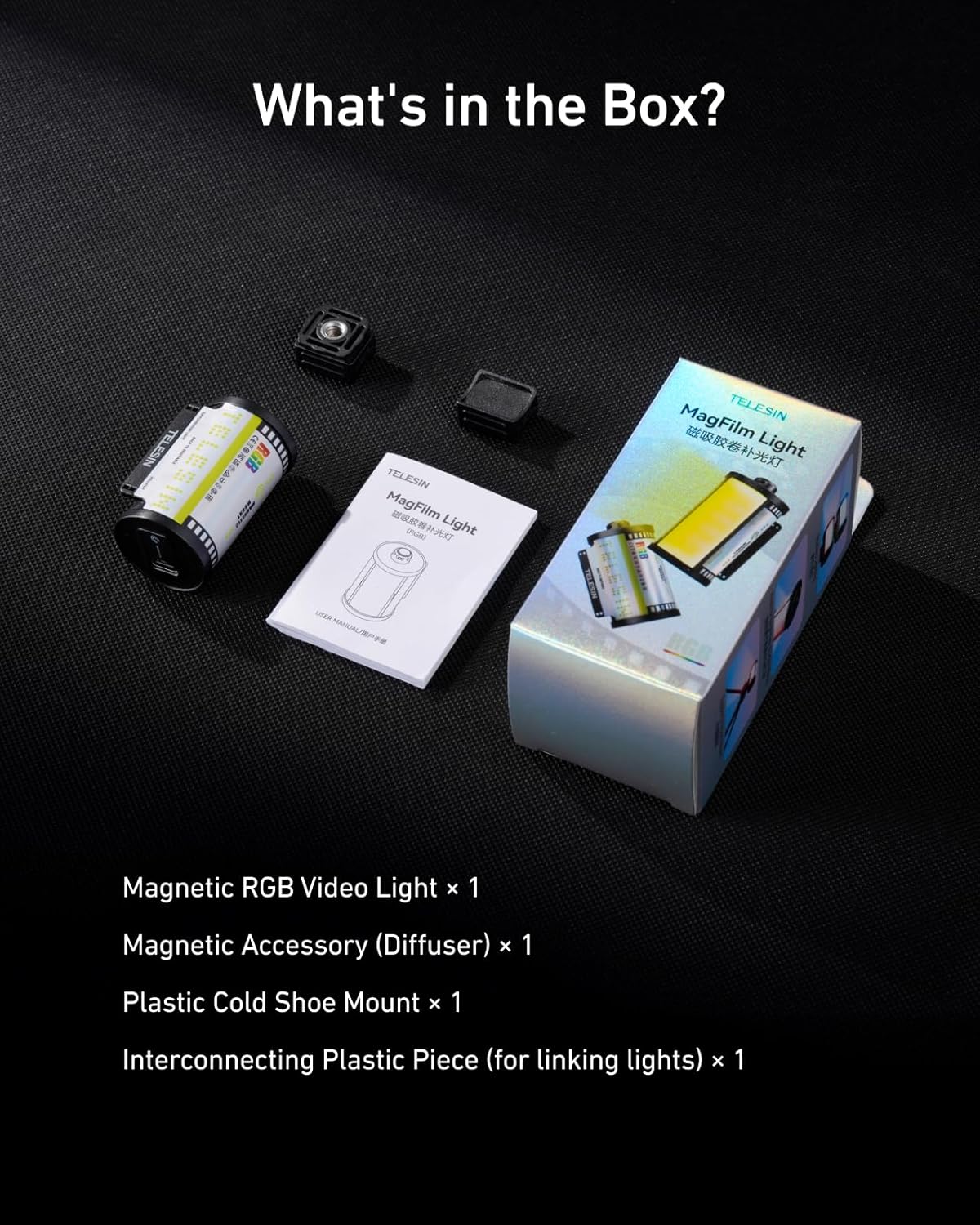
2. Zer dago kutxan
Mesedez, egiaztatu elementu guztiak zure paketean daudela:
- 1x Magnetic RGB Video Light
- 1x Plastic Cold Shoe Mount
- 1x Magnetic Accessory (Diffuser)
- 1x Interconnecting Plastic Piece (for linking lights)
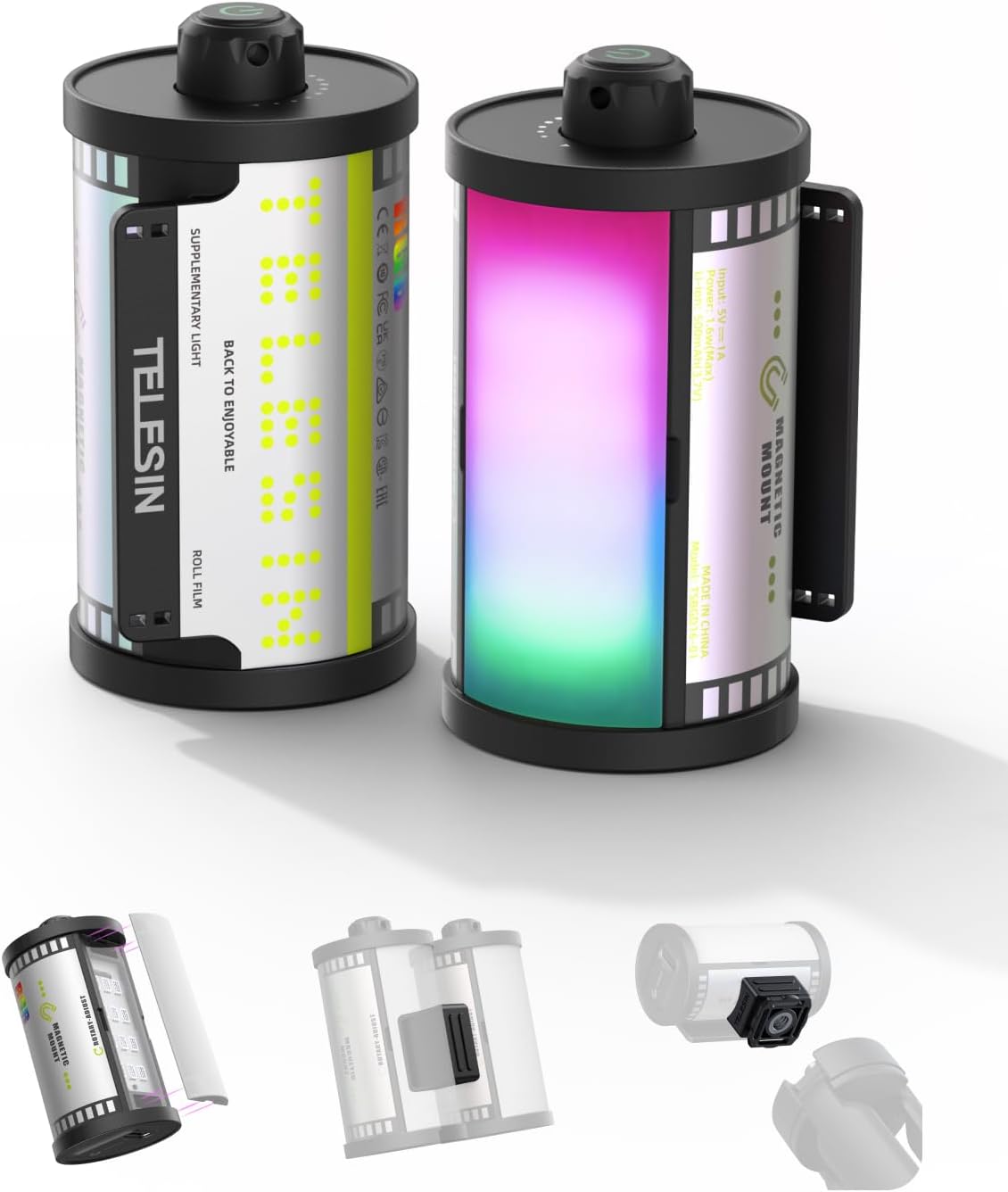
3. Produktua amaitu daview
The TELESIN Magnetic RGB Video Light features a compact design resembling a retro film roll. It incorporates a powerful LED array capable of producing a full spectrum of RGB colors and adjustable brightness. The device is equipped with a built-in rechargeable battery and multiple attachment points for versatile use.
4. Konfigurazioa
4.1 Gailua kargatzea
The video light is powered by a built-in 500mAh rechargeable battery. To charge, connect a USB Type-C cable to the charging port on the device and to a suitable power source. A full charge provides up to 1.5 hours of use at maximum RGB brightness or over 24 hours at the minimum setting.

4.2 Attaching the Soft Diffuser
The included soft diffuser attaches magnetically to the front of the light. Simply align the diffuser with the light panel, and it will snap into place. This diffuser helps create softer, more flattering light, reducing harsh shadows.

4.3 Muntatzeko aukerak
The TELESIN Magnetic RGB Video Light offers versatile mounting:
- Zapata hotzeko muntaia: Use the provided plastic cold shoe mount to attach the light to DSLR cameras, mirrorless cameras, tripods, or other photography/videography devices with a cold shoe slot.
- Eranskin magnetikoa: The light features a built-in strong magnet, allowing it to be securely attached to any metal surface for hands-free operation.
- Interconnecting Piece: Use the interconnecting plastic piece to link multiple TELESIN lights together for wider and brighter coverage.


5. Funtzionamendu-argibideak
5.1 Piztu/Itzali
To power on the device, press and hold the power button located on the top of the light. Repeat the action to power off.
5.2 RGB Color Control
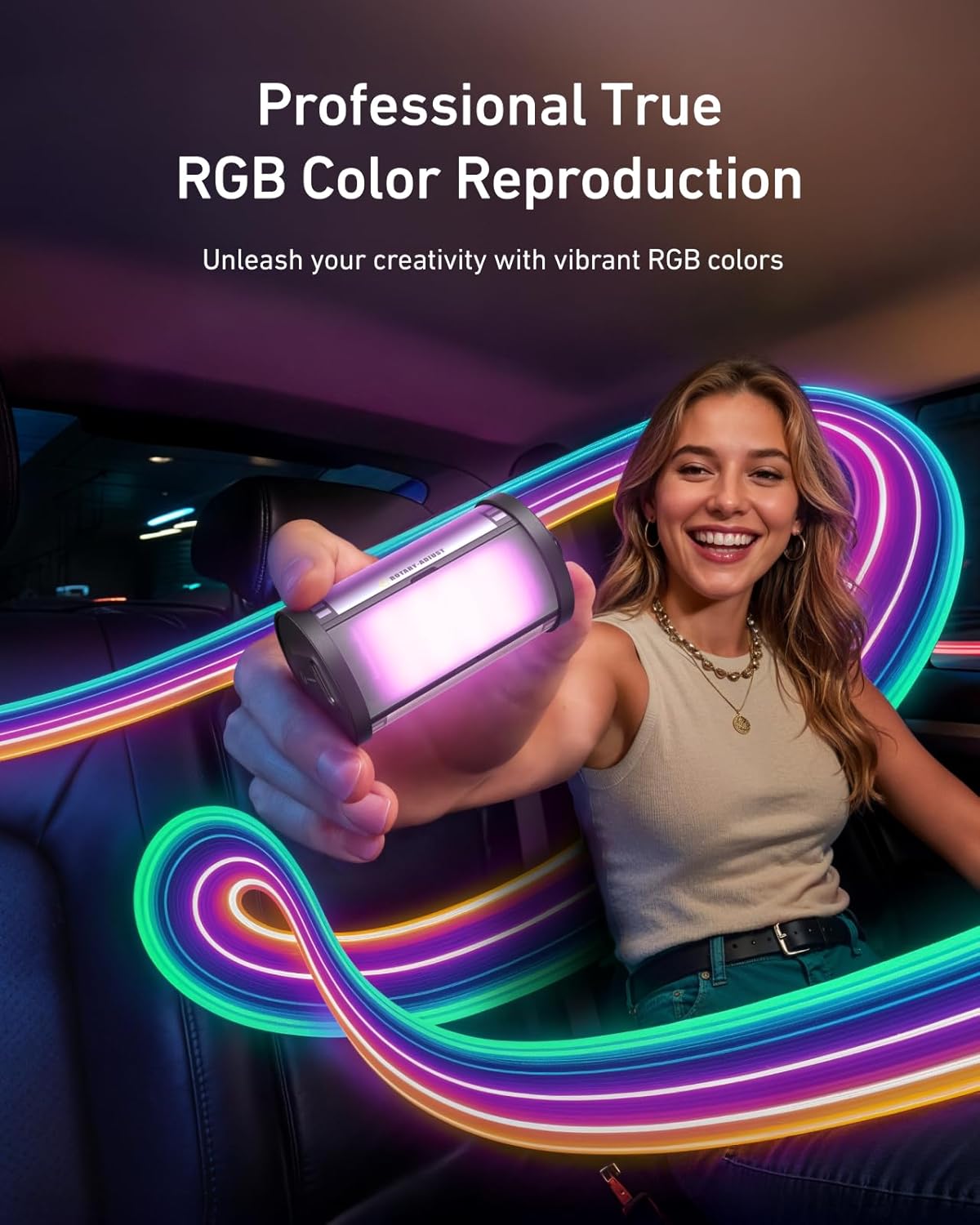
The light offers a full RGB spectrum. Use the control knob/button to cycle through various colors and hues. This allows for creative lighting effects and setting specific moods.

5.3 Distira doitzea
The light supports smooth dimming from 7% to 100%. Adjust the brightness using the control knob/button to achieve the desired light intensity for your scene.
6. Mantentzea
To ensure the longevity and optimal performance of your TELESIN Magnetic RGB Video Light, follow these maintenance guidelines:
- Garbiketa: Use a soft, dry cloth to clean the exterior of the light. Avoid using harsh chemicals or abrasive materials.
- Biltegiratzea: Gorde argia leku fresko eta lehor batean, eguzki-argitik eta muturreko tenperaturetatik babestuta.
- Bateria zaintzea: For best battery life, avoid fully discharging the battery frequently. Recharge the device regularly, even if not in use for extended periods.
- Uraren esposizioa: Gailu hau ez da iragazgaitza. Saihestu uraren edo hezetasun handiaren eraginpean jartzea.
7. Arazoak
If you encounter any issues with your TELESIN Magnetic RGB Video Light, please refer to the following common problems and solutions:
| Arazoa | Kausa posiblea | Irtenbidea |
|---|---|---|
| Argia ez da pizten | Bateria baxua; Gailua ez da behar bezala piztuta | Charge the battery; Press and hold the power button for 3 seconds |
| Cannot change color/brightness | Incorrect mode; Control knob/button issue | Ensure you are in the correct adjustment mode (refer to operating instructions); Try resetting the device by powering off and on |
| Argiak dir-dir egiten du edo ezegonkorra da | Low battery; Internal fault | Charge the battery fully; If problem persists, contact customer support |
| Lotura magnetikoa ahula da | Surface is not metallic; Heavy load | Ensure attachment to a flat, ferrous metal surface; Avoid attaching to excessively heavy objects |
If the problem persists after attempting these solutions, please contact TELESIN customer support for further assistance.
8. Zehaztapenak
Key technical specifications for the TELESIN Magnetic RGB Video Light:
| Ezaugarri | Xehetasuna |
|---|---|
| Produktuaren neurriak | 2.24 x 1.18 x 1.18 hazbete |
| Elementuaren pisua | 2.82 ontza (40 g) |
| Elementuaren eredu-zenbakia | TELESIN Retro Film RGB Video Light |
| Bateria | 1 x 500mAh 9V battery (included) |
| Bateriaren iraupena | Up to 1.5 hours (max RGB brightness), 24+ hours (min setting) |
| Konektibitate Teknologia | USBa |
| Hardware interfazea | USB C mota |
| CRI | 95+ |
| Iluntzeko tartea | %7-%100 |
| Fabrikatzailea | TELESIN |
| UPC | 798156816216 |
9. Bermea eta Laguntza
TELESIN products are designed and manufactured to the highest quality standards. For information regarding warranty coverage, returns, or technical support, please visit the official TELESIN webwebgunera edo jarri harremanetan bezeroarentzako arreta-zerbitzura zuzenean. Gorde erosketa-agiria erosketaren frogagiri gisa berme-erreklamazioetarako.
Lineako laguntza: For the latest FAQs, troubleshooting guides, and software updates, please visit the TELESIN support page.
Harremanetarako informazioa: Refer to the TELESIN official website for current contact details, including email and phone support.


