1. Sarrera
The Brother DCP-L2640DW is a compact, high-performance monochrome laser all-in-one printer designed for home offices and small workgroups. This manual provides essential information for setting up, operating, maintaining, and troubleshooting your printer to ensure optimal performance.
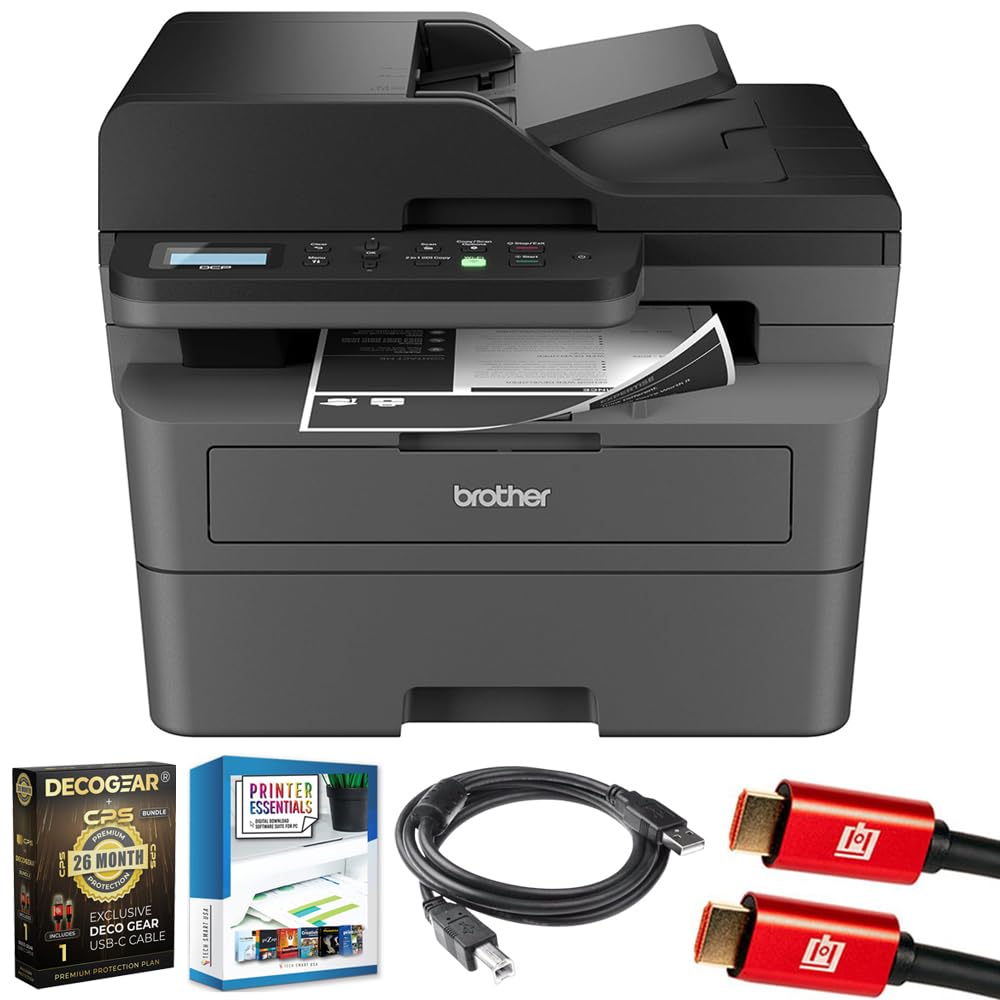
Image 1.1: Brother DCP-L2640DW Compact Monochrome Laser Printer
2. Ezaugarri nagusiak
- 3-en-1 funtzionaltasuna: Print, copy, and scan capabilities in a compact design.
- Inprimatzeko abiadura azkarrak: Delivers up to 36 pages per minute for efficient task completion.
- Duplex inprimaketa automatikoa: Built-in two-sided printing to save time and paper.
- 50-Sheet Automatic Document Feeder (ADF): Orrialde anitzeko eskaneatu eta kopiatzeko modu eraginkorrerako.
- High-Capacity Paper Handling: 250-sheet paper tray plus a manual feed slot for diverse media types.
- Konektibitate aukera malguak: Dual-band Wi-Fi, Ethernet, USB, and mobile printing via Brother Mobile Connect, AirPrint, Mopria, and Wi-Fi Direct.
- Advanced Network Security: Features like TLS/SSL, SNMP v3, and IP filtering for secure operation.

2.1. irudia: Amaituview of the Brother DCP-L2640DW's key features including print speed, connectivity, and compact design.
3. Zer dago kutxan
- Brother DCP-L2640DW Monochrome Laser Printer
- Starter Black Toner Cartridge (approx. 700 pages)
- Brother DR830 Drum Unit (approx. 15,000 pages)
- AC korronte kablea
- Documentation (Quick Setup Guide, Product Safety and Protection Information)
4. Konfigurazioa
4.1. Deskargatzea
- Kendu arretaz inprimagailua ontzitik.
- Kendu babes-zinta eta ontziratze-material guztiak inprimagailuaren kanpoaldetik eta barrualdetik.
4.2. Toner Cartridge and Drum Unit Installation
- Ireki inprimagailuaren aurrealdeko estalkia.
- Remove the toner cartridge and drum unit assembly from the printer.
- Unpack the new toner cartridge and drum unit.
- Insert the toner cartridge firmly into the drum unit until it locks into place.
- Slide the green tab on the drum unit from left to right several times to clean the corona wire. Return the tab to the home position.
- Berriro instalatu toner kartutxoa eta danbor unitatearen multzoa inprimagailuan.
- Itxi aurrealdeko estalkia.
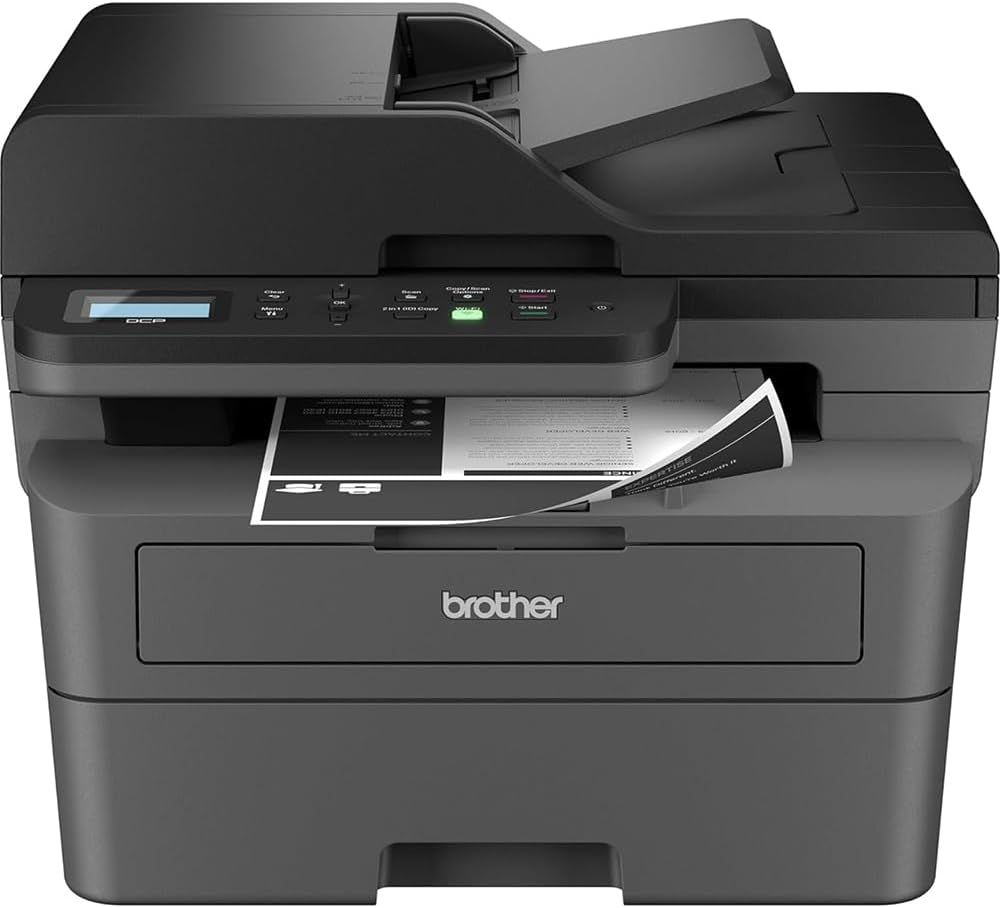
Image 4.1: The Brother DCP-L2640DW printer with the front cover open, showing the toner cartridge and drum unit assembly.
4.3. Energia-konexioa
- Konektatu korronte alternoko kablea inprimagailuaren elikatze-sarrerara.
- Entxufatu korronte-kablearen beste muturra lurreko hartune elektriko batean.
- Sakatu pizteko botoia inprimagailua pizteko.
4.4. Initial Setup & Connectivity
Follow the on-screen instructions on the printer's LCD display to complete the initial setup, including language selection and date/time settings.
- Haririk gabeko konfigurazioa: Navigate to the network settings on the printer's control panel, select your Wi-Fi network, and enter the password.
- Ethernet konexioa: Konektatu Ethernet kable bat zure bideratzailetik edo sare-hub-etik inprimagailuaren Ethernet atakara.
- USB konexioa: Konektatu USB kable bat ordenagailutik inprimagailuaren USB atakara.
- Gidariaren instalazioa: Instalatu inprimagailuaren kontrolatzaileak barneko CD-ROMetik edo deskargatu Brother-en laguntza ofizialetik. webgunea.
4.1. bideoa: Produktu bat amaitu daview video demonstrating the Brother DCP-L2640DW printer's features and ease of use.
5. Funtzionamendu-argibideak
5.1. Dokumentuak inprimatzea
- Load paper into the 250-sheet paper tray or the manual feed slot.
- From your computer or mobile device, open the document you wish to print.
- Hautatu 'Inprimatu' aplikazioaren menuan.
- Choose your Brother DCP-L2640DW printer.
- Adjust print settings (e.g., number of copies, duplex printing) as needed.
- Egin klik 'Inprimatu' aukeran.
5.2. Dokumentuak kopiatzea
- Jarri dokumentua aurpegia behera eskaneraren beiraren gainean edo aurpegia gora Dokumentu Automatikoen Elikagailuan (ADF).
- Inprimagailuaren kontrol-panelean, sakatu 'Kopiatu' botoia.
- Use the arrow keys to select the number of copies or adjust other settings.
- Sakatu 'Hasi' kopiatzen hasteko.

Image 5.1: The Brother DCP-L2640DW highlighting its Automatic Document Feeder for multi-page tasks.
5.3. Dokumentuak eskaneatzea
- Place your document face down on the scanner glass or face up in the ADF.
- On the printer's control panel, press the 'Scan' button.
- Select your desired scan destination (e.g., PC, email, cloud).
- Adjust scan settings (e.g., resolution, color mode) as needed.
- Sakatu 'Hasi' eskaneatzen hasteko.
5.4. Inprimaketa mugikorra
The Brother DCP-L2640DW supports various mobile printing solutions:
- Brother Mobile Connect aplikazioa: Download the app to manage your printer, print, and scan from your smartphone or tablet.
- Apple AirPrint: Print directly from your Apple iOS device without installing drivers.
- Mopria Inprimaketa Zerbitzua: Inprimatu Mopria ziurtagiria duten Android gailuetatik.
- Wi-Fi Zuzena: Print directly from your mobile device to the printer without needing a router.

Image 5.2: The Brother Mobile Connect App interface, showing options for document print, photo print, scan, copy, and toner monitoring.
6. Mantentzea
6.1. Toner ordezkapena
When the toner is low or empty, the printer's display will indicate that the toner cartridge needs to be replaced. Always use genuine Brother toner cartridges for optimal performance and print quality.
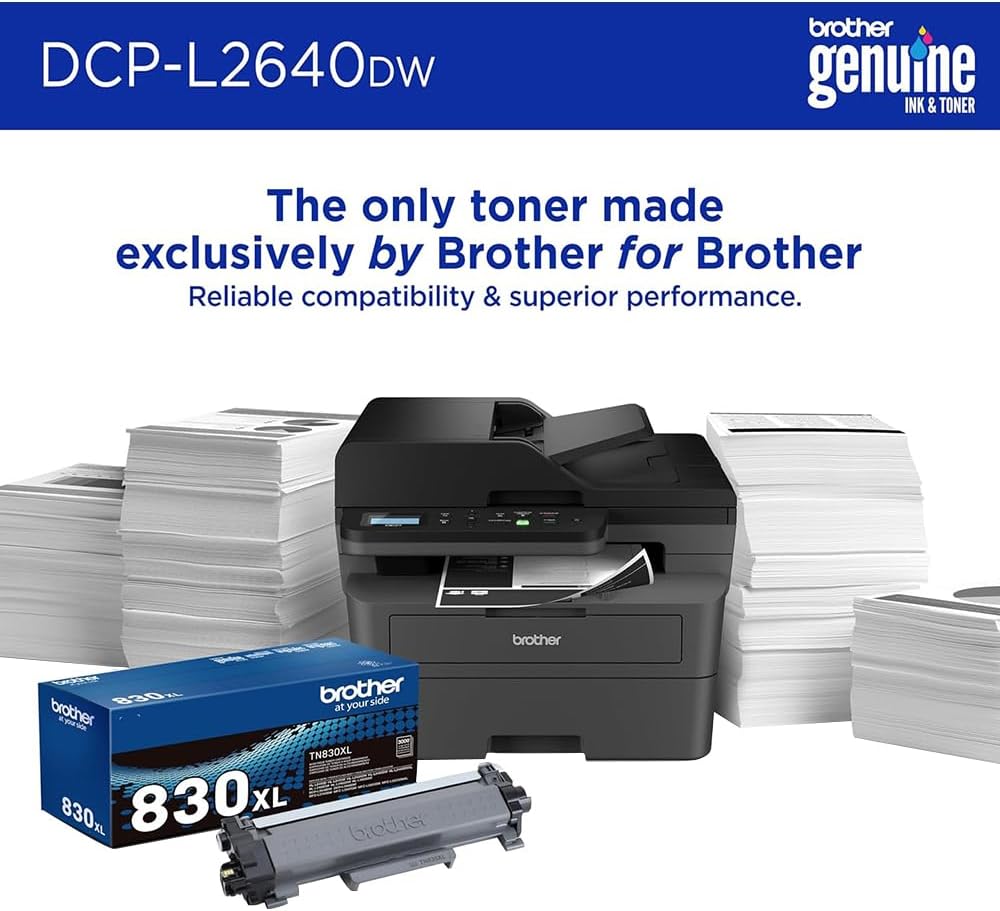
Image 6.1: Brother Genuine Ink & Toner packaging, emphasizing reliable compatibility and superior performance.
6.2. Drum Unit Replacement
The drum unit is a separate consumable that needs to be replaced periodically, typically after approximately 15,000 pages. The printer will notify you when it's time to replace the drum unit.
6.3. Garbiketa
- Kanpoaldea: Garbitu inprimagailuaren kanpoaldea zapi leun eta lihorik gabeko batekin.
- Eskanerraren beira: Clean the scanner glass with a soft, lint-free cloth moistened with glass cleaner.
- Korona-haria: Regularly clean the corona wire inside the drum unit by sliding the green tab.
7. Arazoak
- Paper-atalak: Follow the on-screen instructions or refer to the printer's documentation to clear paper jams from various access points.
- Konektibitate arazoak: Ensure the printer is connected to the correct network (Wi-Fi or Ethernet) or directly to the computer via USB. Restarting the printer and router can often resolve temporary connection problems.
- Inprimatze-kalitate eskasa: Check toner levels, clean the corona wire, and ensure you are using appropriate paper for your print job.
- Errore-mezuak: Refer to the printer's LCD display for specific error codes and consult the online manual or Brother support for solutions.
8. Zehaztapenak
| Ezaugarri | Xehetasuna |
|---|---|
| Modelo zenbakia | DCP-L2640DW |
| Inprimatzeko Teknologia | Laserra |
| Inprimagailuaren irteera | Monokromoa |
| Inprimatze-abiadura maximoa monokromoa | 36 ppm |
| Zuri-beltzeko gehienezko inprimaketa-bereizmena | 1200 x 1200 puntu hazbeteko |
| Duplex Inprimaketa Automatikoa | Bai |
| Eskaner mota | Ohe laua |
| Gehienezko sarrera-orriaren edukiera | 250 fitxa |
| Dokumentu-elikagailu automatikoaren (ADF) edukiera | 50 fitxa |
| Konektibitate Teknologia | USB, Ethernet, Dual-band Wi-Fi |
| Kartutxo bateragarria | TN830, TN830XL |
| Produktuaren neurriak | 15.7" L x 16.1" W x 12.5" H |
| Pisua | Not specified in provided data, typically around 20-30 lbs for similar models. |
9. Bermea eta Laguntza
The Brother DCP-L2640DW Monochrome Laser Printer comes with a Limited Warranty. For specific warranty terms and conditions, please refer to the documentation included with your product or visit the official Brother support webgunea.
For technical support, driver downloads, and additional resources, please visit the Anaiaren laguntza Webgunea.


