1. Sarrera
This manual provides essential information for setting up, operating, maintaining, and troubleshooting your Sharp Aquos QLED 55 Inch 4K Ultra HD Xumo Smart TV. Please read this manual thoroughly before using your television and retain it for future reference.
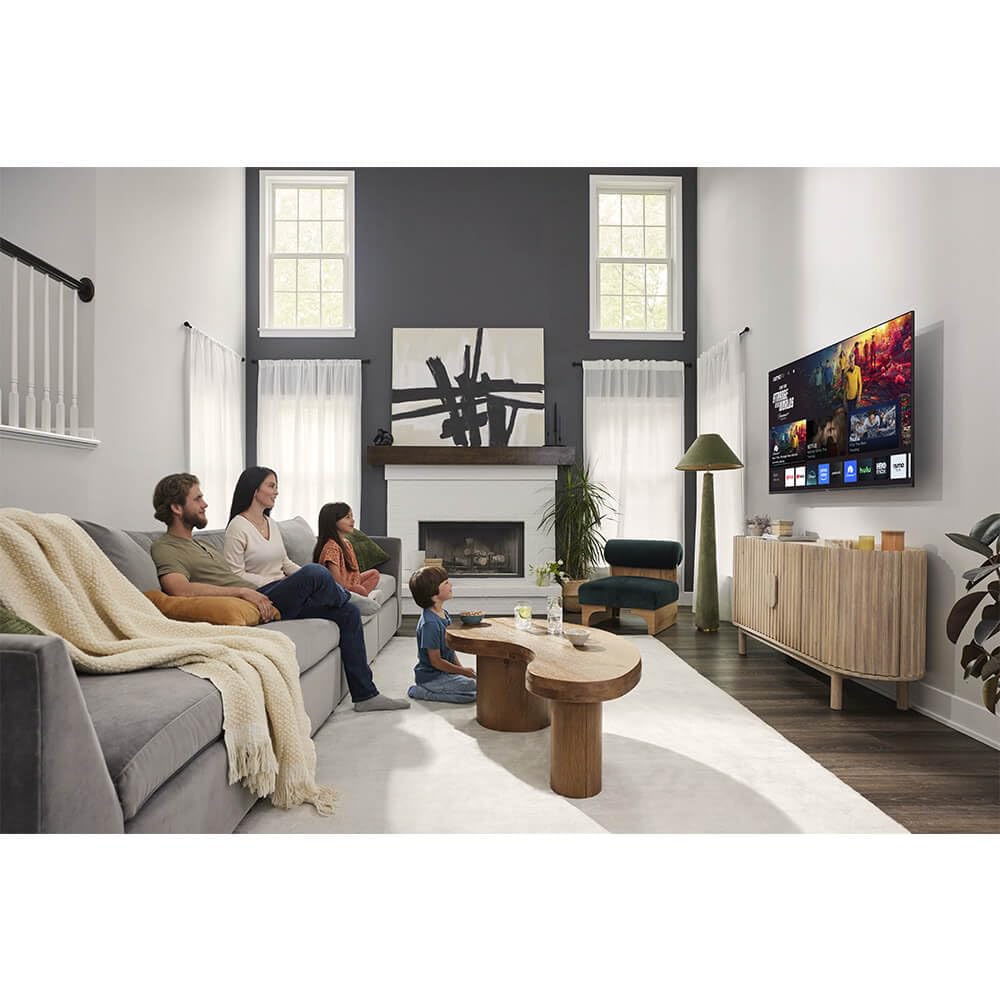
Irudia: Aurrealdea view of the Sharp Aquos QLED 55 Inch 4K Ultra HD Xumo Smart TV.
2. Segurtasun informazioa
Always follow basic safety precautions when using this television to reduce the risk of fire, electric shock, and injury. Keep the television away from moisture, direct sunlight, and heat sources. Ensure proper ventilation and do not block any ventilation openings. Use only the power cord and accessories specified by the manufacturer. Refer to the full safety guidelines in the included printed manual.
3. Zer dago kutxan
Your Sharp Aquos QLED 55 Inch 4K Ultra HD Xumo Smart TV package includes:
- Sharp Aquos QLED 55 Inch 4K Ultra HD Xumo Smart TV
- Ahotsaren urrutiko kontrola
- Telebista-euskarria (2 pieza)
- Telebista-euskarrirako torlojuak
- Elikatze kablea
- Erabiltzailearen eskuliburua (dokumentu hau)
- Hasierako gida azkarra
4. Konfigurazioa
4.1 Telebistaren euskarria muntatzea
- Kontu handiz jarri telebistaren pantaila beherantz gainazal bigun eta lau batean, kalterik ez egiteko.
- Lerrokatu euskarri pieza bakoitza telebistaren behealdean dauden torloju-zuloekin.
- Lotu euskarri bakoitza emandako torlojuak erabiliz. Ziurtatu ondo estututa daudela.
4.2 Horman muntatzea (aukerakoa)
If you choose to wall mount your TV, ensure you use a VESA-compatible wall mount kit (sold separately) that supports the 55-inch screen size and weight. Follow the instructions provided with your wall mount kit. Remove the TV stand before mounting.
4.3 Gailuak konektatzea
Connect your external devices (cable box, gaming console, soundbar, etc.) to the appropriate ports on the back of the TV. The Sharp Aquos QLED TV features multiple HDMI inputs for versatile connectivity.

Irudia: Atzealdea view of the Sharp Aquos QLED TV showing cable management through the stand.
4.4 Energia-konexioa
Plug the power cord into the TV's power input, then into a wall outlet. The TV is now ready for initial setup.
5. Funtzionamendu-argibideak
5.1 Hasierako konfigurazioa eta sareko konexioa
Upon first power-on, the TV will guide you through the initial setup process. This includes selecting your language, connecting to your Wi-Fi network (dual-band Wi-Fi supported for reliable streaming), and agreeing to terms and conditions. Follow the on-screen prompts.
5.2 Urruneko kontrolaren funtzioak
The included voice remote allows for intuitive navigation. Use the directional pad to move through menus, the OK button to select, and dedicated buttons for popular streaming services. The built-in voice search feature provides hands-free control for launching apps, adjusting volume, and switching inputs.
5.3 Xumo Smart TV Platform
The Xumo Smart TV system offers fast and intuitive access to your favorite streaming applications. The clean home screen allows for easy navigation and personalized content recommendations.
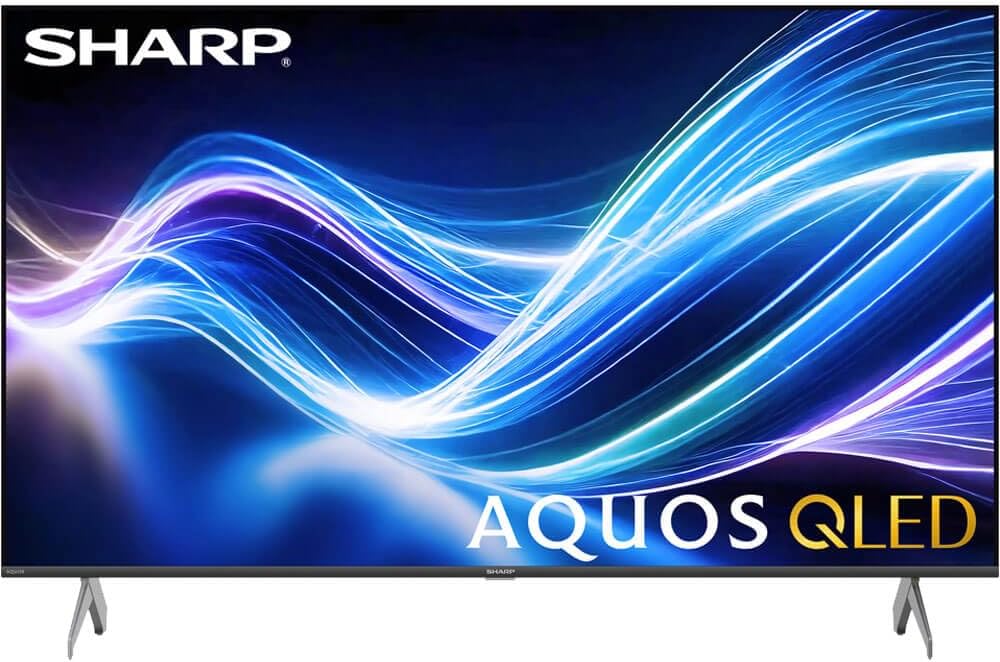
Image: The Xumo Smart TV home screen displaying various streaming apps and voice search functionality.
5.4 Irudi eta soinu ezarpenak
Your Sharp Aquos QLED TV supports advanced picture and sound technologies:
- 4K QLED Display: Enjoy vibrant, lifelike images with Quantum Dot color and enhanced brightness.
- Dolby Vision eta HDR10: These premium HDR formats optimize contrast, depth, and clarity for cinematic picture quality. Access picture settings via the TV menu to fine-tune brightness, contrast, color, and sharpness.
- Audio murgiltzailea: The TV features optimized sound processing for clear dialogue and enhanced bass. Connect Bluetooth headphones or speakers for wireless listening. Adjust audio modes (Standard, Music, Movie, Speech, Custom) in the sound settings.
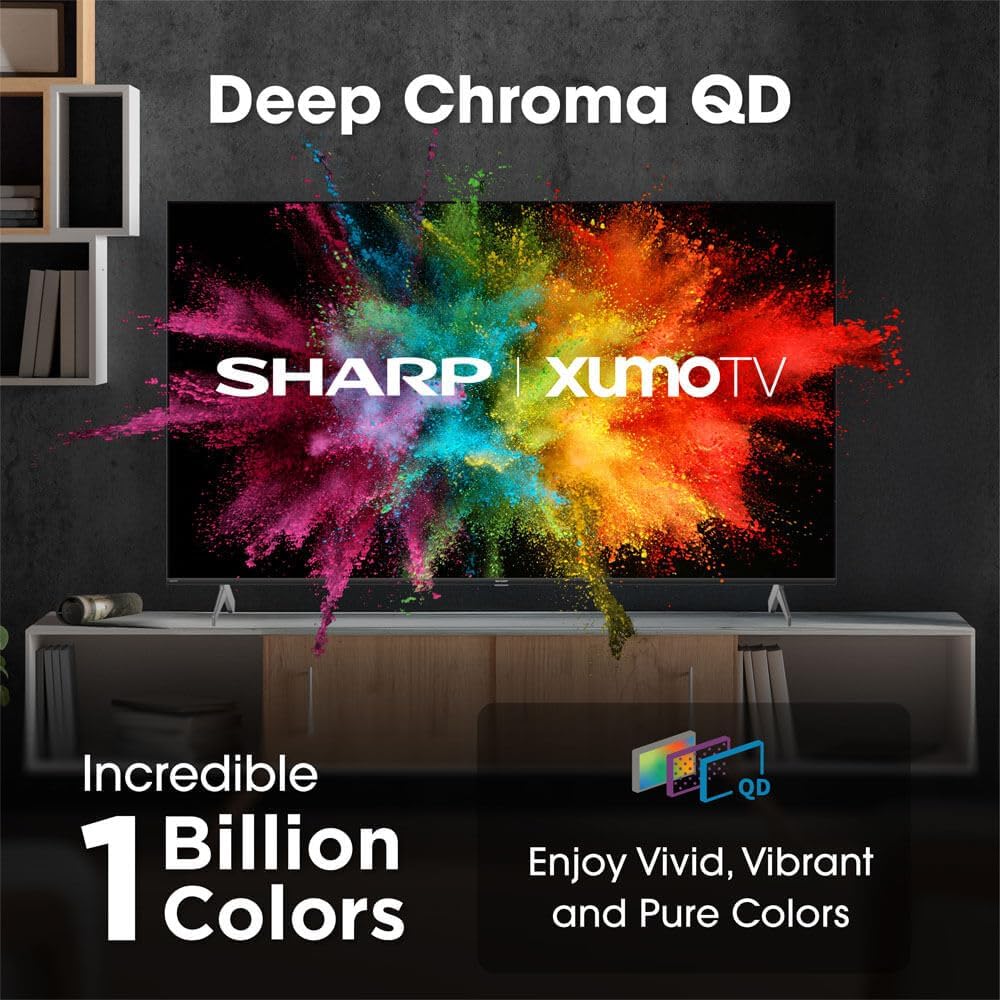
Image: Comparison of Dolby Vision enhanced picture quality against a standard display.

Image: Visual representation of Dolby Atmos creating immersive sound in a living room setting.
6. Mantentzea
6.1 Telebista garbitzea
Pantaila garbitzeko, astiro-astiro zapi leun eta pelusik gabeko batekin garbitu. Orban egoskorrak izanez gero, apur bat garbitu.ampen the cloth with water or a screen-cleaning solution. Never spray liquid directly onto the screen. Clean the TV's exterior with a soft, dry cloth.
6.2 Software eguneraketak
Baliteke zure telebistak software eguneratze automatikoak jasotzea errendimendua hobetzeko eta funtzio berriak gehitzeko. Ziurtatu zure telebista Internetera konektatuta dagoela eguneratze hauek jasotzeko. Eskuz ere egiaztatu ditzakezu eguneratzeak telebistaren ezarpenen menuan.
7. Arazoak
| Arazoa | Kausa posiblea | Irtenbidea |
|---|---|---|
| Botererik ez | Power cord not connected, power outlet not working. | Egiaztatu kablearen konexioa, saiatu beste entxufe batekin. |
| Ez dago irudi/soinurik | Incorrect input selected, external device off/disconnected. | Verify input source, check device power and connections. |
| Urrunekoa ez dabil | Batteries low/dead, obstruction between remote and TV. | Replace batteries, remove obstructions, re-pair remote if necessary. |
| Wi-Fi konexio arazoak | Router issues, incorrect password, weak signal. | Restart router, re-enter Wi-Fi password, move TV closer to router or use Ethernet. |
8. Zehaztapenak
- Marka: Zorrotza
- Modelo zenbakia: 4TC55HP7050U
- Pantailaren tamaina: 55 hazbete
- Bistaratzeko teknologia: QLED Smart
- Ebazpena: 4K Ultra HD
- Freskatze-tasa: 60Hz
- Ezaugarri bereziak: Flat, Dolby Vision, HDR10, Xumo Smart TV, Voice Remote, Bluetooth, Dual-band Wi-Fi
- Konektibitate Teknologia: RCA, HDMI (multiple ports)
- Onartutako Interneteko zerbitzuak: Netflix, Hulu, Amazon Prime Video (and more via Xumo platform)
- Elementuaren pisua: 32 kilo
- Kolorea: Beltza
9. Bermea eta Laguntza
For warranty information and technical support, please refer to the warranty card included with your product or visit the official Sharp webgunea. Gorde erosketa-agiria erosketaren frogagiri gisa berme-erreklamazioetarako.


